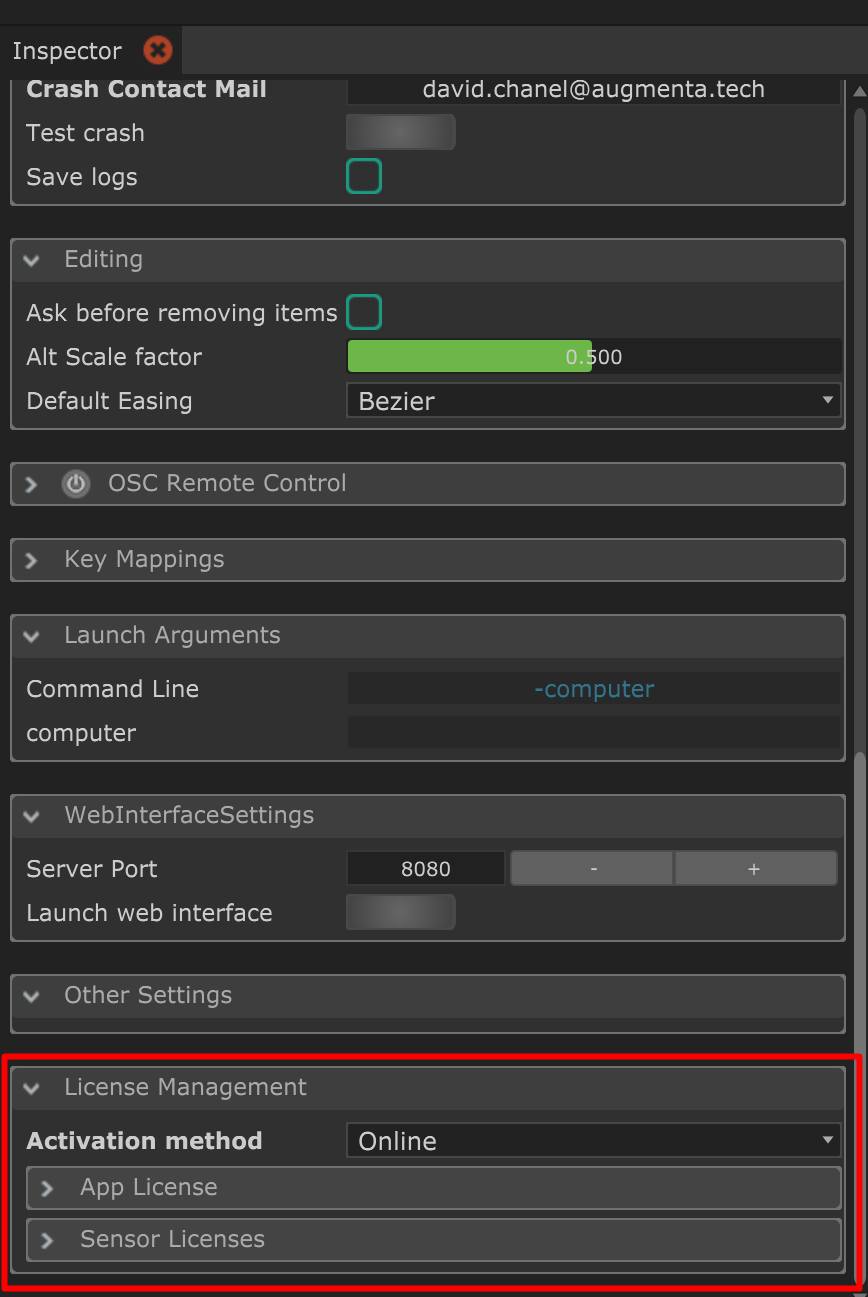
License types
Indie App license : Will unlock Indie features
Pro App license : Will unlock Pro features
Sensor licenses (Pro only) : 1 license per sensor you’d like to add, that can be transfered between pro Augmenta equipment and software.
More details here :  License plans
License plans Activating a license
The app starts in Simulator mode by default.
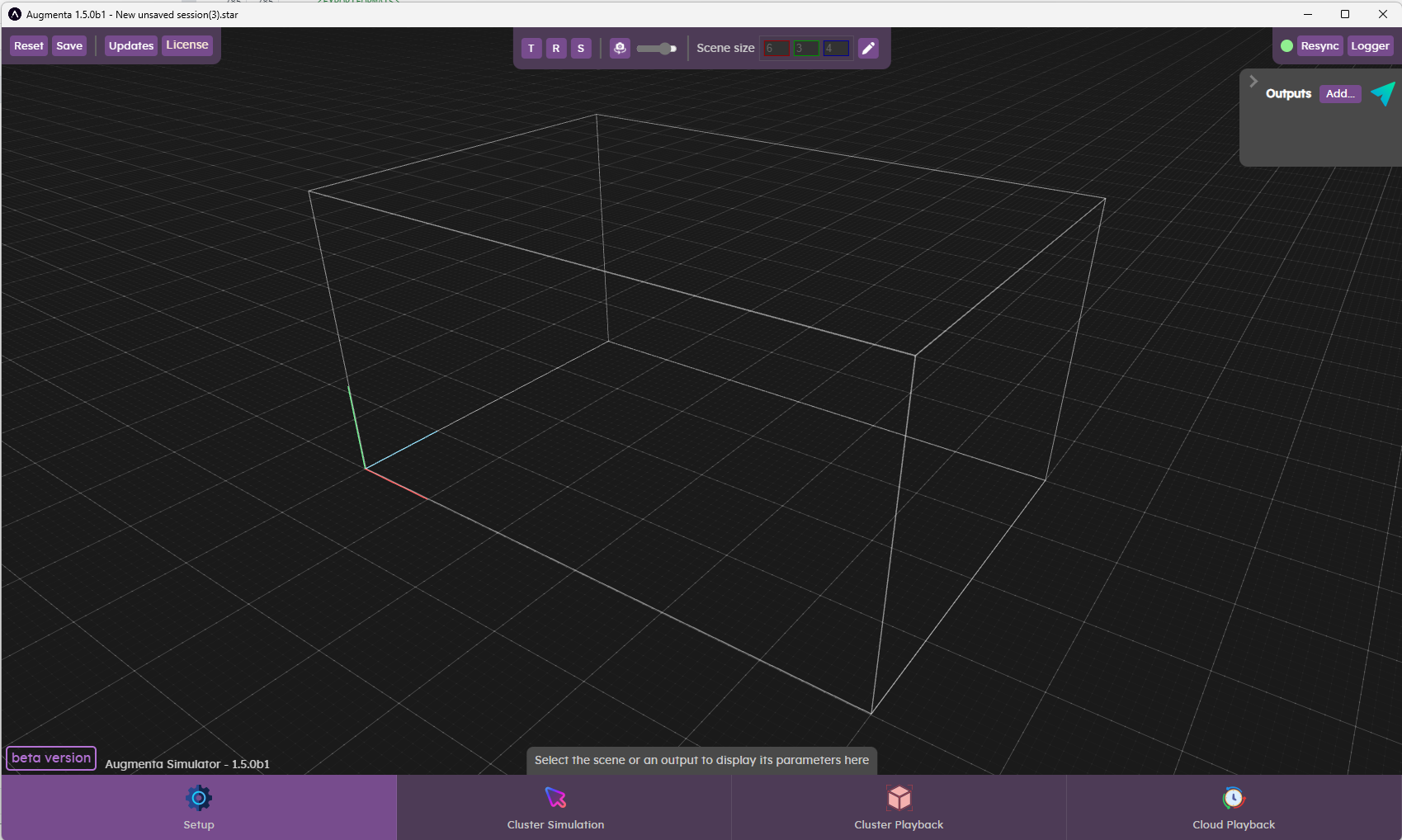
To enter your license, you will have to click on the “License” button in the top bar.

App licenses
The App License window will show up, allowing you to register your license keys:
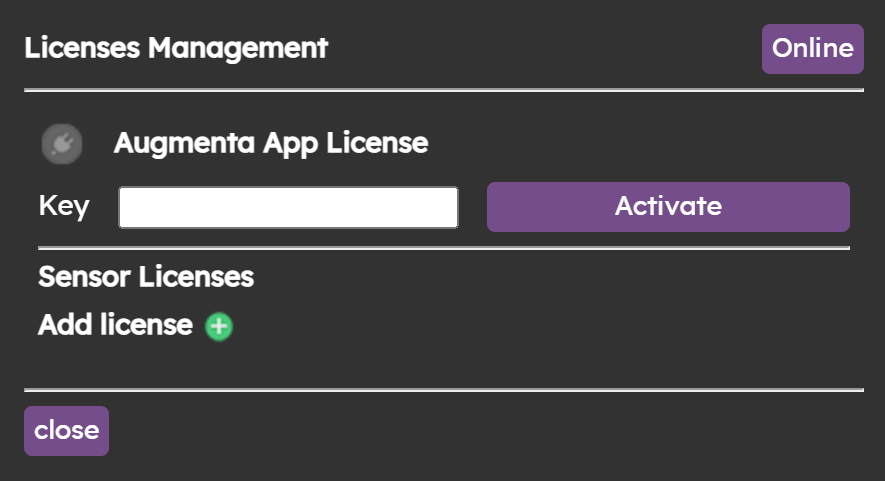
Enter your App license key, then click on the “Activate” button. If the license key is valid, the icon on the left will turn green.
Sensor licenses
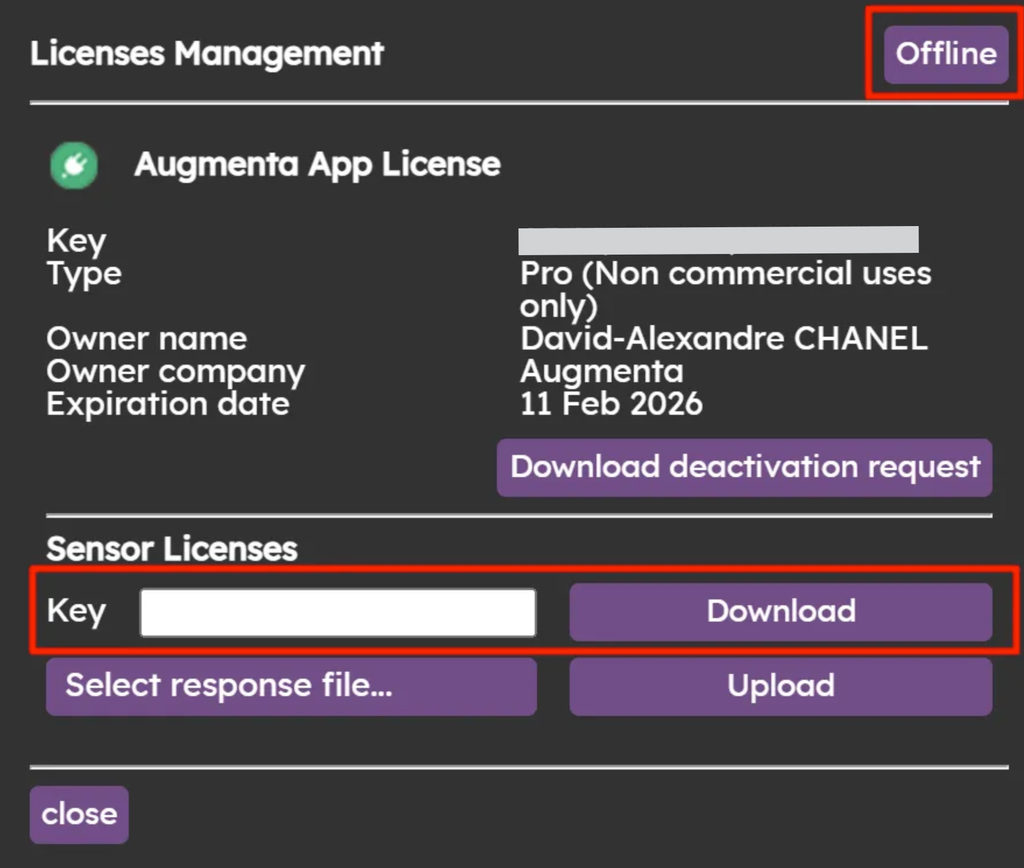
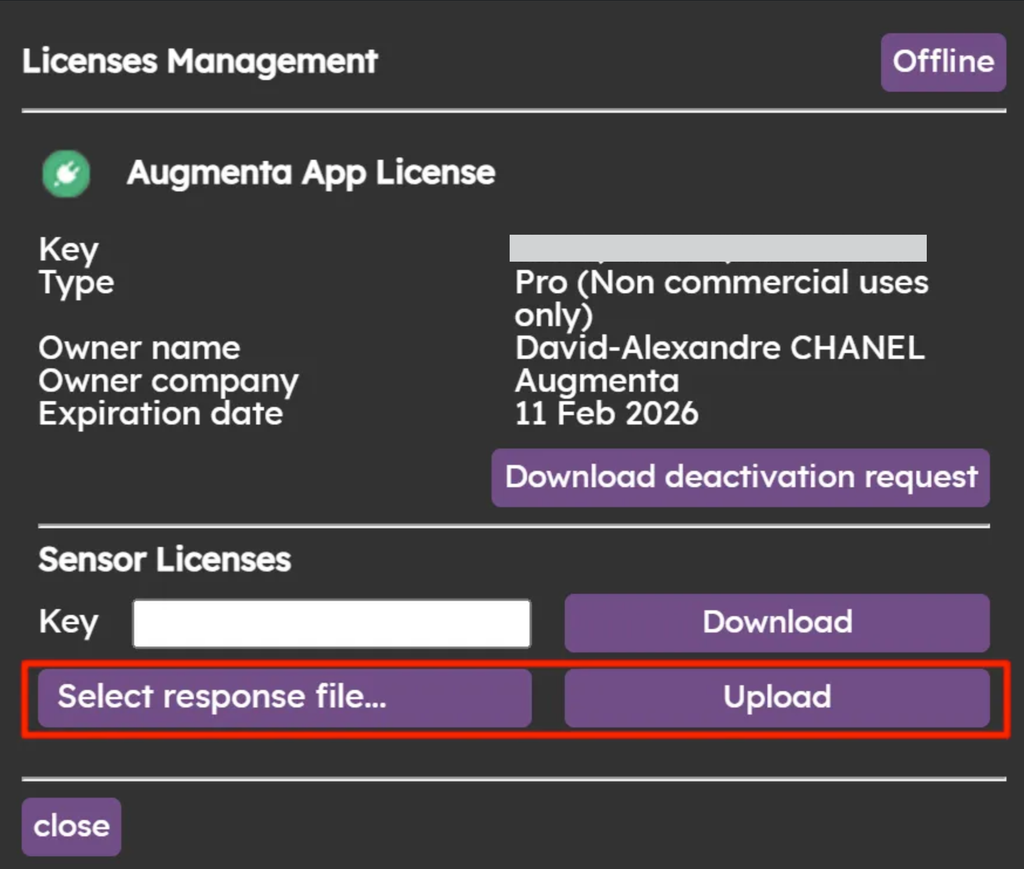
You can add your sensor licenses with the same process
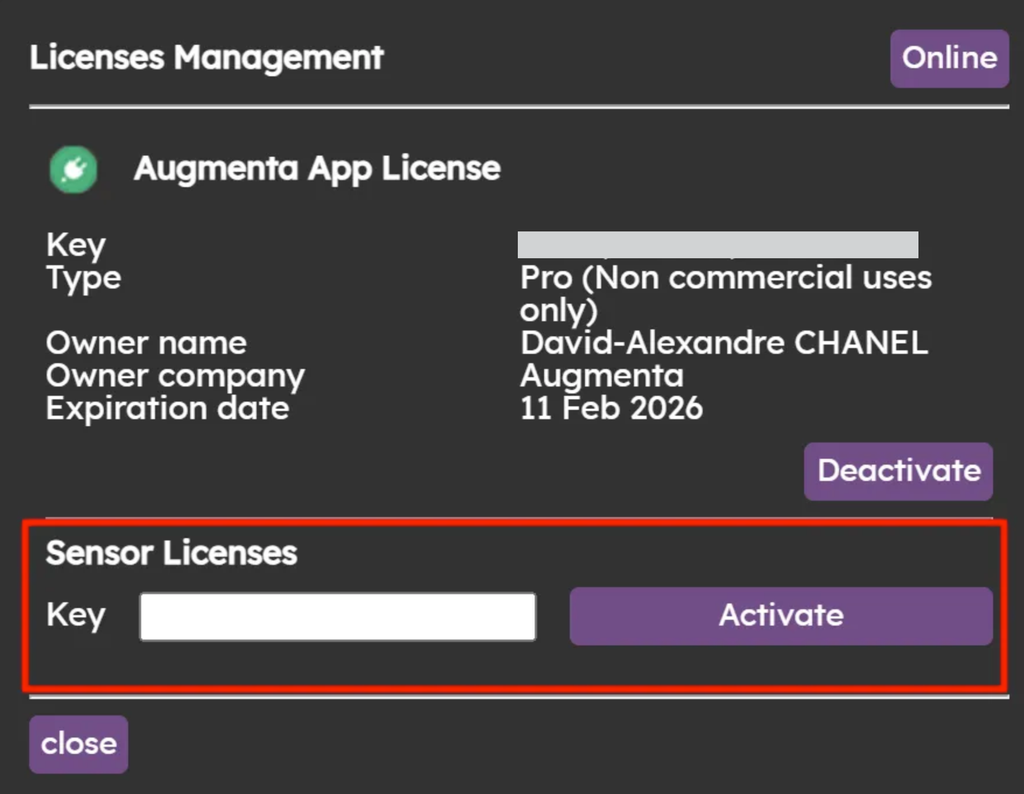
Deactivating a license
You can simply click on “Deactivate” to deactivate the license of your choice