
Video tutorial
This video shows how to open the example in Resolume and how to set up Augmenta Fusion to send data to it.
The Augmenta Resolume plugins are (wire based) plugins that you can simply drag’n drop in Resolume as a base to create your own interactive visuals.
There is generative and effects plugins to have lots of creative possibilities.
Advanced : If you want to create your own, it’s also possible with some ISF shader coding
First, get the plugin! (free)
 Augmenta plugins for Resolume
Quick start
 Augmenta legacy simulator or your equipment and use the Resolume presets or OSCV3
Note : Only in Fusion or with the new simulator
- Get the
- Enable OSC input in Resolume
- Drag’n drop the plugins and enjoy !
Tutorial
Prerequisites
- Having Resolume Arena 7+ or above installed on your computer
- Having the Augmenta simulator
- Having the
Install
Drag’n drop each effect into resolume and click on install
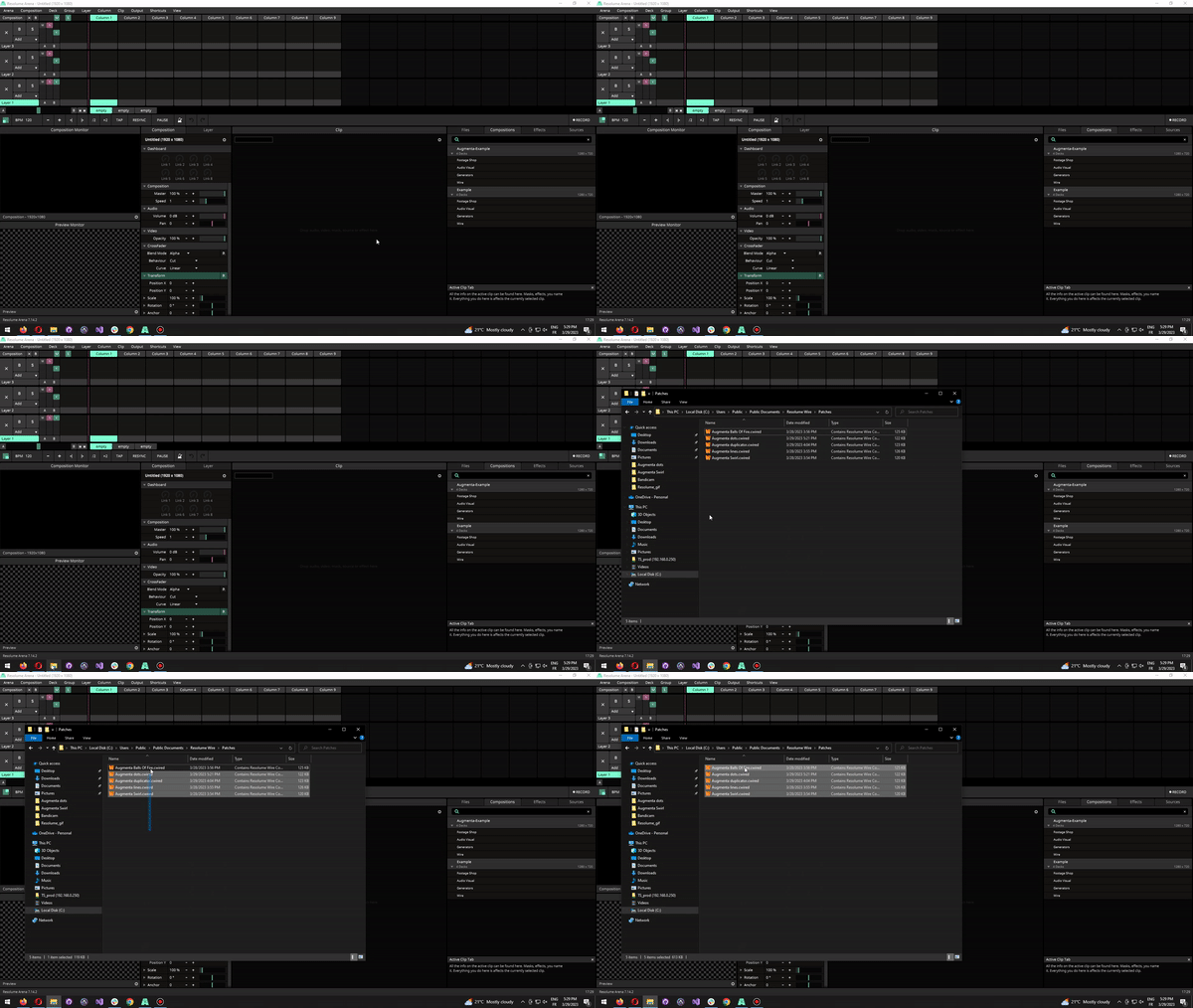
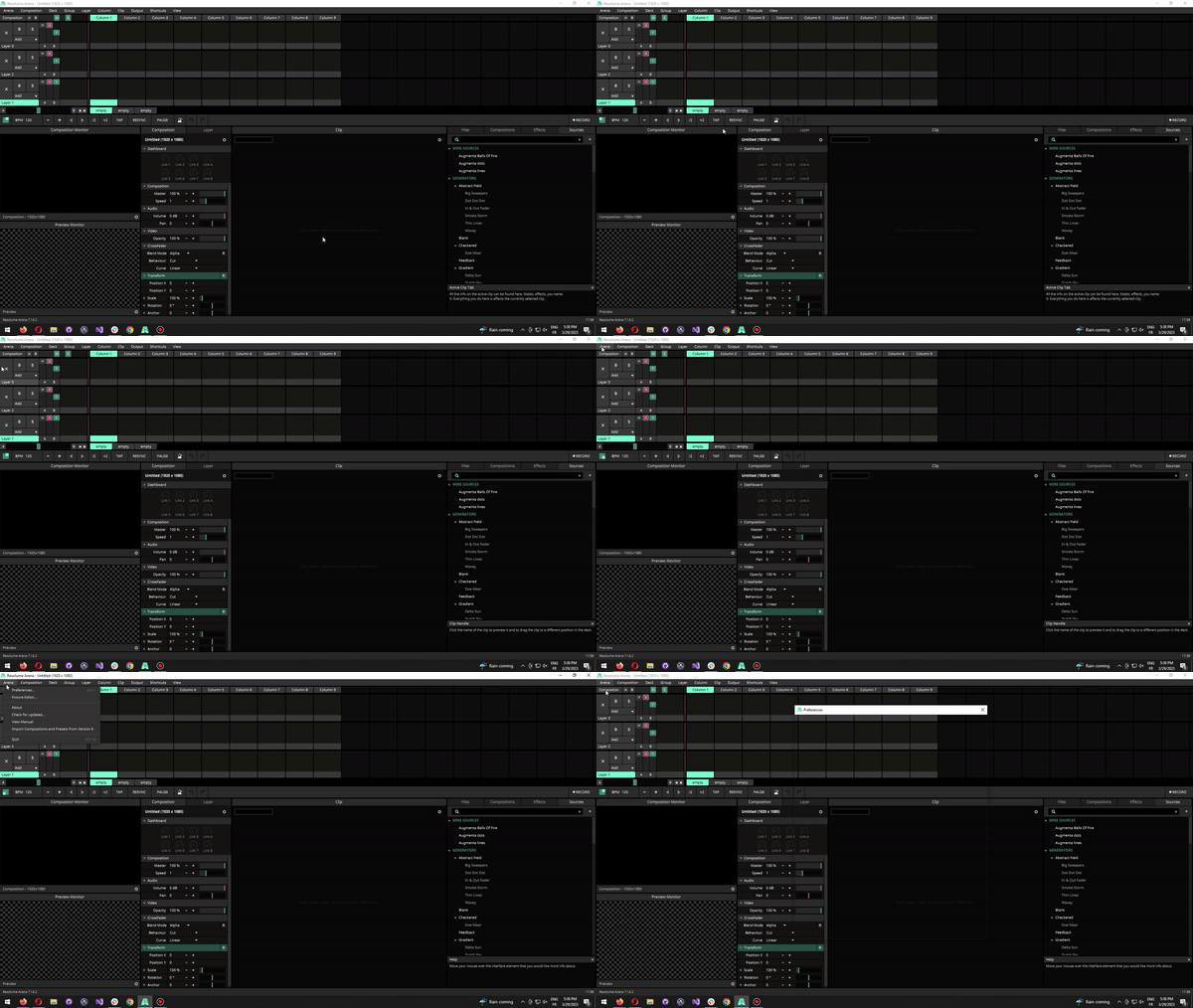
Activate OSC input
Make sure the OSC port number is set to the default value of 7000
Use
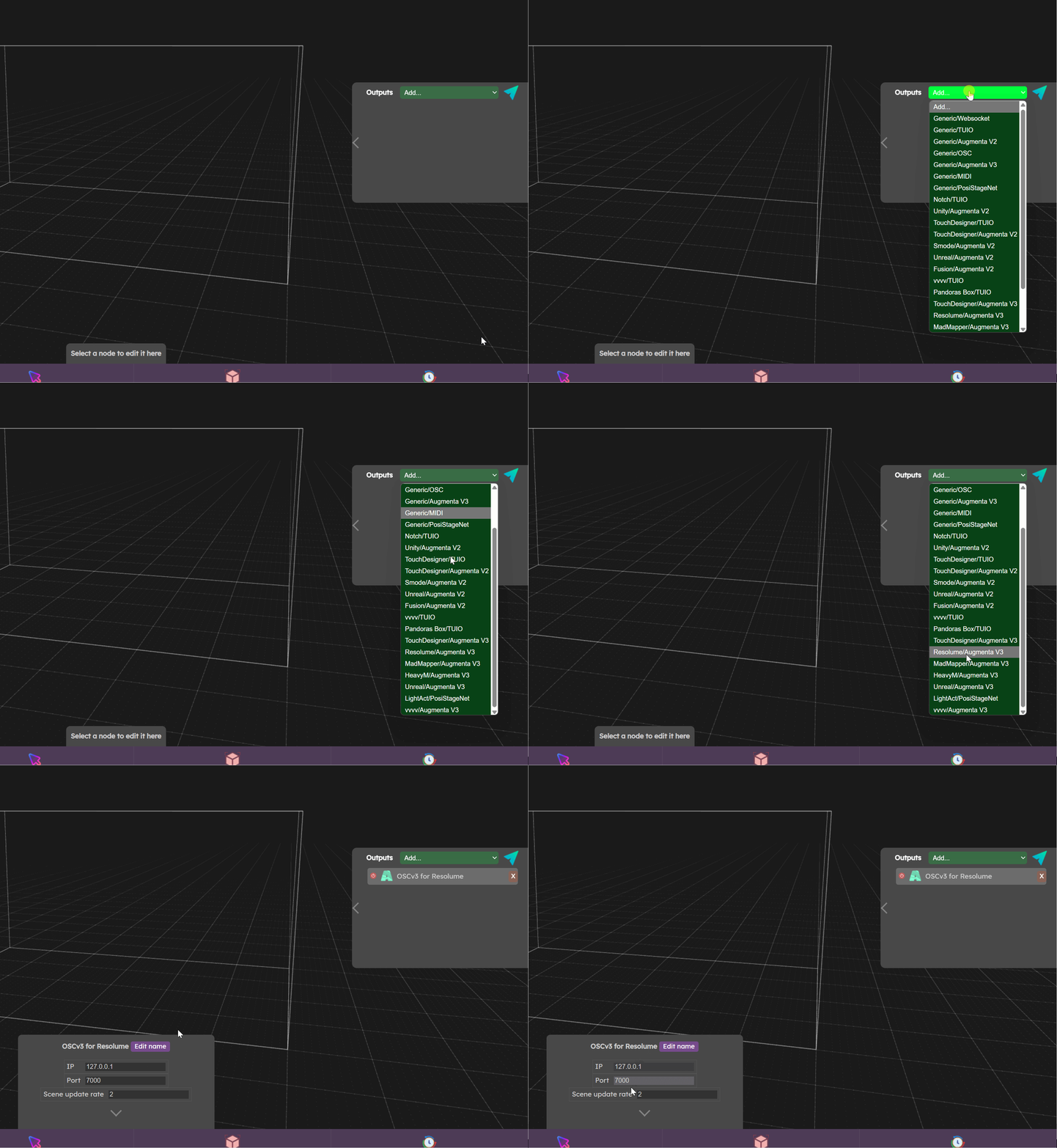
- Start the simulator
- Add a Resolume output
- Make sure to enable the Slot ID in the “Cluster Simulation” menu, this option is mandatory to properly work with Resolume
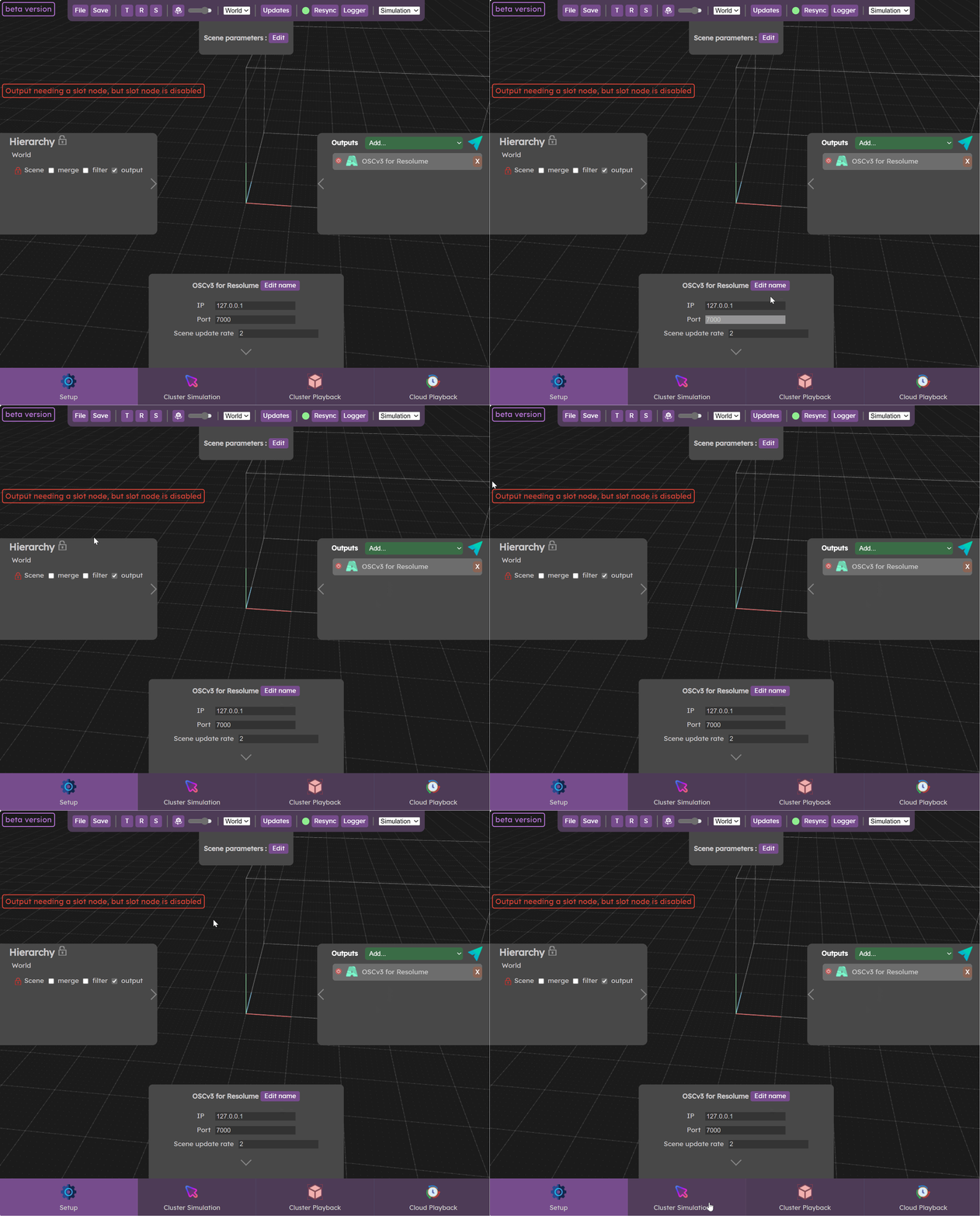
- ⚠️ Set your scene size to a similar ratio that Resolume’s composition resolution ratio

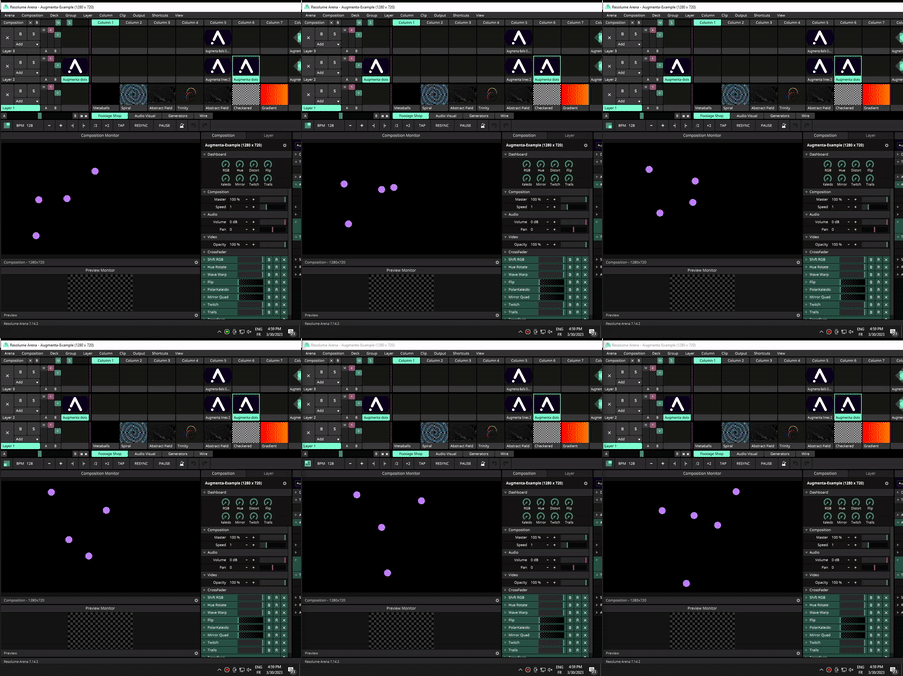
- Enable the Cluster Simulator, points will start moving in the Simulator and should also appear in Resolume.

Limitation
Augmenta Resolume effects currently supports a maximum of 20 tracked objects.
Still not working ?
 Troubleshooting