There are multiple ways to find the IP address of your machine, they are described below.
Server or nodes are configured by default on dhcp, so it will be assigned an IP as any device connected in your network.
Remotely - Local name resolution through mDNS
The easiest method to connect to the server is to use the local network name resolution. You can try to connect to the server by using this address :
You can also resolve the local name to get the IP address
- Open Windows PowerShell
- type Resolve-DnsName augmenta-server

On the server machine
You can plug a monitor, keyboard and mouse and check what the server IP address is
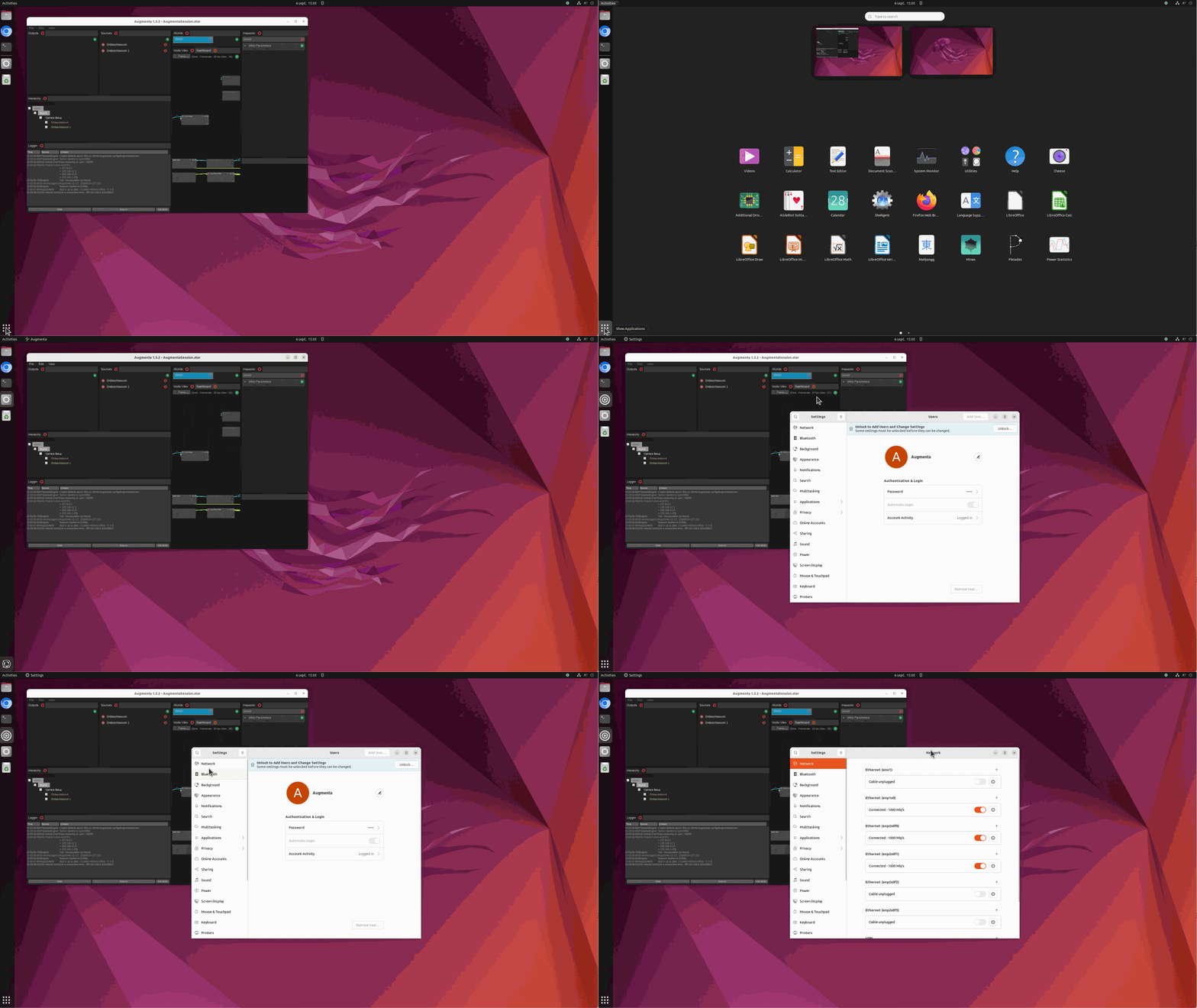
Through the Ubuntu settings
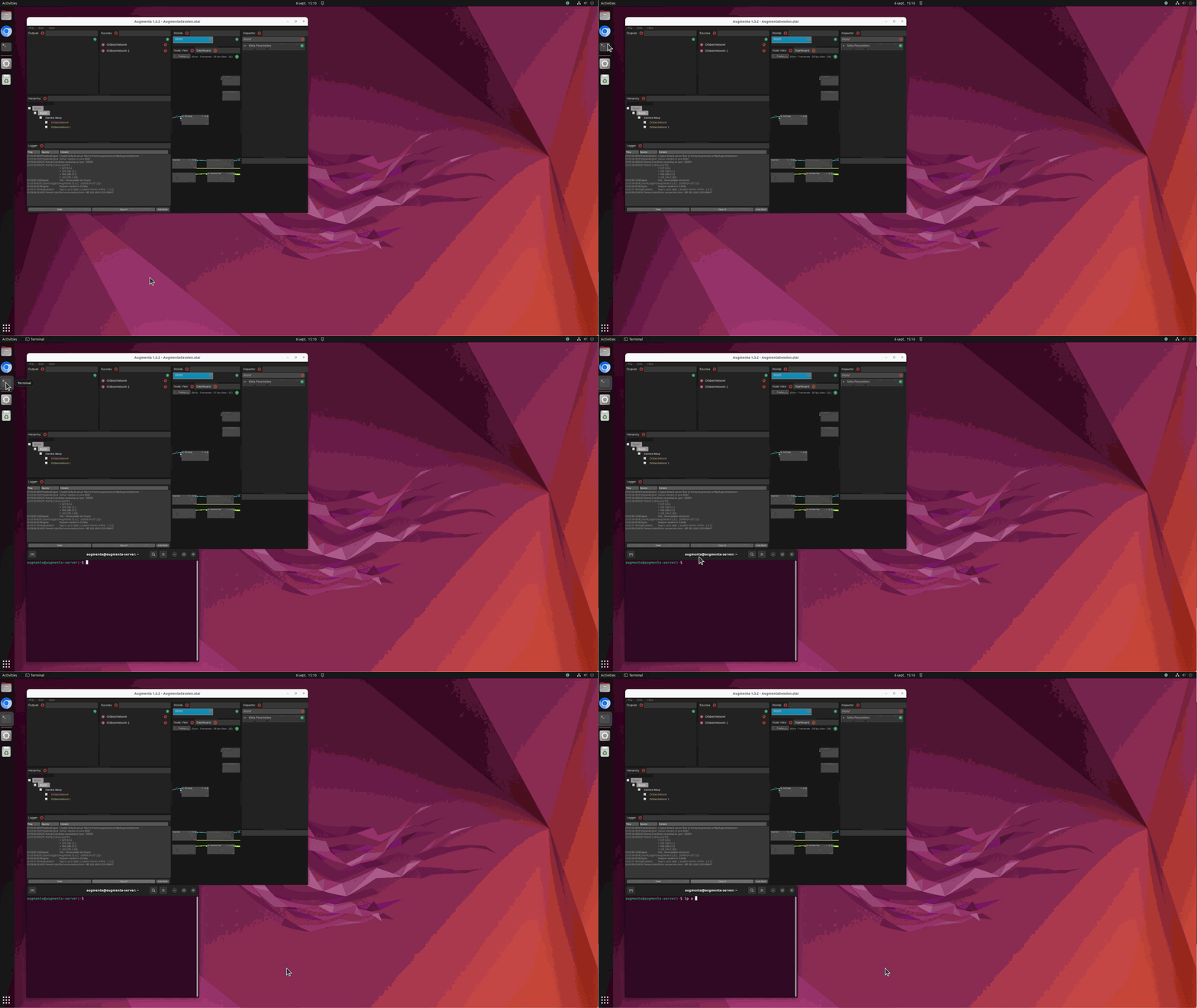
Through the terminal, enter : ip a
Remotely - IP scan
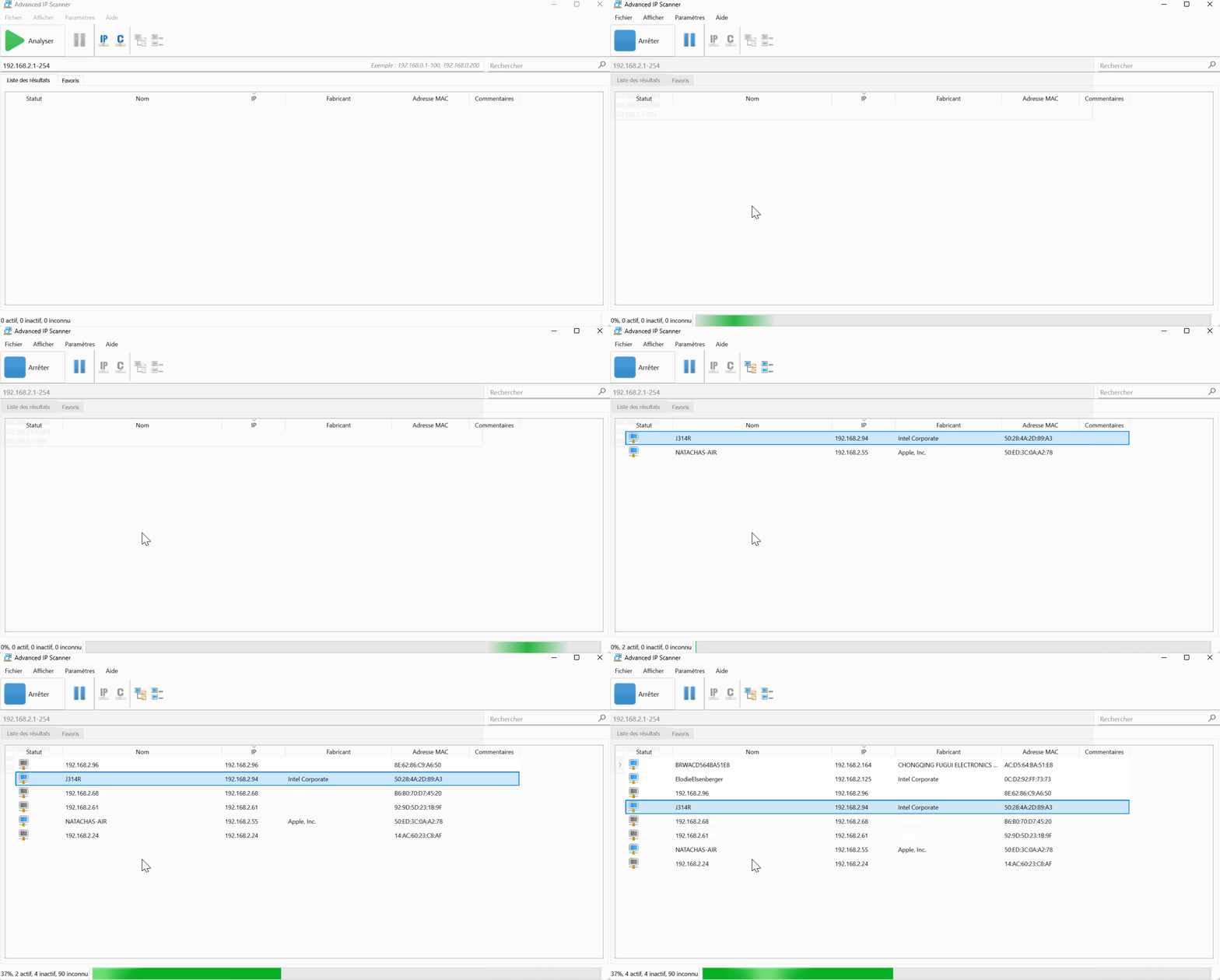
You can easily find the ip address of the server, you can use a free tool like Advanced ip scanner on your computer, here is an example from a windows computer
You can scan your local network for devices. Easiest is to sort devices by manufacturer.
For Portable4 servers
Search for “Hon Hai Precision Ind. Co.,Ltd.” or a MAC address starting with “30:0E:D5:xx:xx:xx”.
For Pro4 / Pro8 servers
Main network port can often change due to supply changes so this method is not the best to find a Pro4 or Pro8 on a crowded network.