
This protocol has been designed with two things in mind:
- Being easier to use in node-based ("no-code") creative software and other limited environment.
- Being more robust to packet lost (no need to have a timeout to clear objects if no
leavemessage was received)
- Better human readability
Limitations
There is one drawback compared to OSCv2 :
By splitting the data over more messages and using more human-readable paths means that this new protocol has more overhead, thus using more bandwidth. We added options to mitigate this but keep in mind that this protocol is not aimed at delivering the maximum amount of performance.
Protocol
For more details on the protocol, go to :
 Augmenta OSCv3 protocol
OSC Options
Several options are available for modifying the form in which data is sent.
→ Normalized coordinates checkbox
By default, coordinates are sent as relative. The relative arguments are in meters, relative to the scene origin. You can choose to send data in normalized format by selecting this option. The normalized values are always between 0 and 1, metric values can be computed by dividing the positions/dimensions by the scene size.
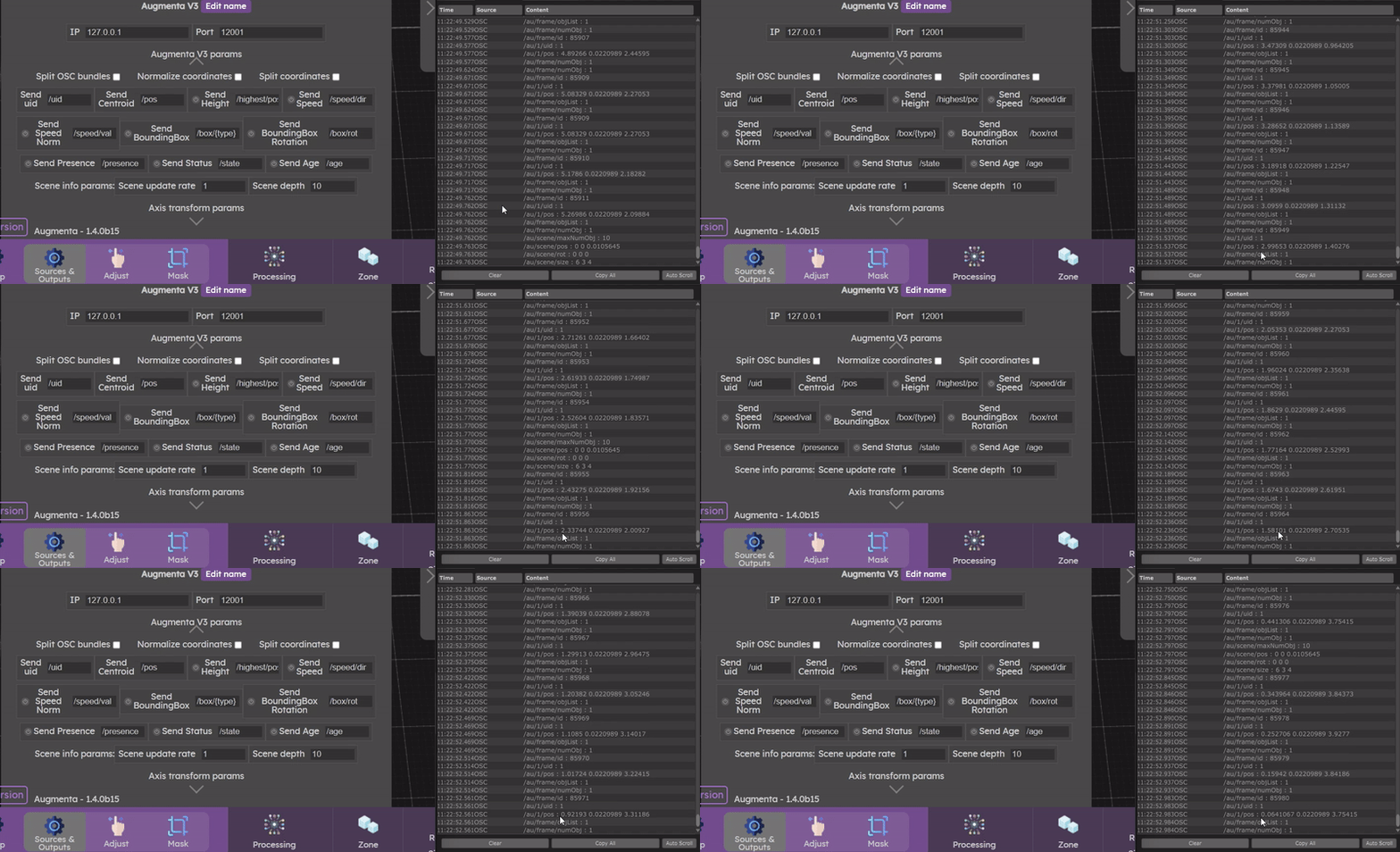
→ Split coordinates checkbox
You can also toggle an option to have split coordinates. If it is enabled, you received one message for x, one message for y and on message for z. Otherwise all 3 arguments will be sent in one message.
This option can be useful when the creative software does not allow you to read several arguments in a message and split it.
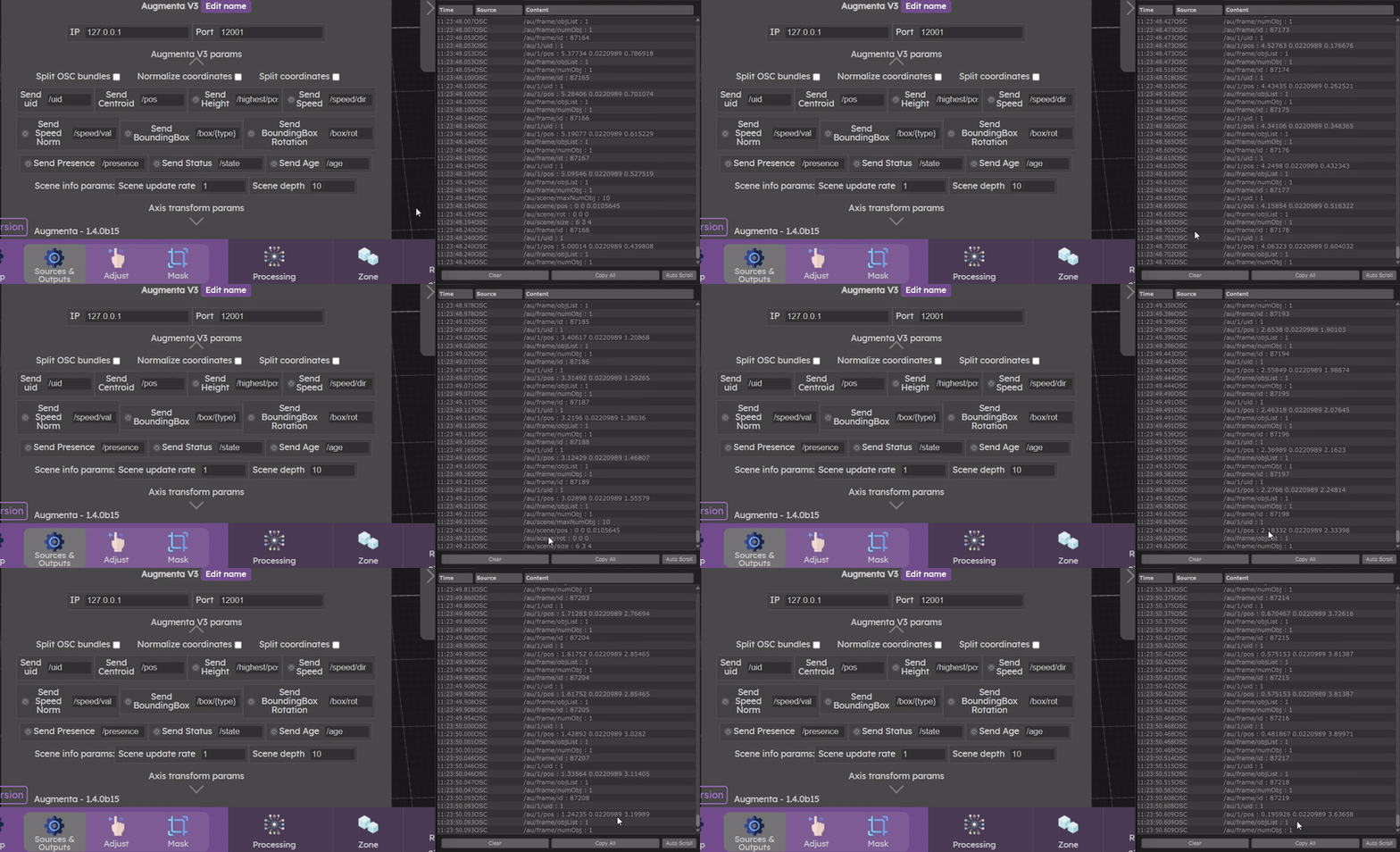
→ Base Address
It is possible to modify the addresses of the arguments that are sent.
It is important to keep the parts in {} because these are the parts that will be modified according to the cluster data.
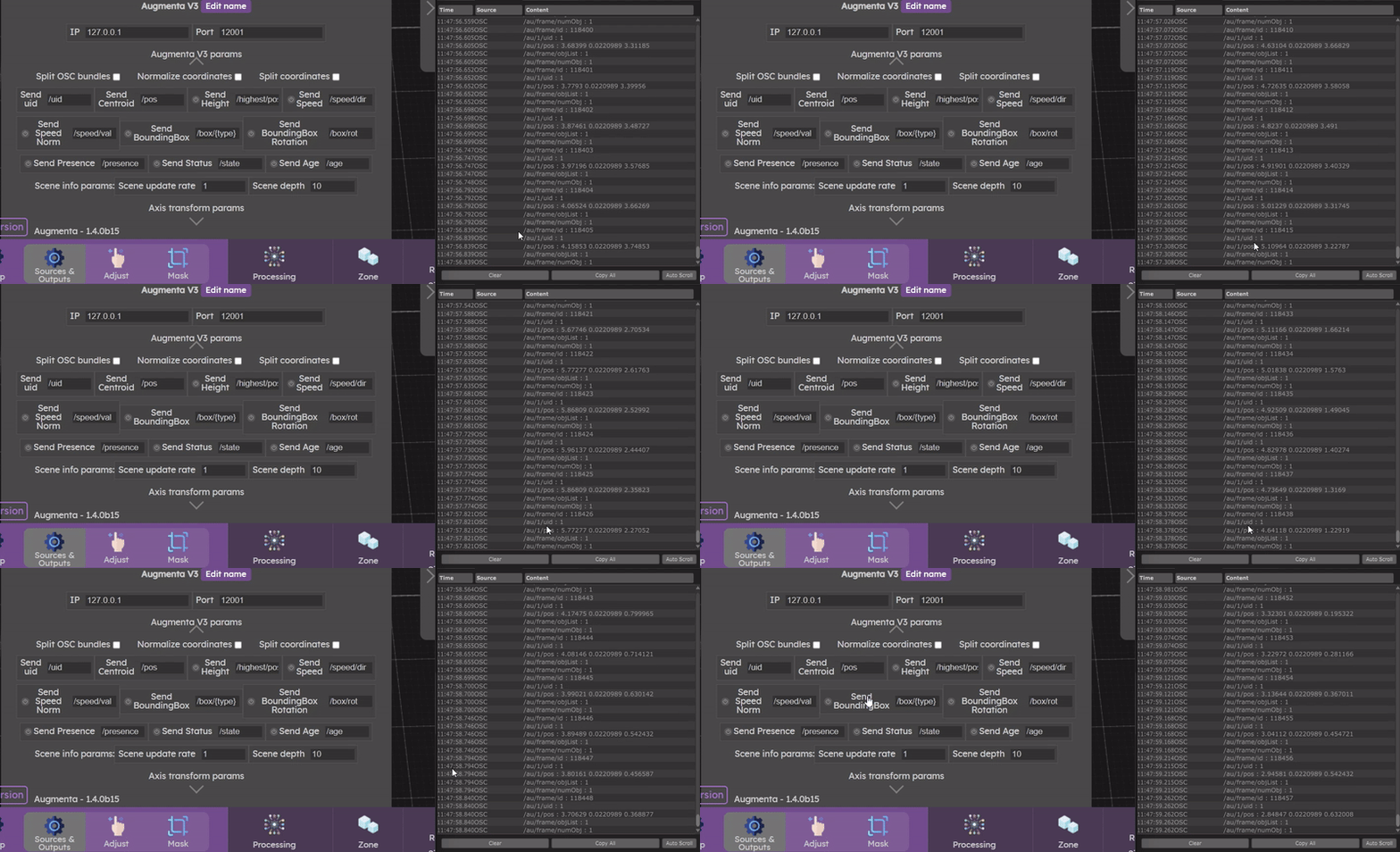
OSC Parameters
→ Mandatory arguments
Two arguments are always sent: the identifier and the position.
- UID : The uid or slot id is the identifier given to each cluster.
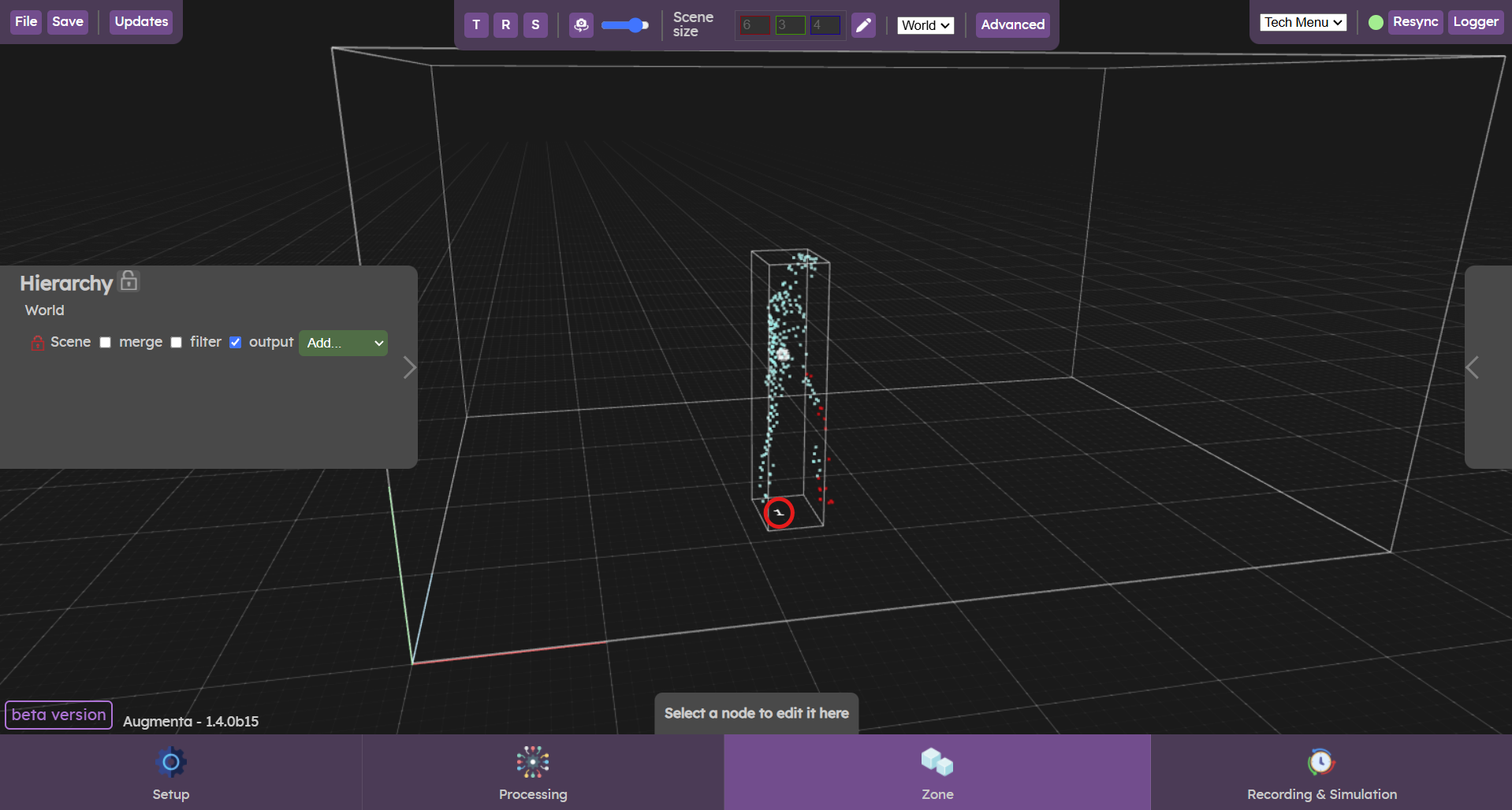
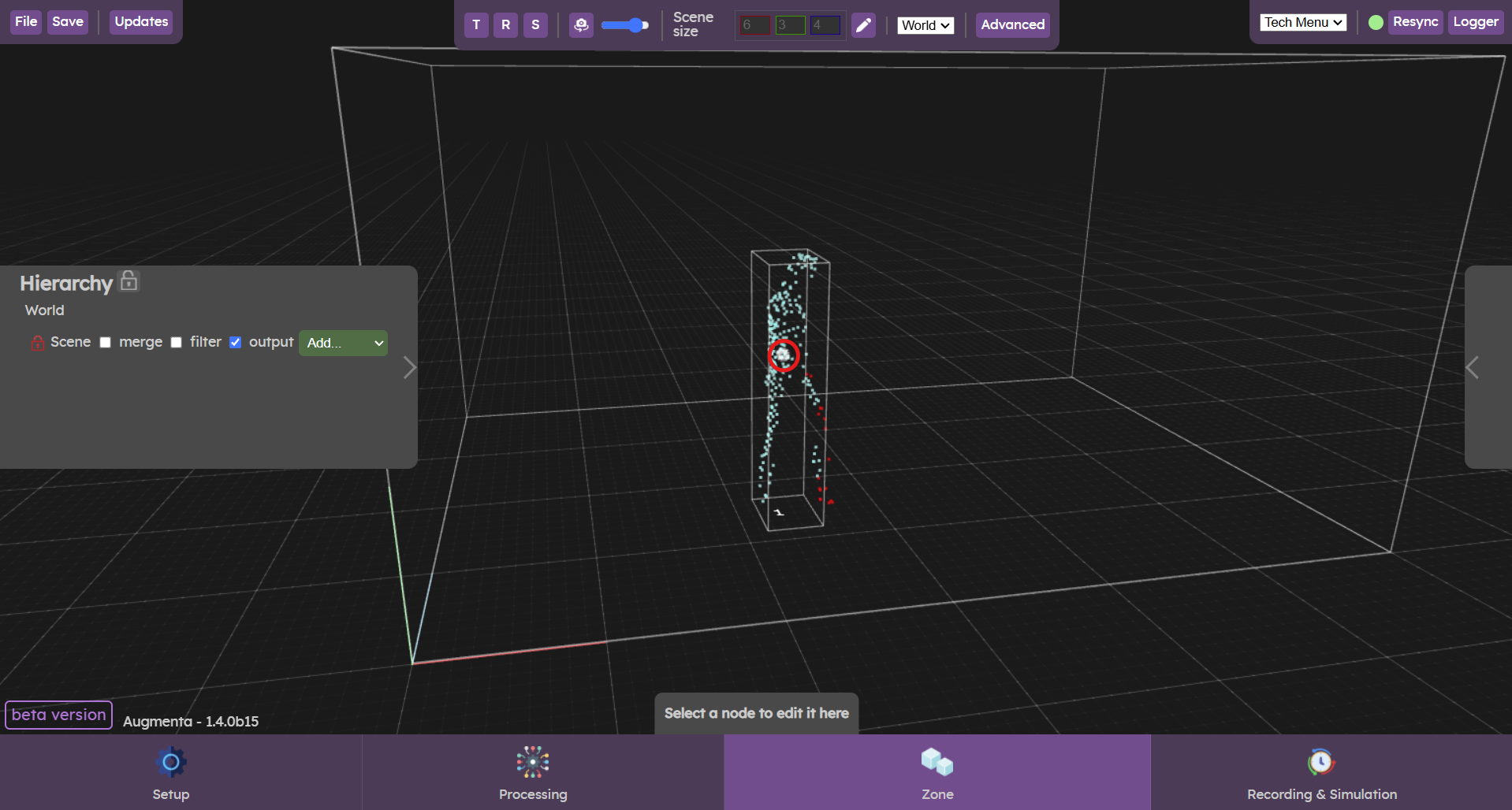
- Centroid : The centroid is the position in the scene of the center of the bounding box.
→ Optional arguments
Optional arguments are only sent if the option is selected.
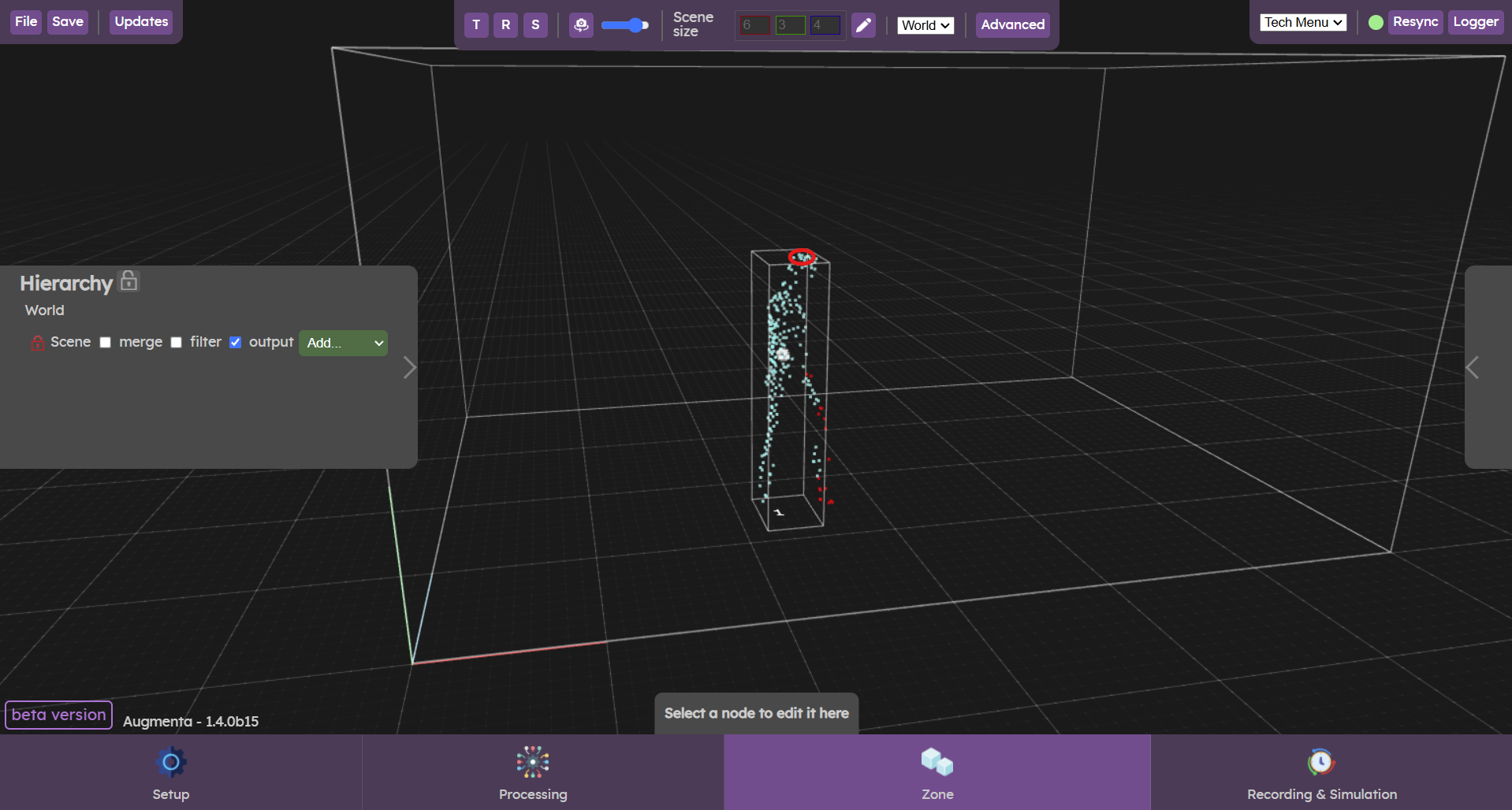
- Height : The height option sends the coordinates of the highest point in the point cloud.
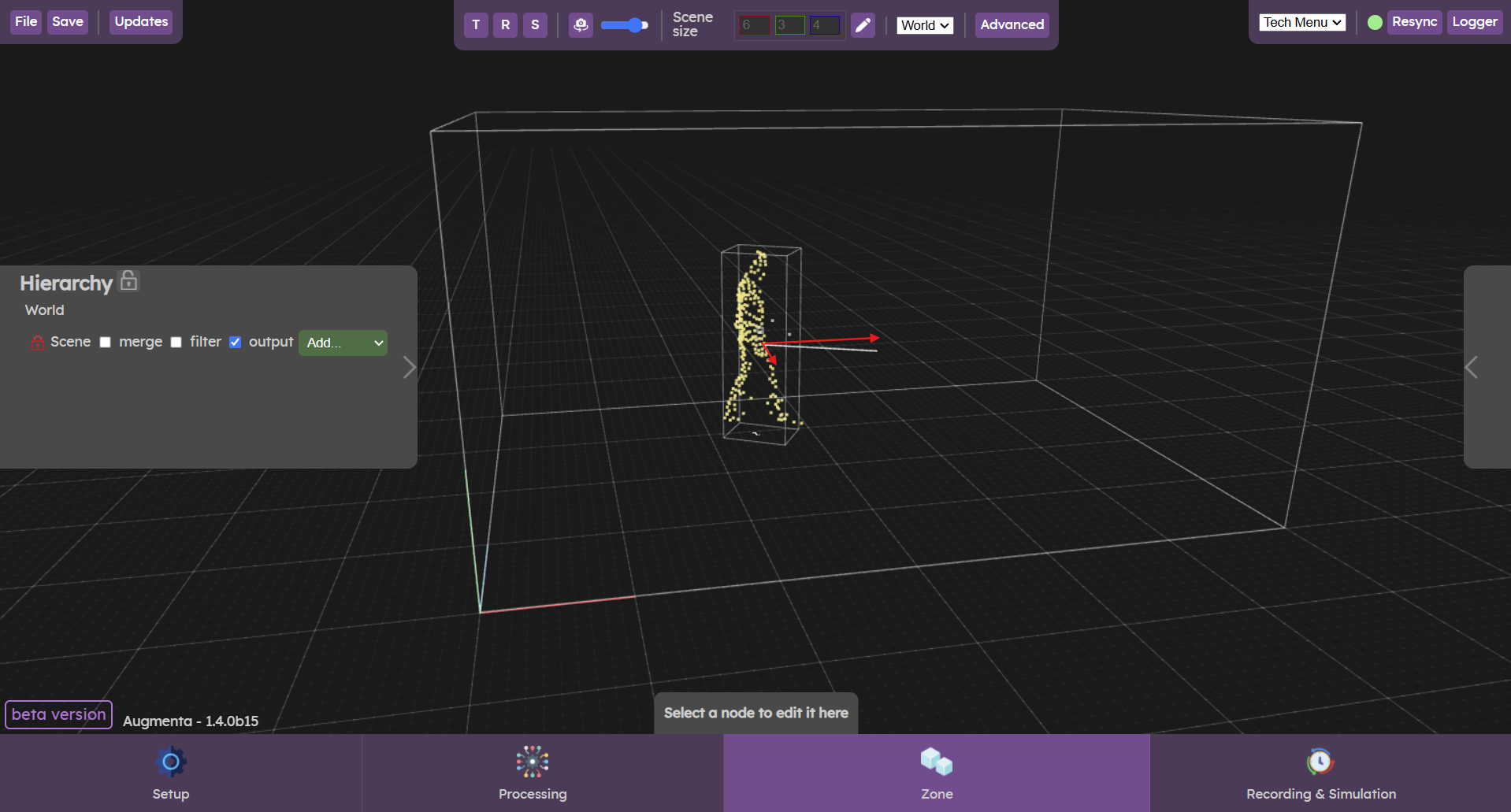
- Speed : The speed option provides the coordinates of the bounding box's speed vector.
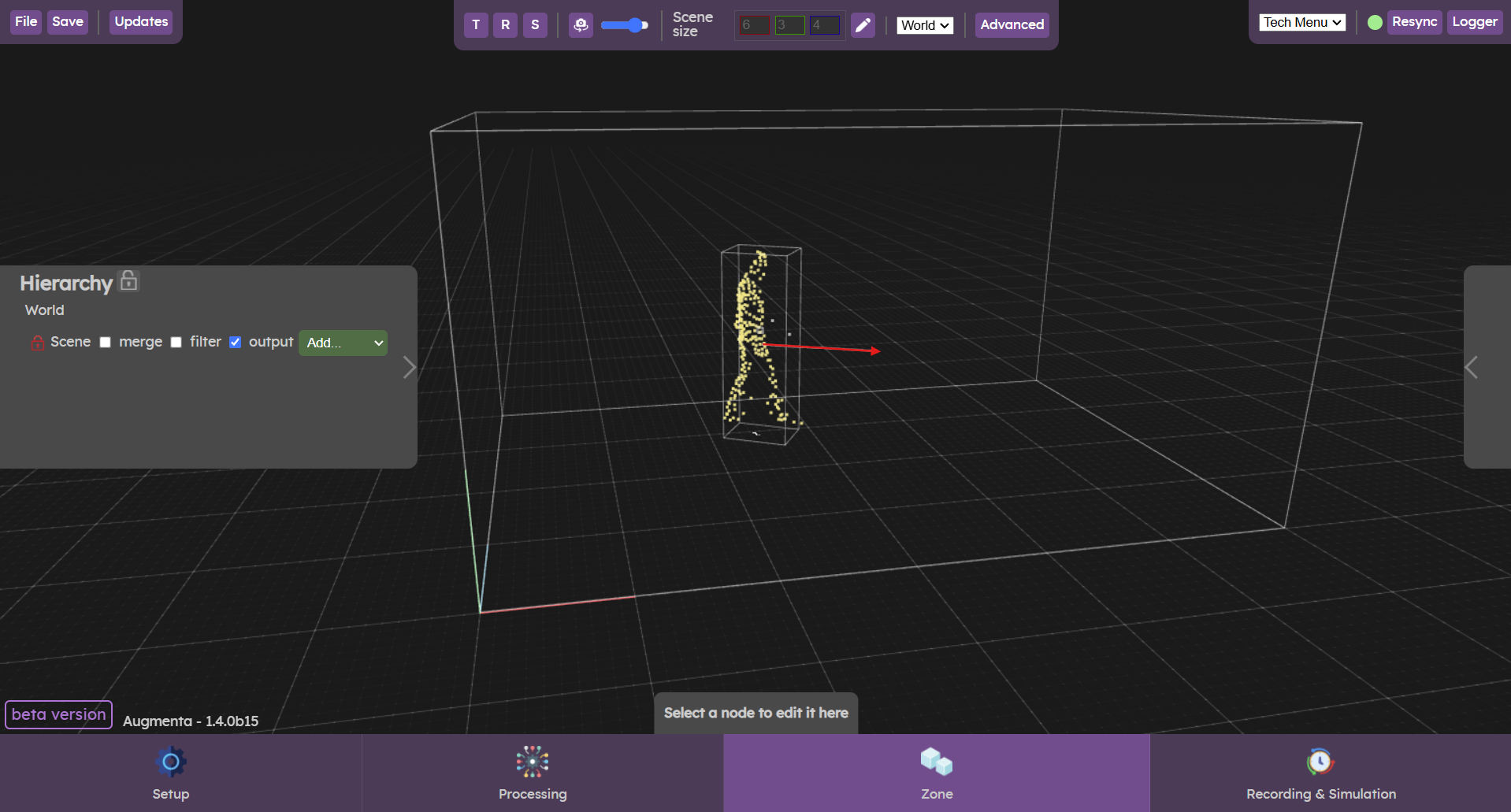
- Speed Normalized : The speed normalized option provides the speed value (magnitude of the velocity vector in m/s)
- BoundingBox : The boundix box option lets you send options: box size and position.
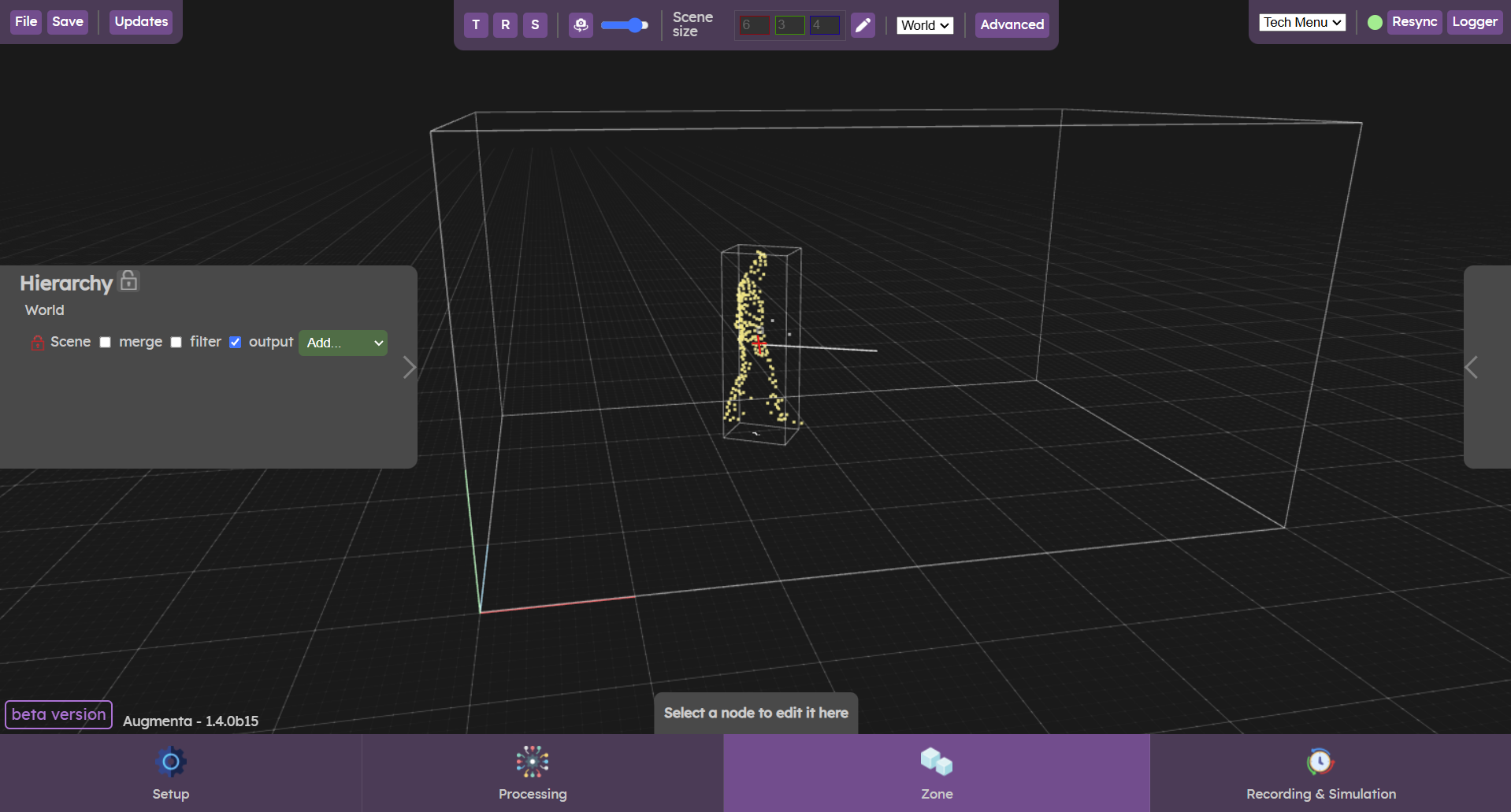
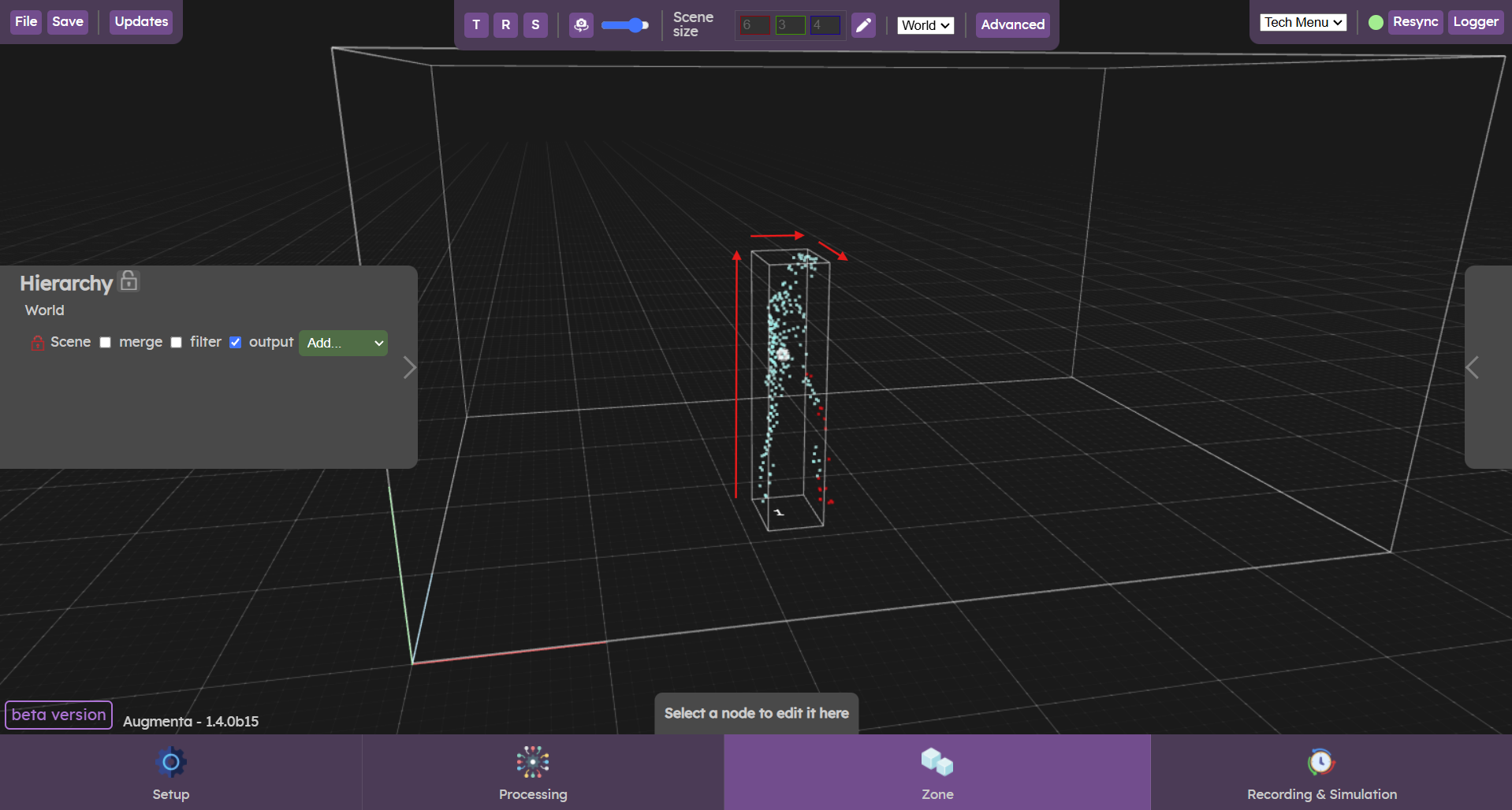
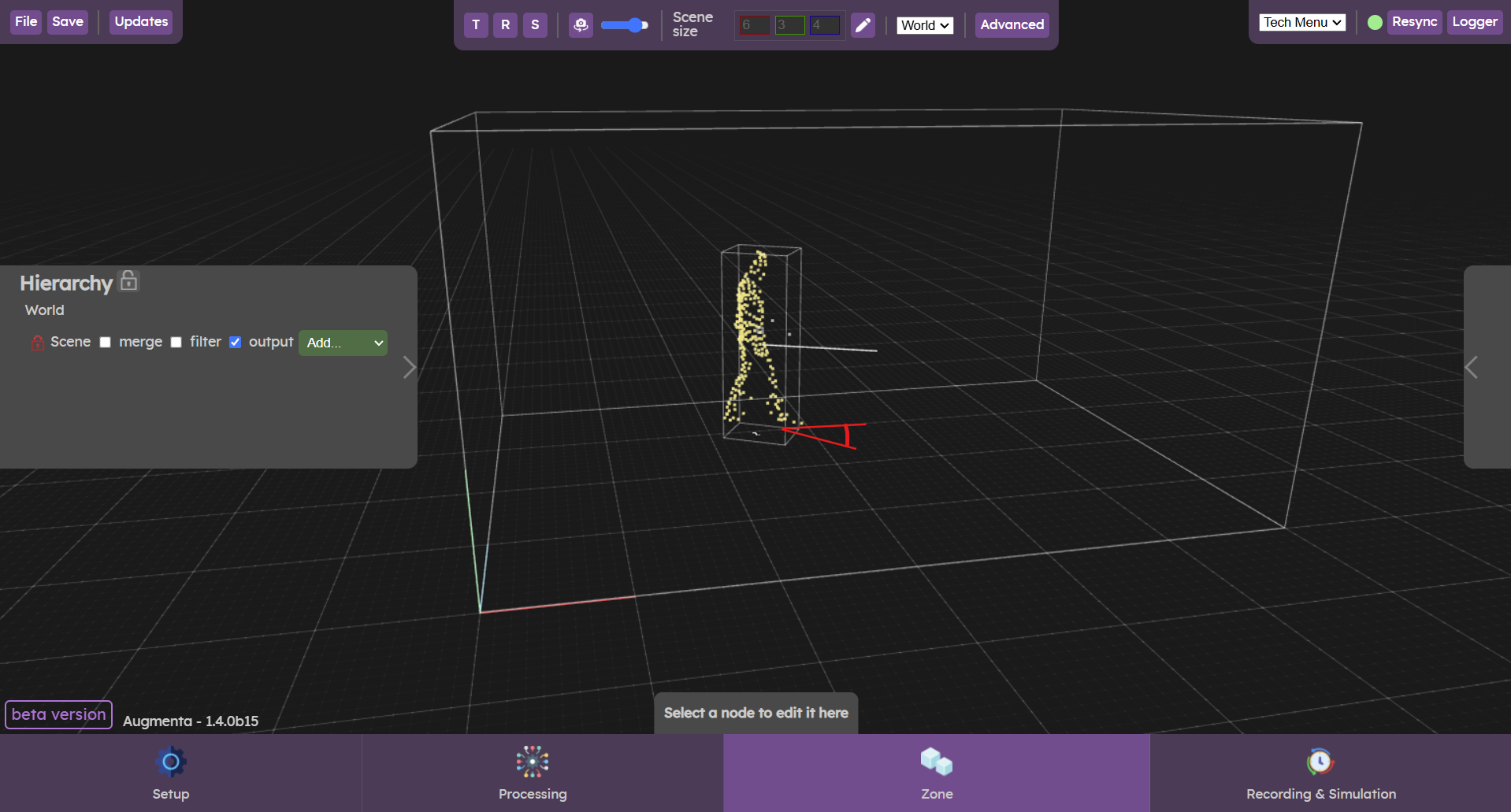
- BoundingBox Rotation : The bounding box rotation option is used to send the orientation of the box.
- Presence : The presence option lets you send a number between 0 and 1, corresponding to the probability that the person will actually be in the scene. When leaving the scene, presence decreases from 1 to 0, and vice versa when entering.
- Status : The status option sends the status of the person present in the scene: “in" -> object just entered, "out" -> object is leaving, "up" -> object is still in the scene
- Age : The age option is used to send the person's age, i.e. the duration in frames that the person is actually present in the scene.
OSC Presets
Presets have been created for some creative software, with the right options selected and the axes corresponding to the coordinates axis of the creative software.