
The Visionary-T-Mini has built-in onboard filters to have cleaner data before sending it to the Augmenta server.
You can adjust these parameters from the Augmenta interfaces.
Activating filters

If you want to use the onboard filters, make sure that the Filter button at the top is enabled. Otherwise any filter parameter you set will not be applied.
Depth mode
The depth mode allows you to downsample the data before it is send. This is an efficient way to reduce the number of points received, to lower the bandwidth usage or in case of performance issues. It is better to use this filter instead of using the generic downsample parameter from the source. Here’s what each value does:
- Unbinned → full resolution (512 px x 424 px)
- The points are simplified by groups of 4 → half resolution (256 px x 212 px)
- The points are simplified by groups of 4 → quarter resolution (128 px x 106)
Edge correction filter
The edge correction filter can improve the accuracy of object edges, but can create some artifacts. It is better to start without this option enabled.
The distance filters allows to reject any points outside of the specified range. The two values are a distance in millimeters for the near and far spheres used to crop the data.
The two most effective filters to try out first for cleaning data will be “isolated pixel filter” and “remission filter”, in this order
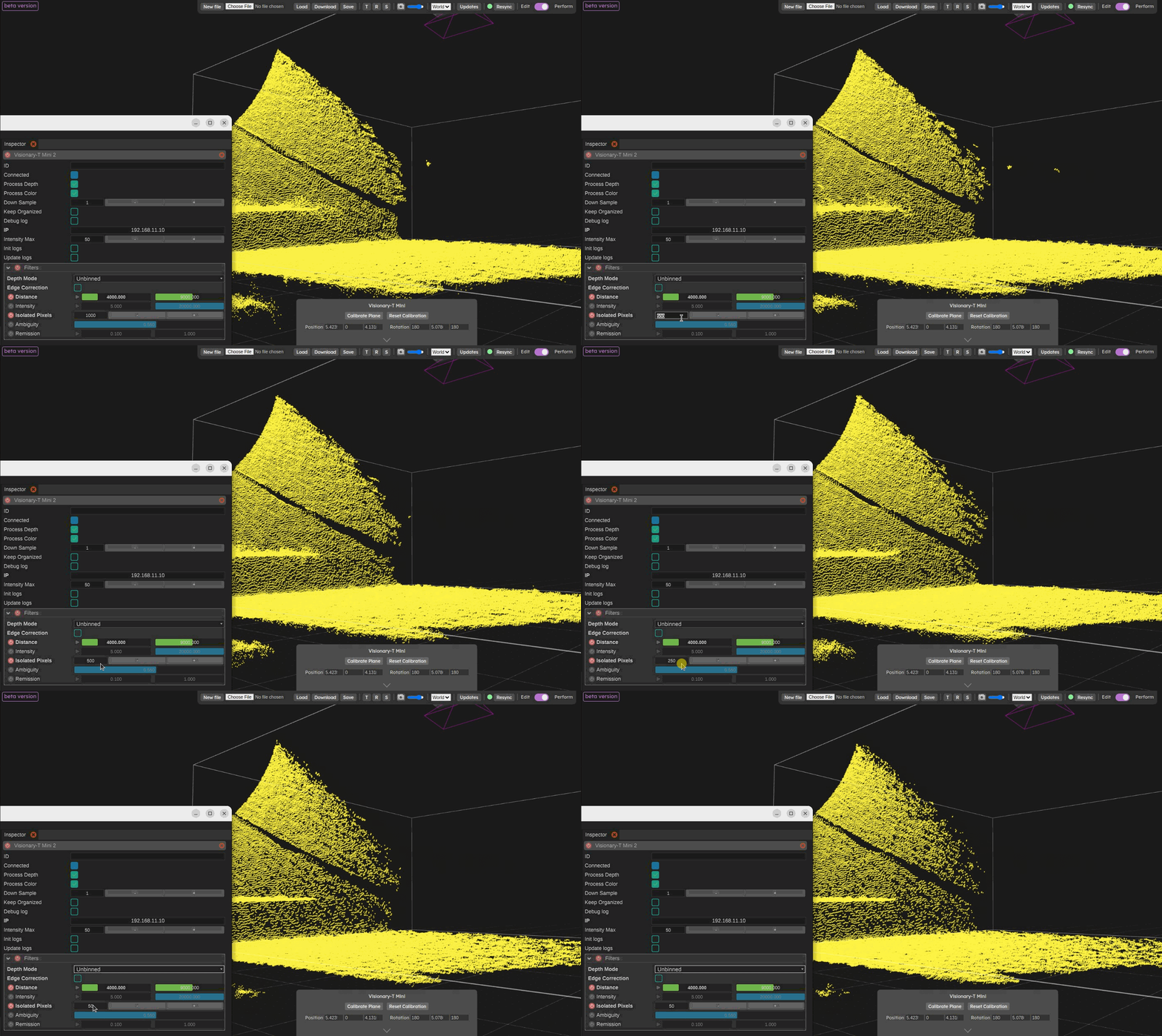
Isolated pixel filter
The isolated pixel filter, start with a value of 500 and work you way down. This filter is good for removing noisy points flying around. The value of this filter is a distance in millimeters that is used to check for each pixel to check for the number of neighbours. If it has enough neighbours the pixel is kept. So a lower value will find less neighbour pixels and be more aggressive. This filter is kind of similar to the Outlier removal filter from the Augmenta filters menu.
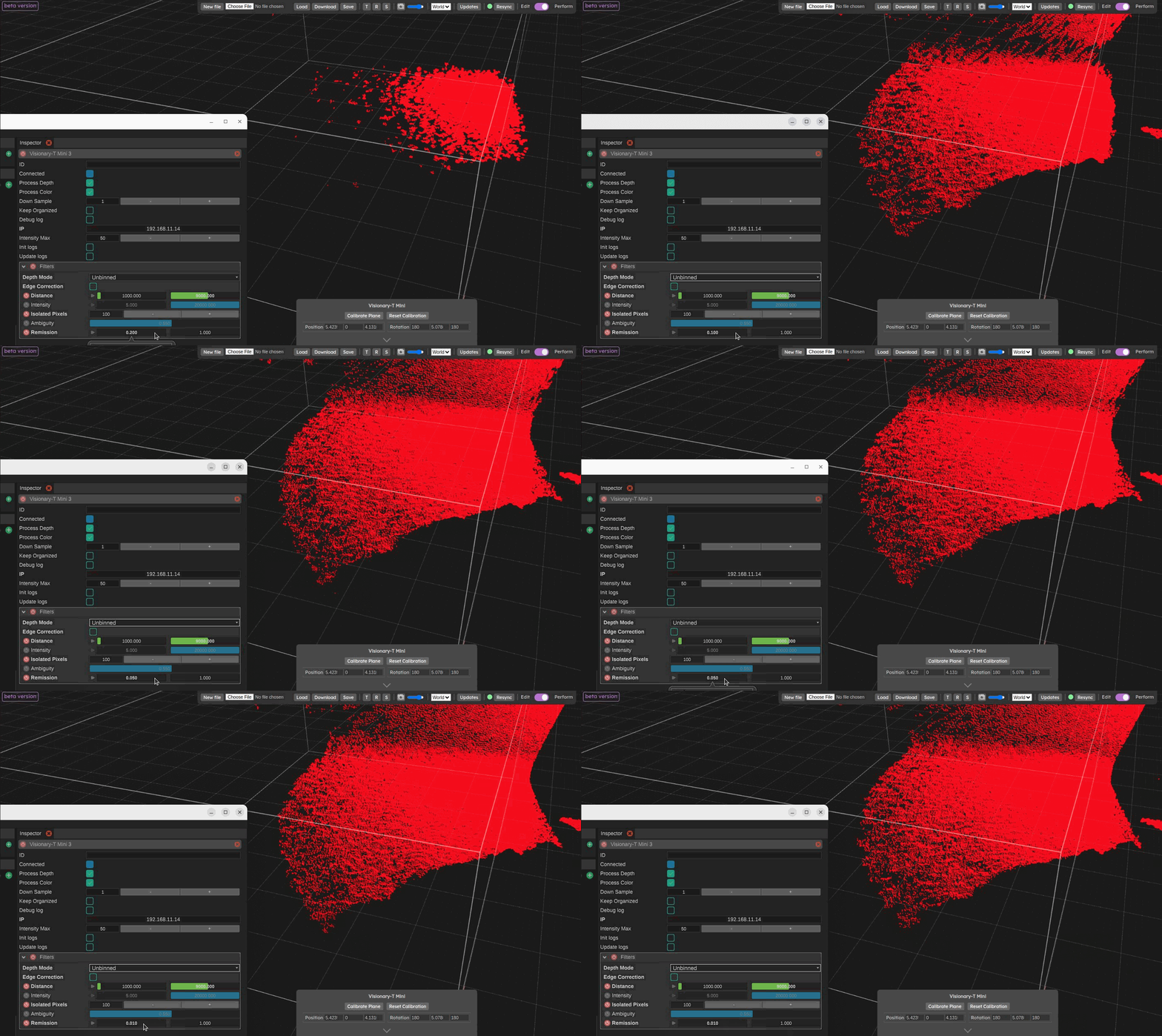
Remission filter
The remission filter, adjust the lowest value, the lower the value is, the more points it will let through. This filter is based on the intensity of IR light for each point that came back to the camera. So darker materials / surfaces will disappear while you increase the lowest value of this filter. This filter has the advantage of taking into account the distance, so the filtering result is in some way independent from the distance of the points (as farther points always have a lower intensity, this filter tries to compensate this effect).
Other less commonly used filters are also available:
The intensity filter allows to filter on pure intensity. This filter is less smart than the remission filter so it is better to used the other one before trying this one out.
The ambiguity filter can be used to deal with noise in the corners of rooms or due to IR light rebounds.