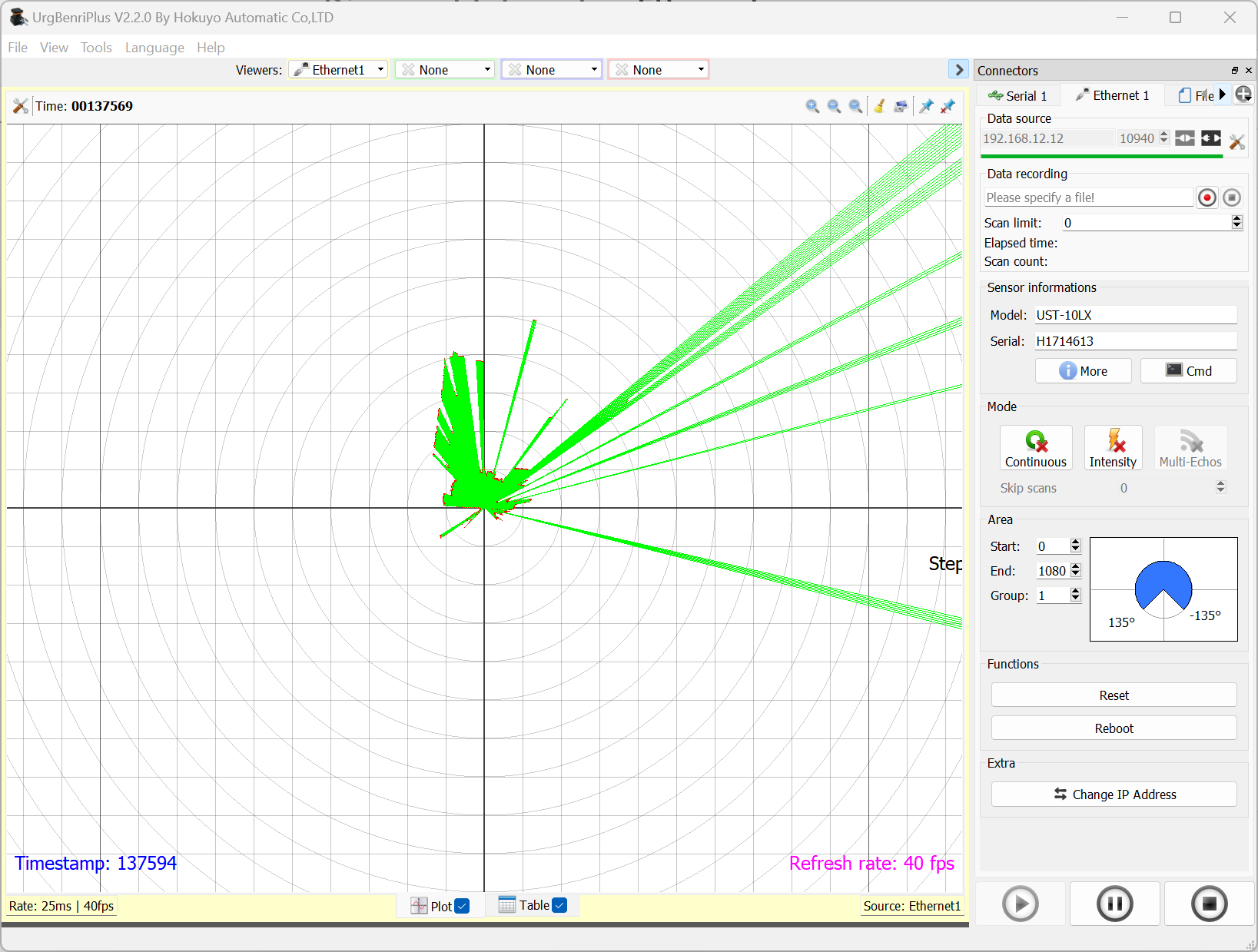
- Download the URGBenri tool, install it and launch the app
- Enter the current IP the sensor is setup with to connect to it and click on the “connect icon”
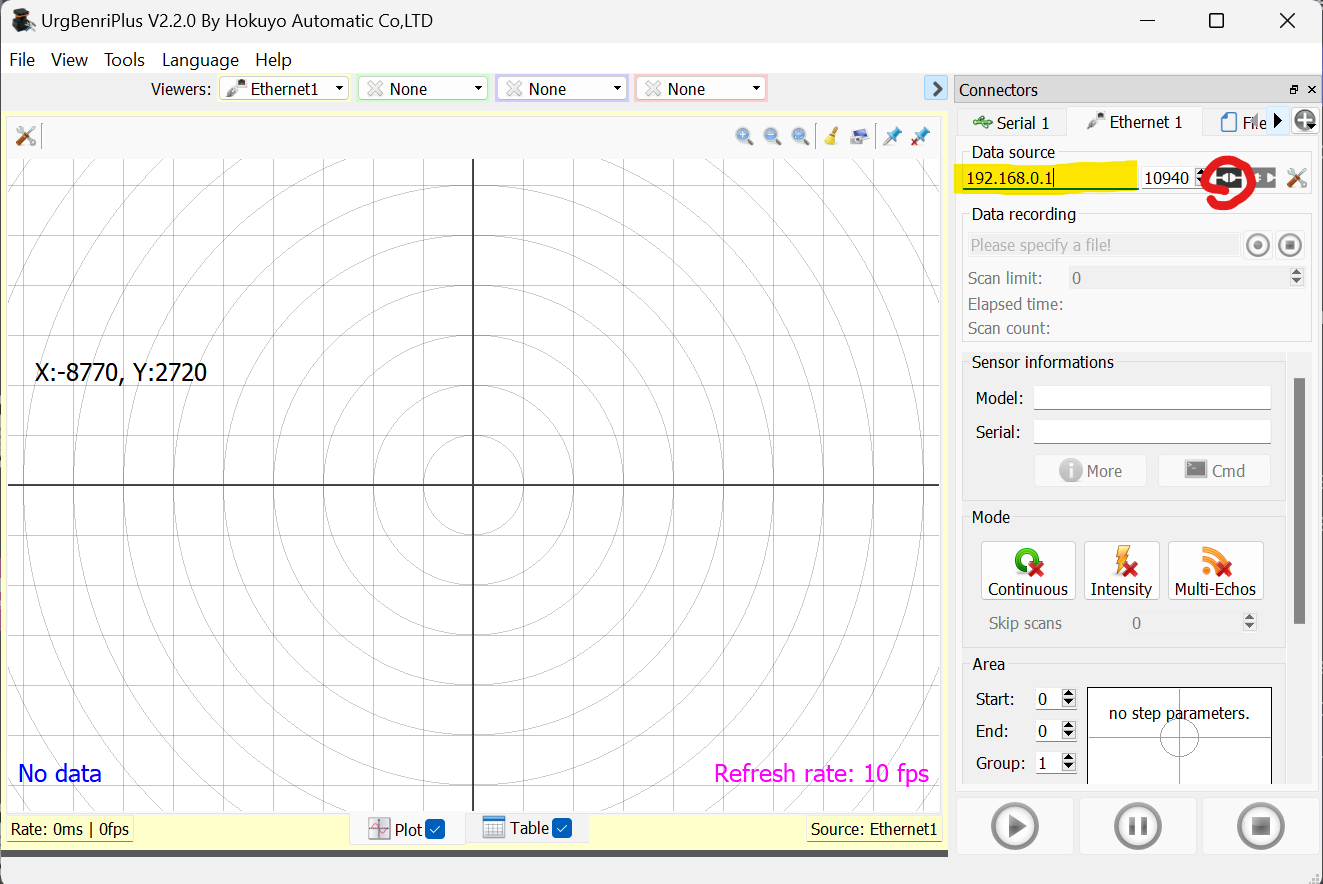
- You should see some data appearing in the viewer section if the connection is working
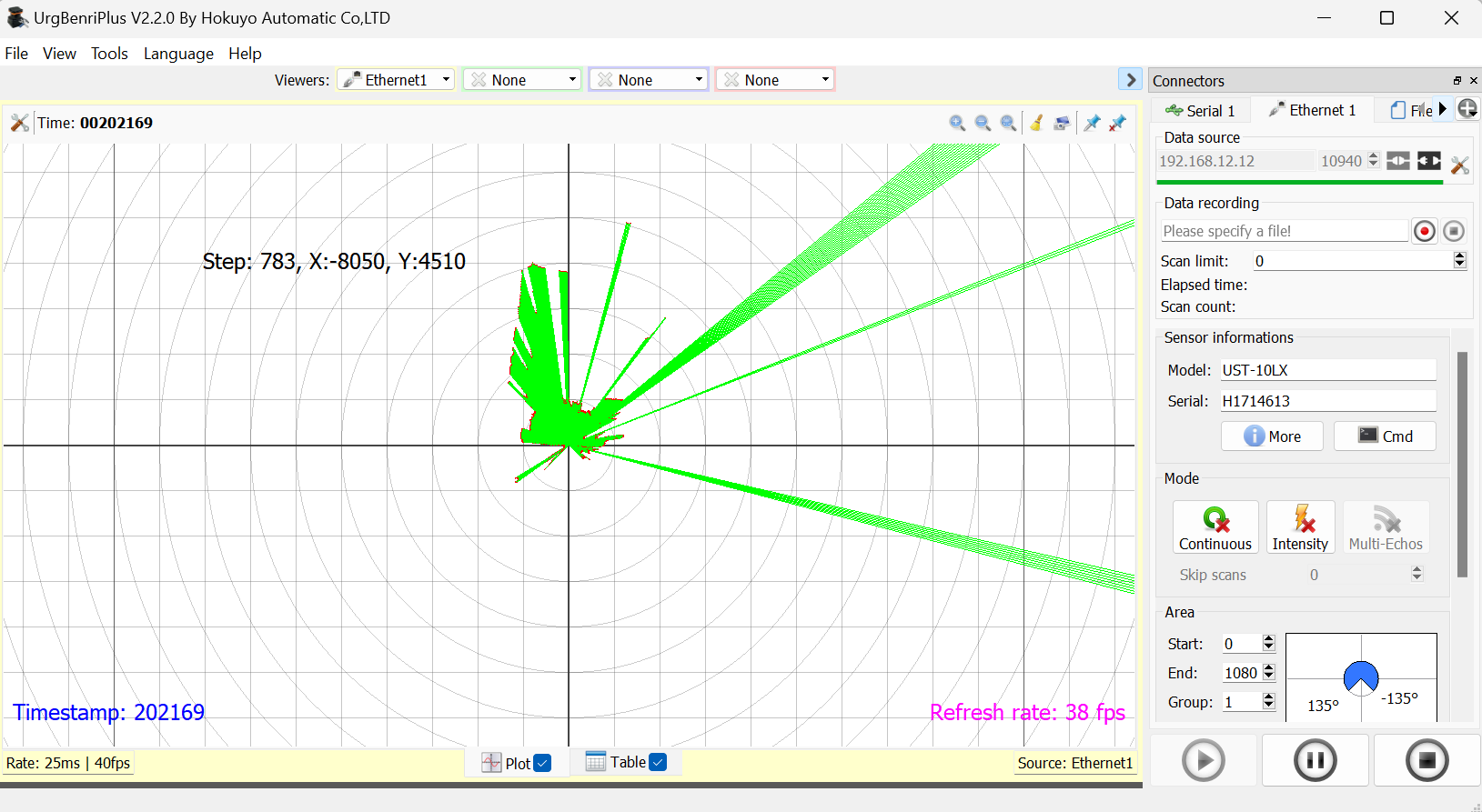
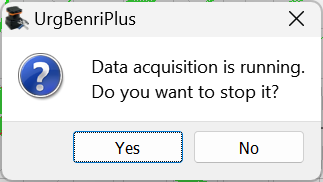
- Go to the bottom of the right settings panel and click on “Change IP address”. Accept that data acquisition is stopped
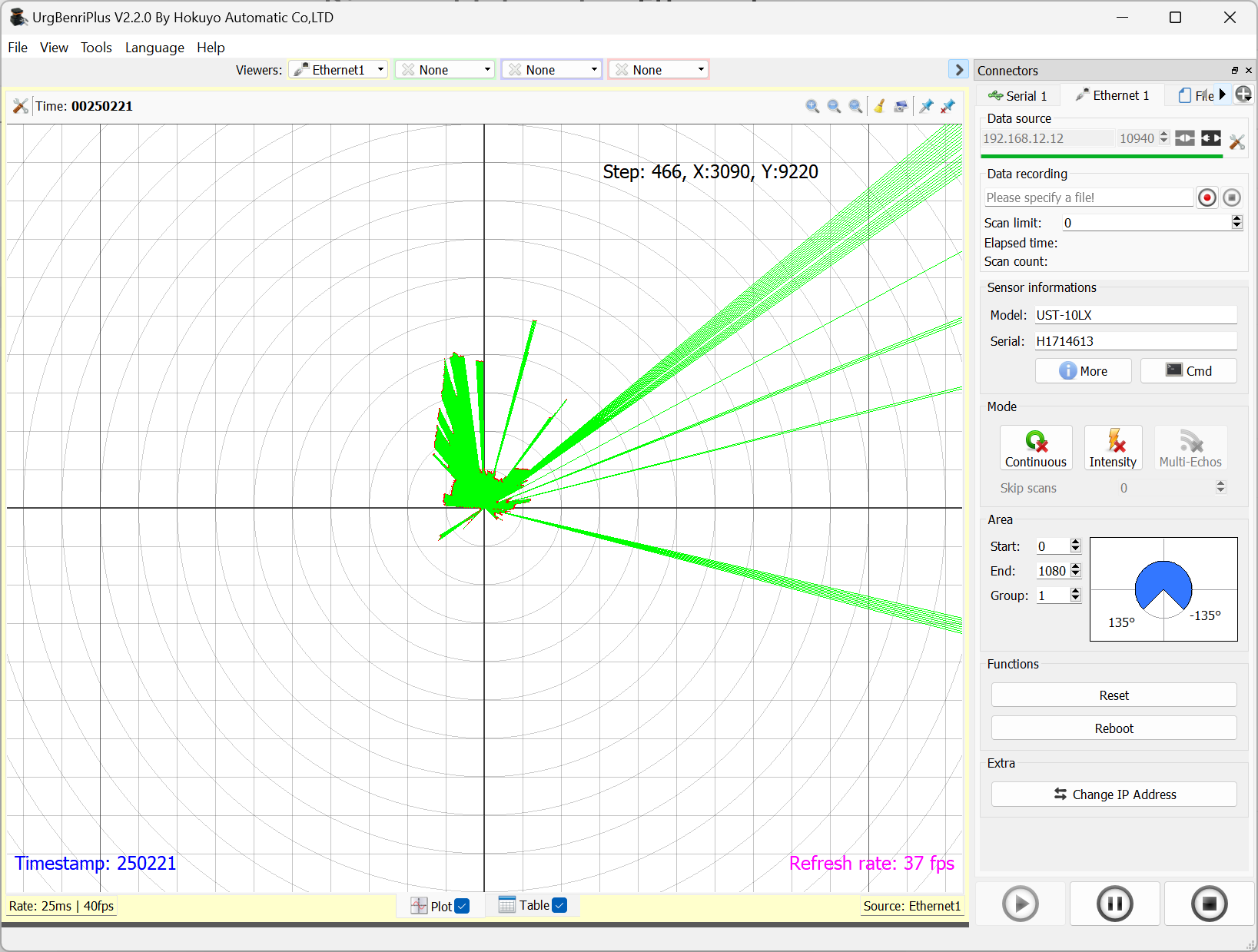
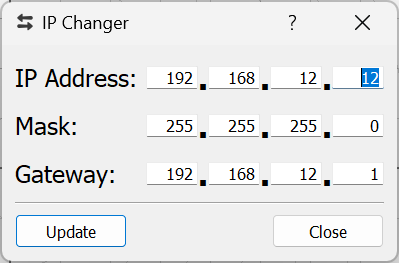
- Enter the IP settings you want to be set and click on “Update”
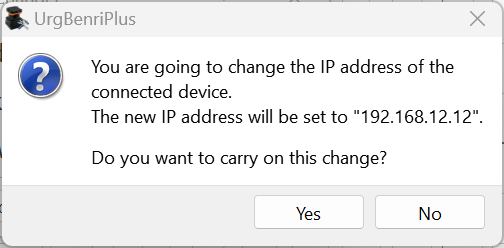
- Double check the IP address you entered and validate
- Reconnect to the sensor to make sure it work with the new IP
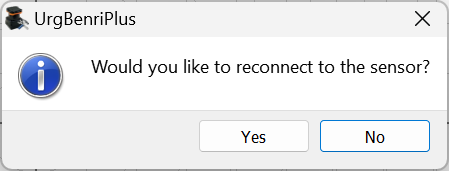
If the IP range has changed between the old IP settings and the new one, you will also have to change the IP settings on your computer to connect back to the sensor.
- If the reconnection has been successful, you should again see some data in the viewer section