- Unbox the JT128.
- Power on the sensor, using the provided power supply.
- Connect your computer to the JT128 using the provided Ethernet cable.
- Download the Lidar Utilities software
- Launch the LidarUtilities.exe app.
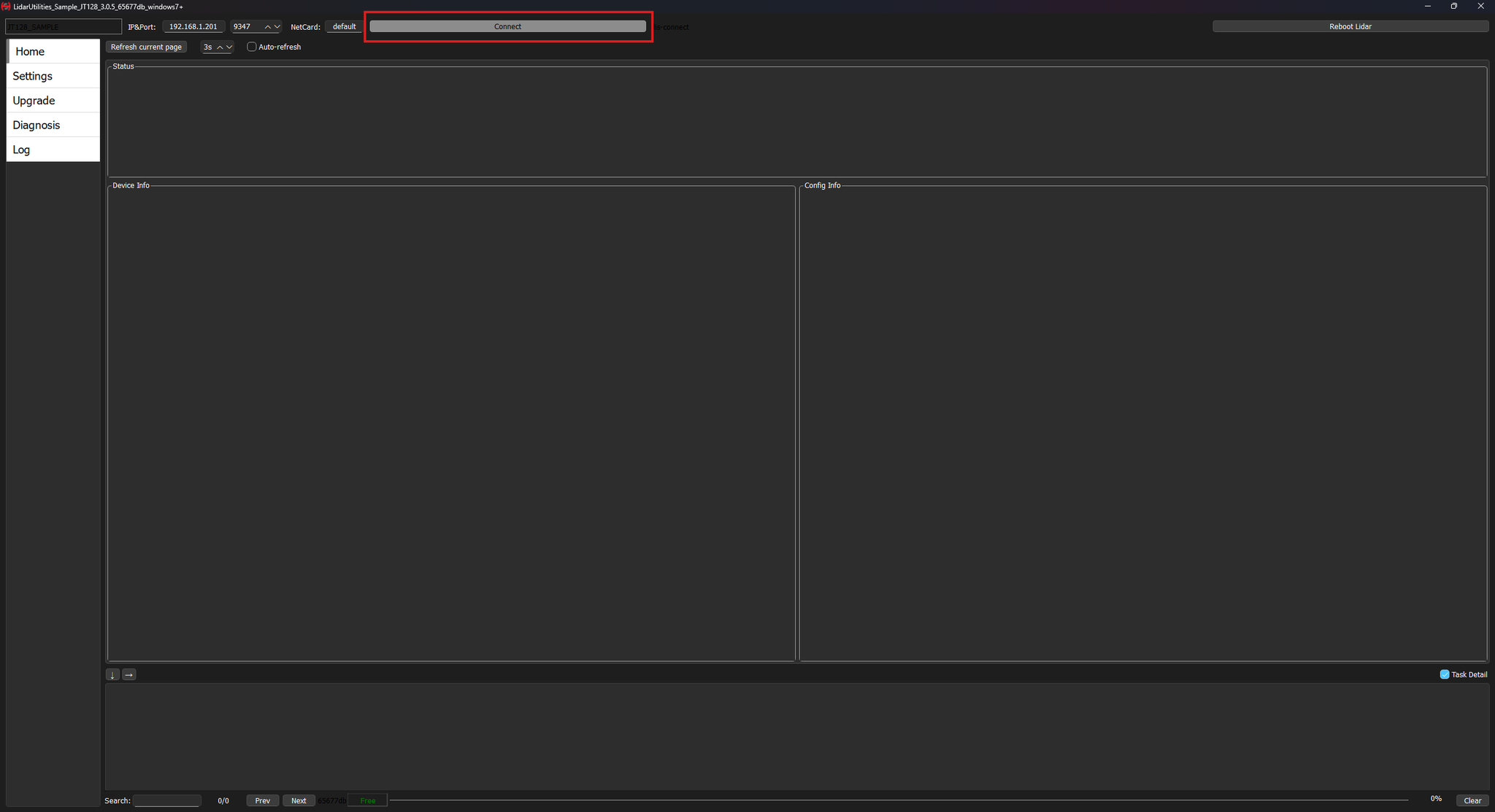
- Click on the connect button. The factory default IP address is 192.168.1.201
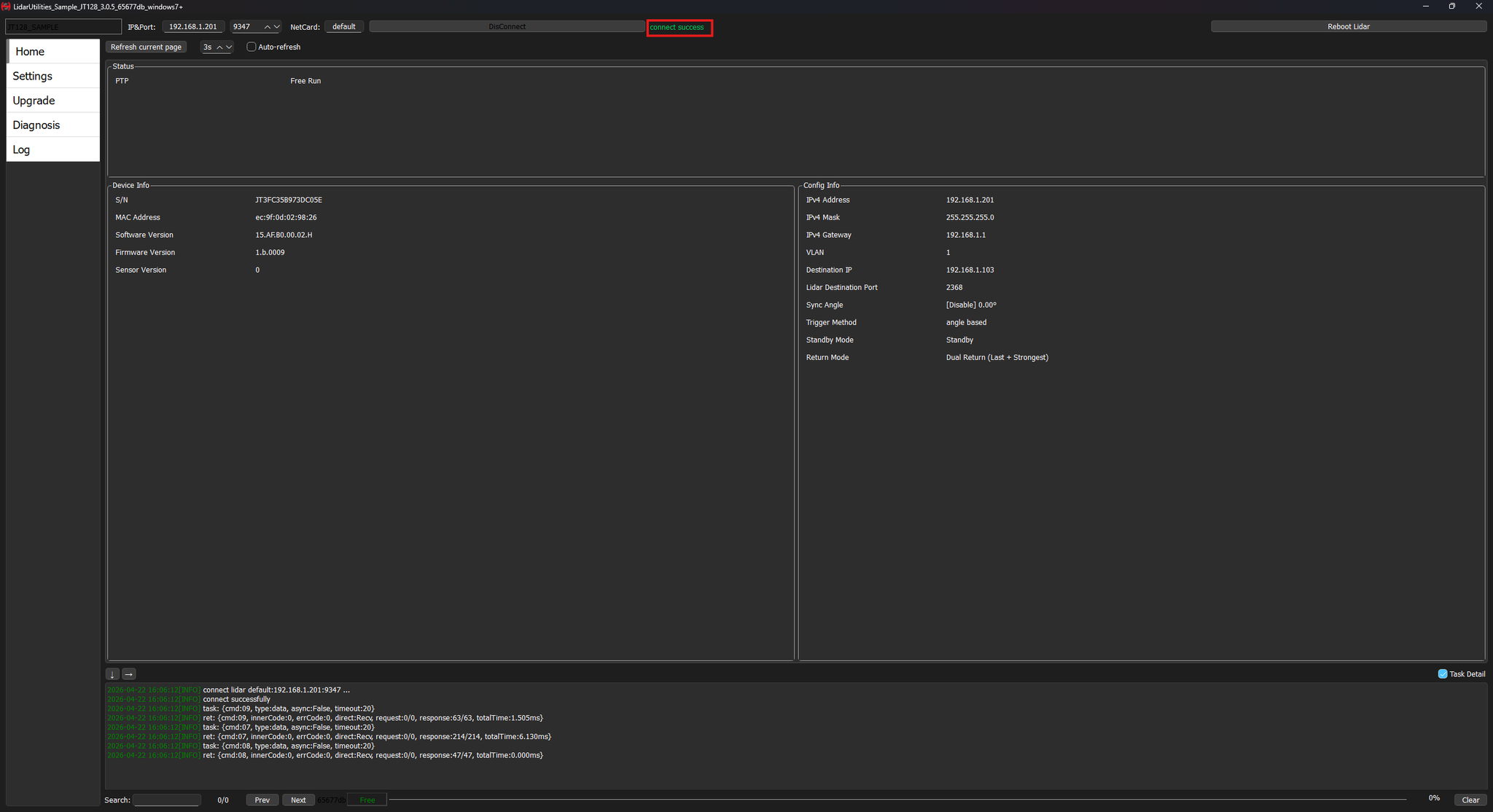
- Verify that the connection is successful.
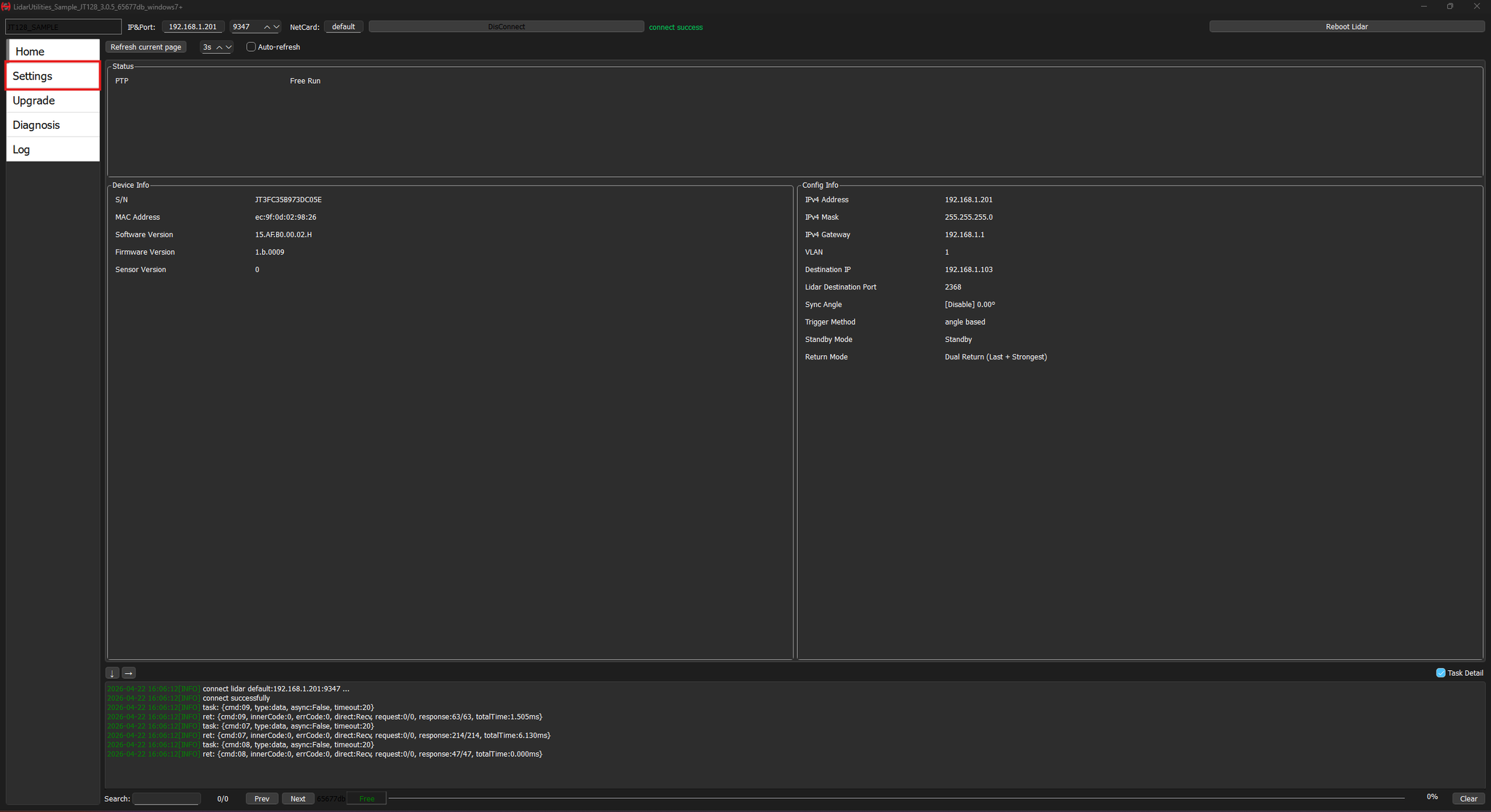
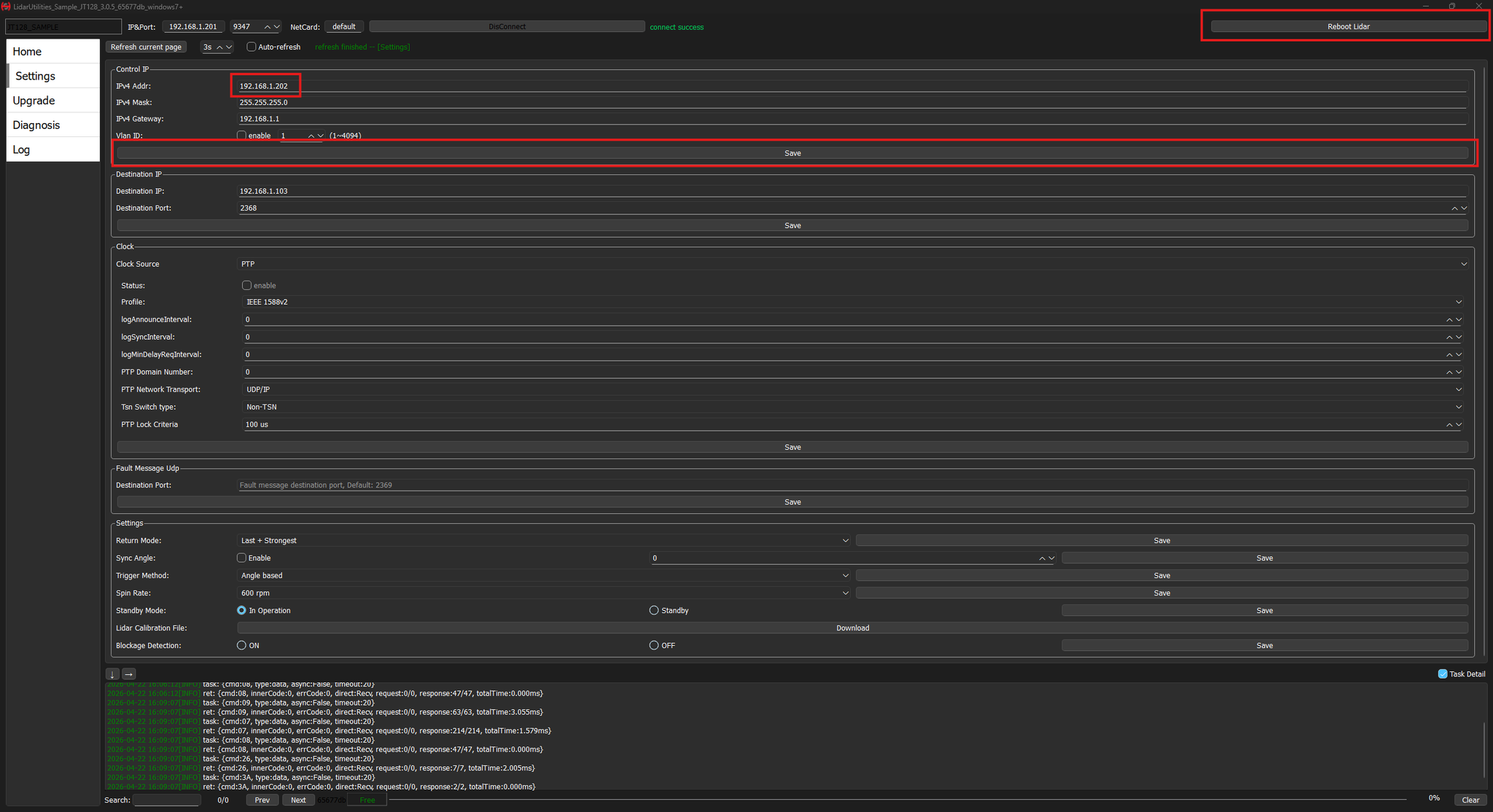
- Click on Settings.
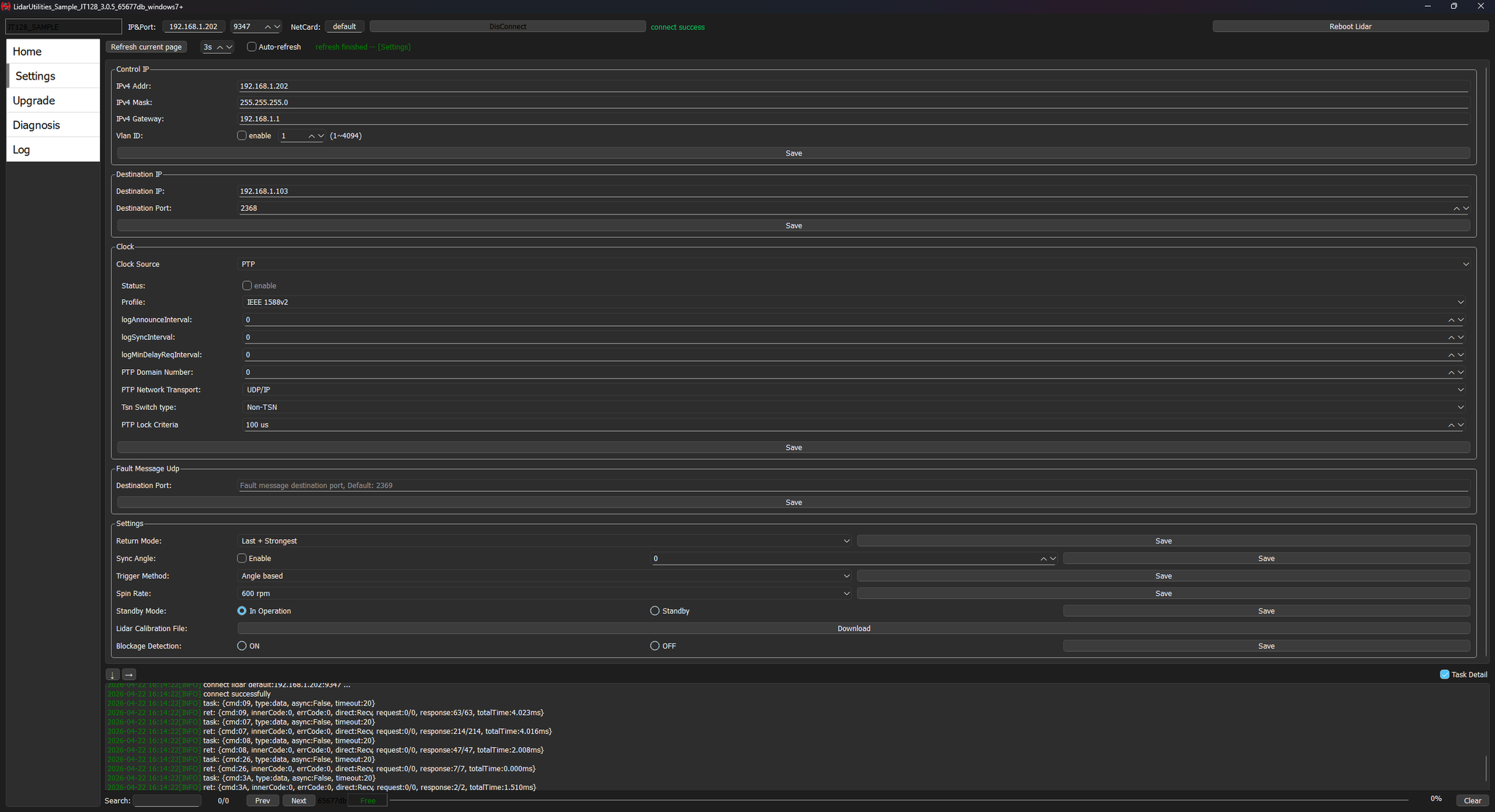
- Modify the IPv4 address to the desired one, (see
 Augmenta server initialization for servers) click on Save and on Reboot Lidar.
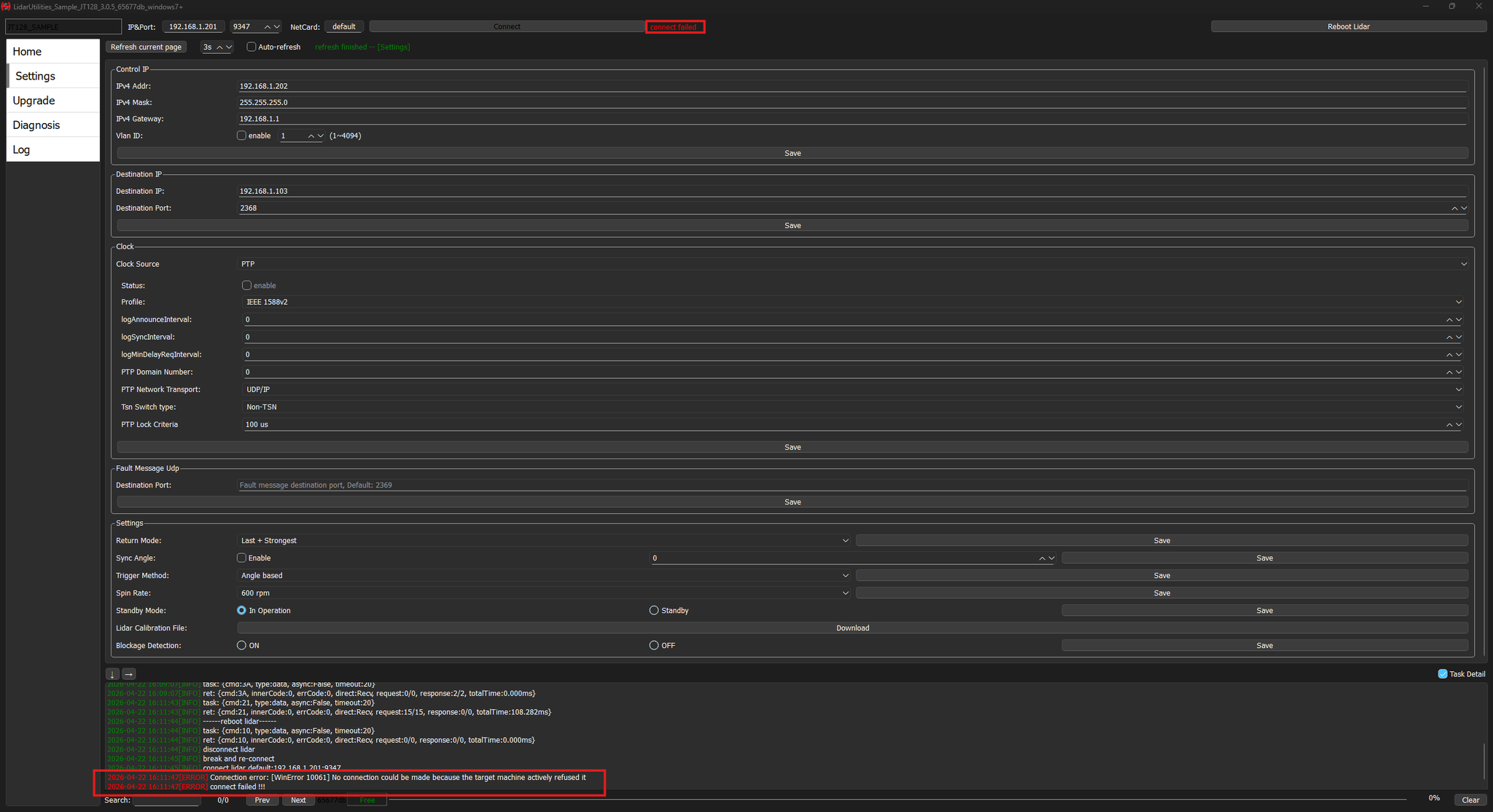
- As intended, the connection will be lost
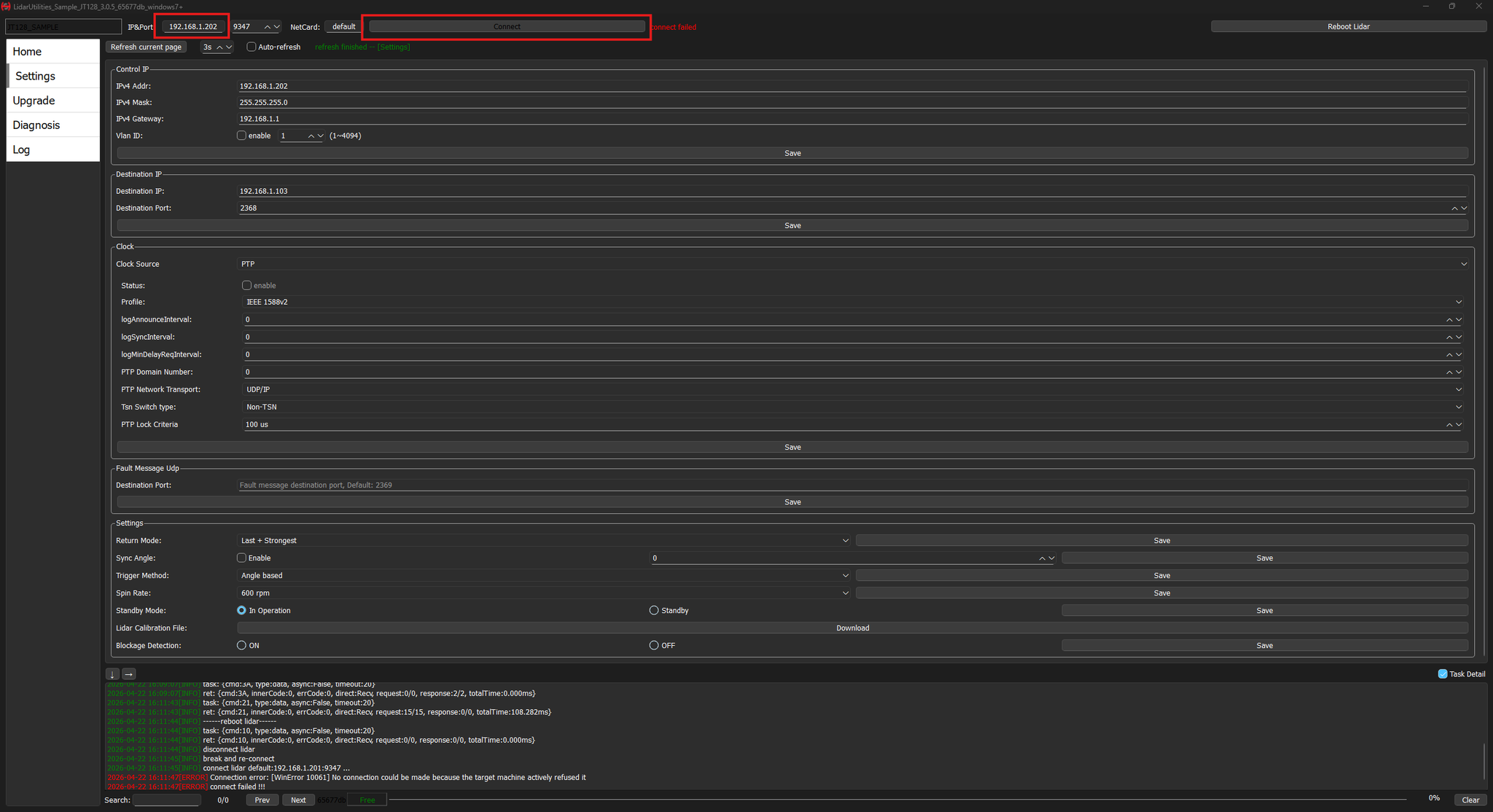
- Reconnect to the desired IPv4 address.
- Done 🙂