Hi there !
Congratulations !
If you land here, it means that you have received some Augmenta equipment.
This is a quick start guide for a fast onboarding.
Let’s get started 😎
Initialization
Demo kit, or renting kit ? Read that 🙂
For their first use, the sensors and servers need to be initialized and assembled with the accessories.
See  Augmenta server initialization and each sensor doc
Augmenta server initialization and each sensor docWiring
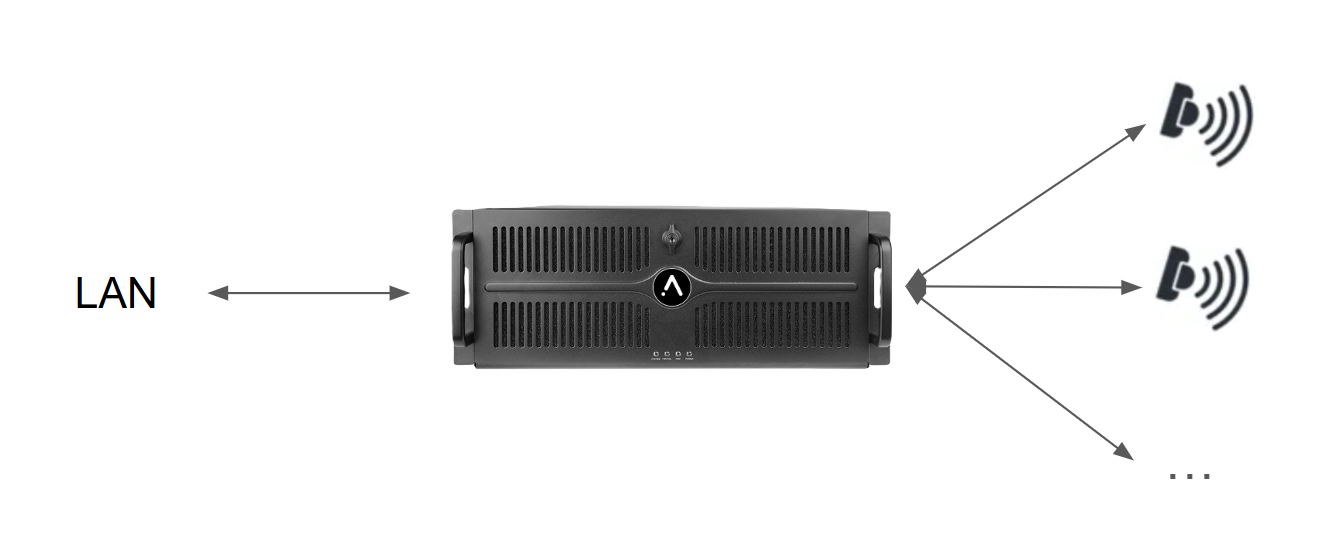
See :  Augmenta server wiring
Augmenta server wiring Demo kit, or renting kit ? Read that 🙂
Server access
Quick start : Simply plug a monitor, keyboard and mouse and access the machine itself.
You can also access the web interface with its IP address on port 8080 on any browser (we recommend Chrome). For example http://192.168.1.42:8080
see  Finding the server IP address
Finding the server IP address 
Demo kit, or renting kit ? Read that 🙂
Using the server
You can easily kick start with those videos !
For more details, see
Receiving data for content