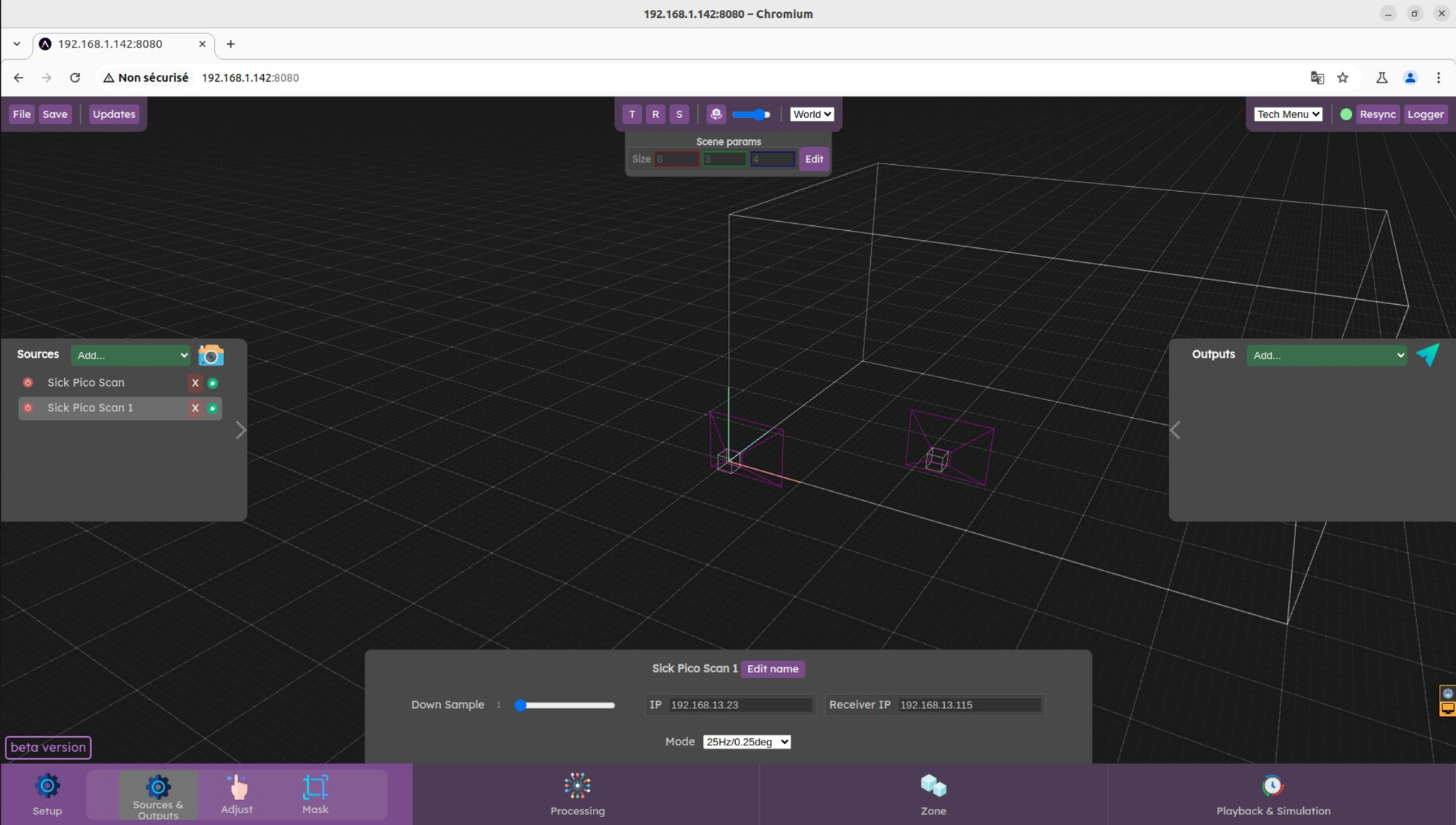
To operate the server, you will need to connect to the web interface. Here is how you can connect.
You can access the server interface with on any browser (we recommend Chrome).
With this address : http://augmenta-server.local:8080
Or enter<Augmenta server IP>:8080 in the URL bar. For example http://192.168.1.142:8080
If you have trouble finding the IP address of your server, check  Finding the server IP address
Note that through wifi you might experience some slowdown with the data that you see.
Finding the server IP address
Note that through wifi you might experience some slowdown with the data that you see.
Finding the server IP address
Note that through wifi you might experience some slowdown with the data that you see.