IP setup tutorial
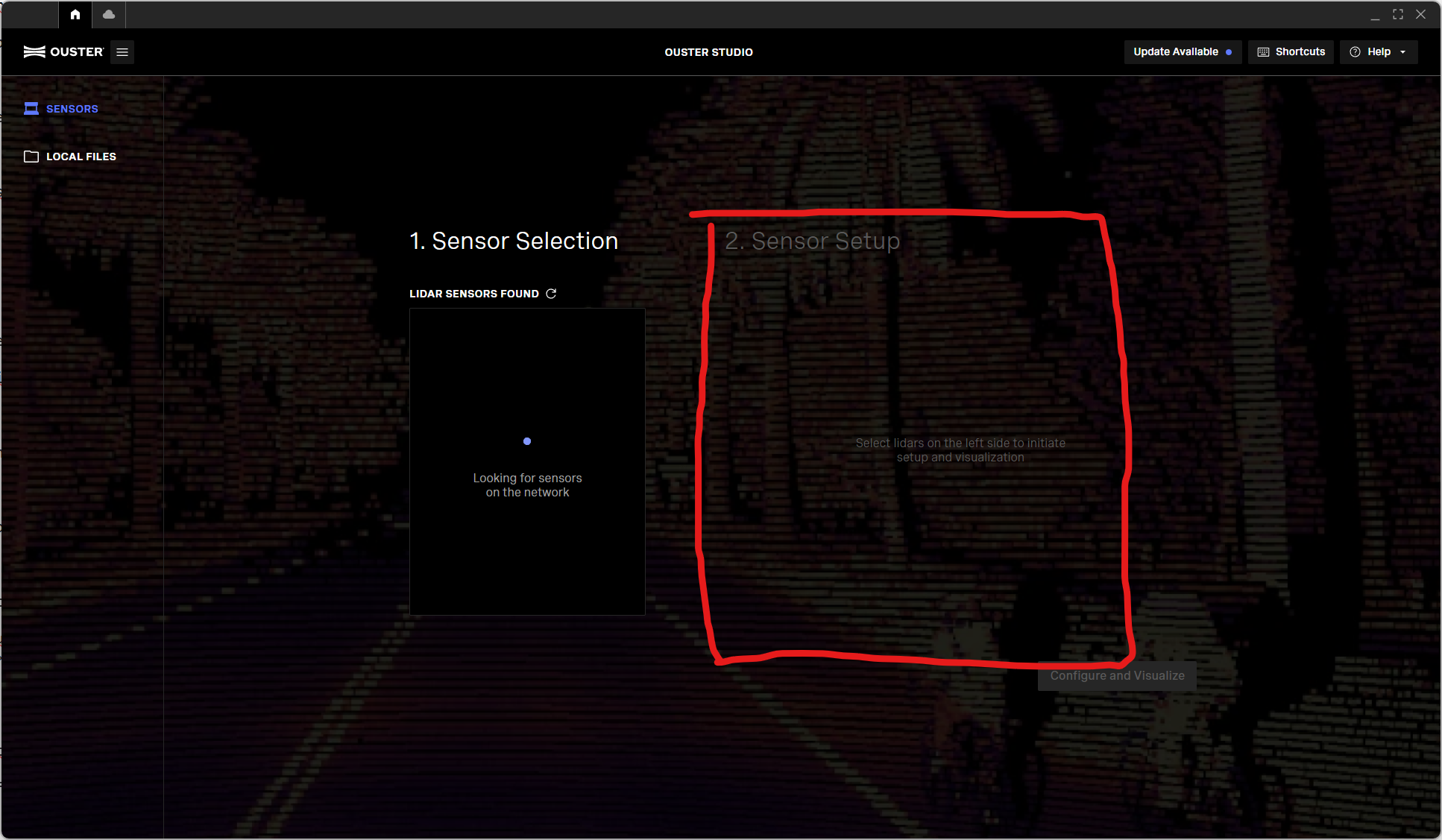
- Download, install and launch Ouster Studio
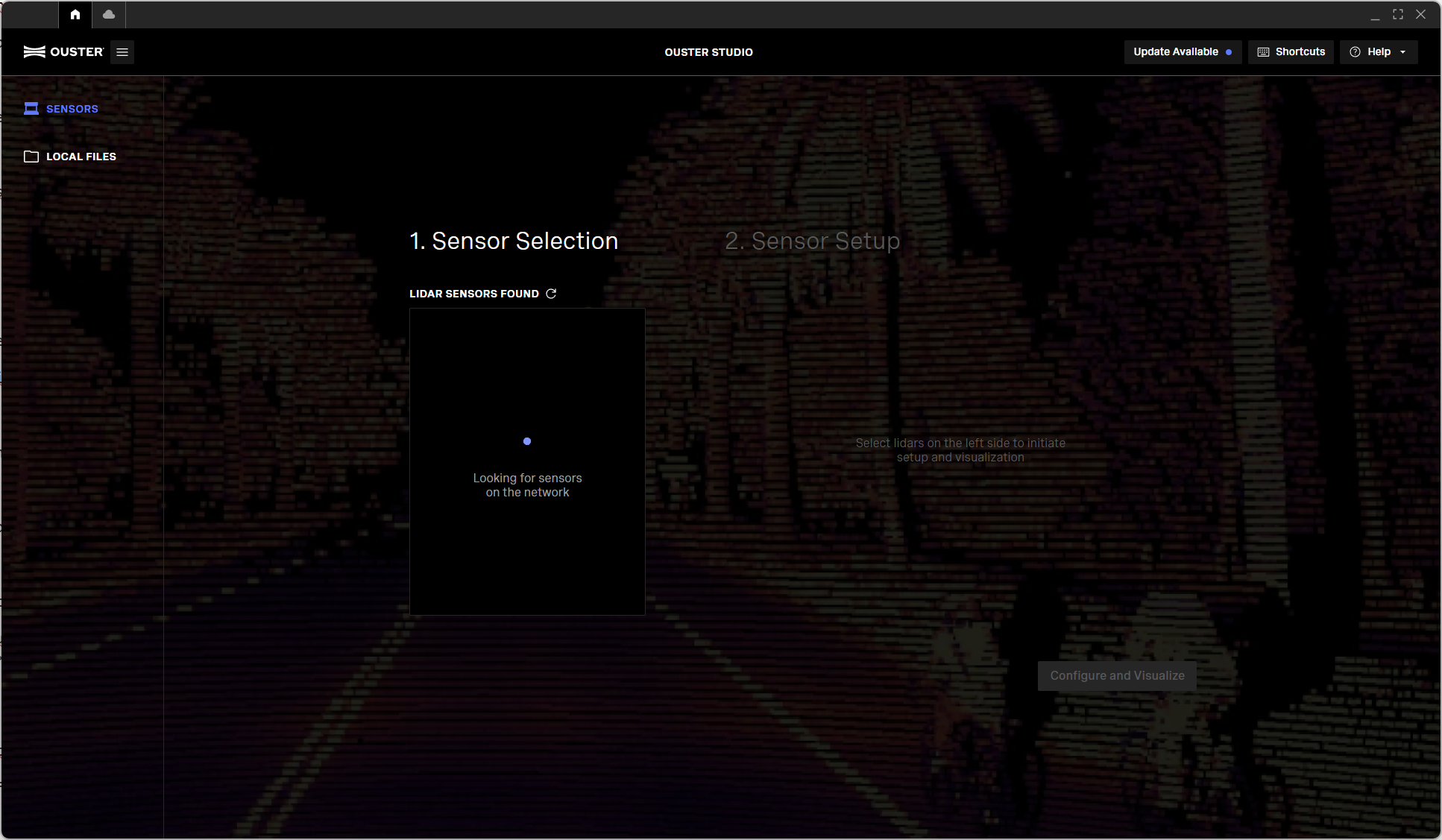
- In Ouster Studio, find and select the lidar you want to configure
- In the sensor setup of the selected lidar, click on advanced settings, there you can change the IP config, (see
 Augmenta server initialization for servers)