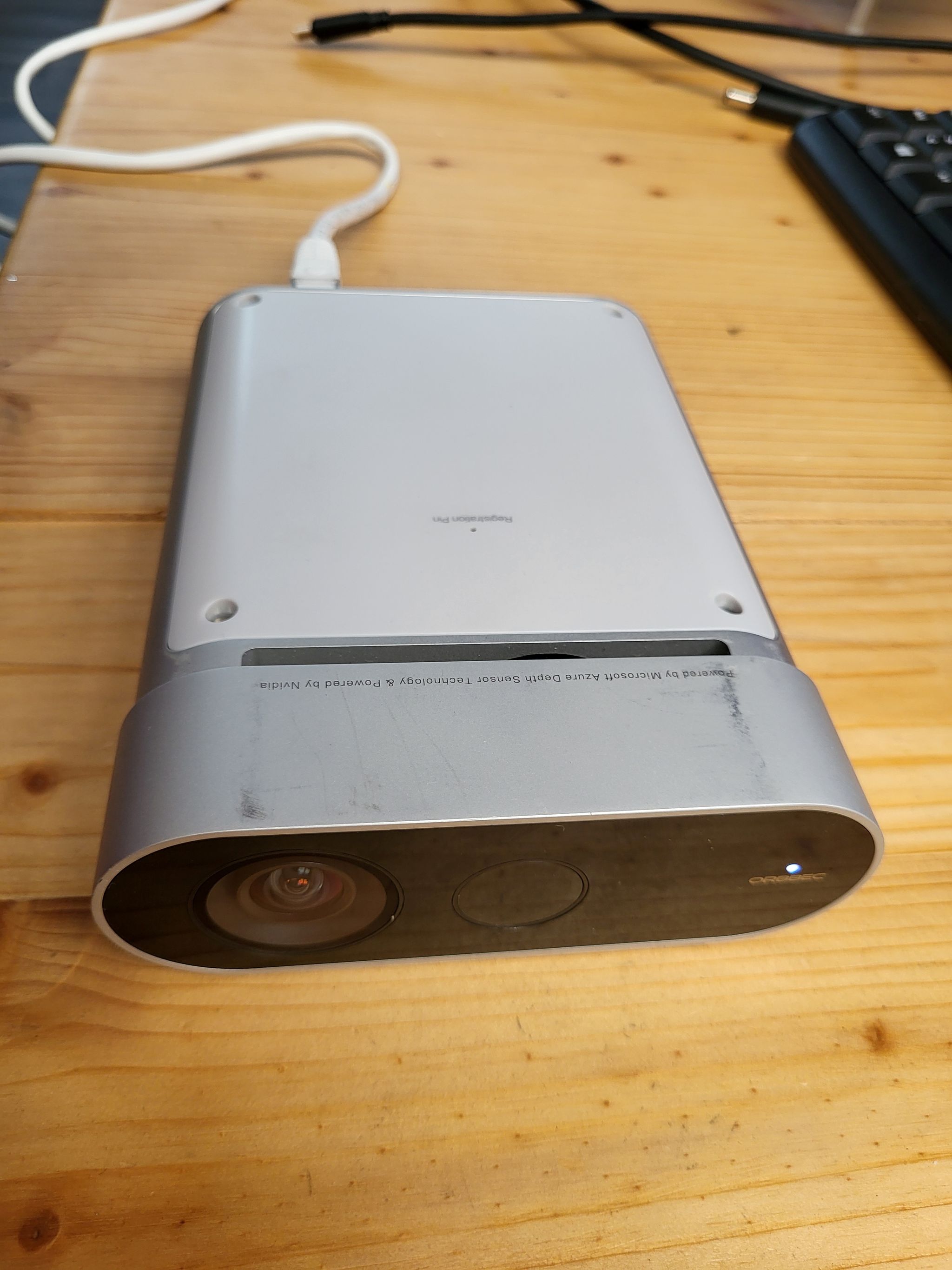
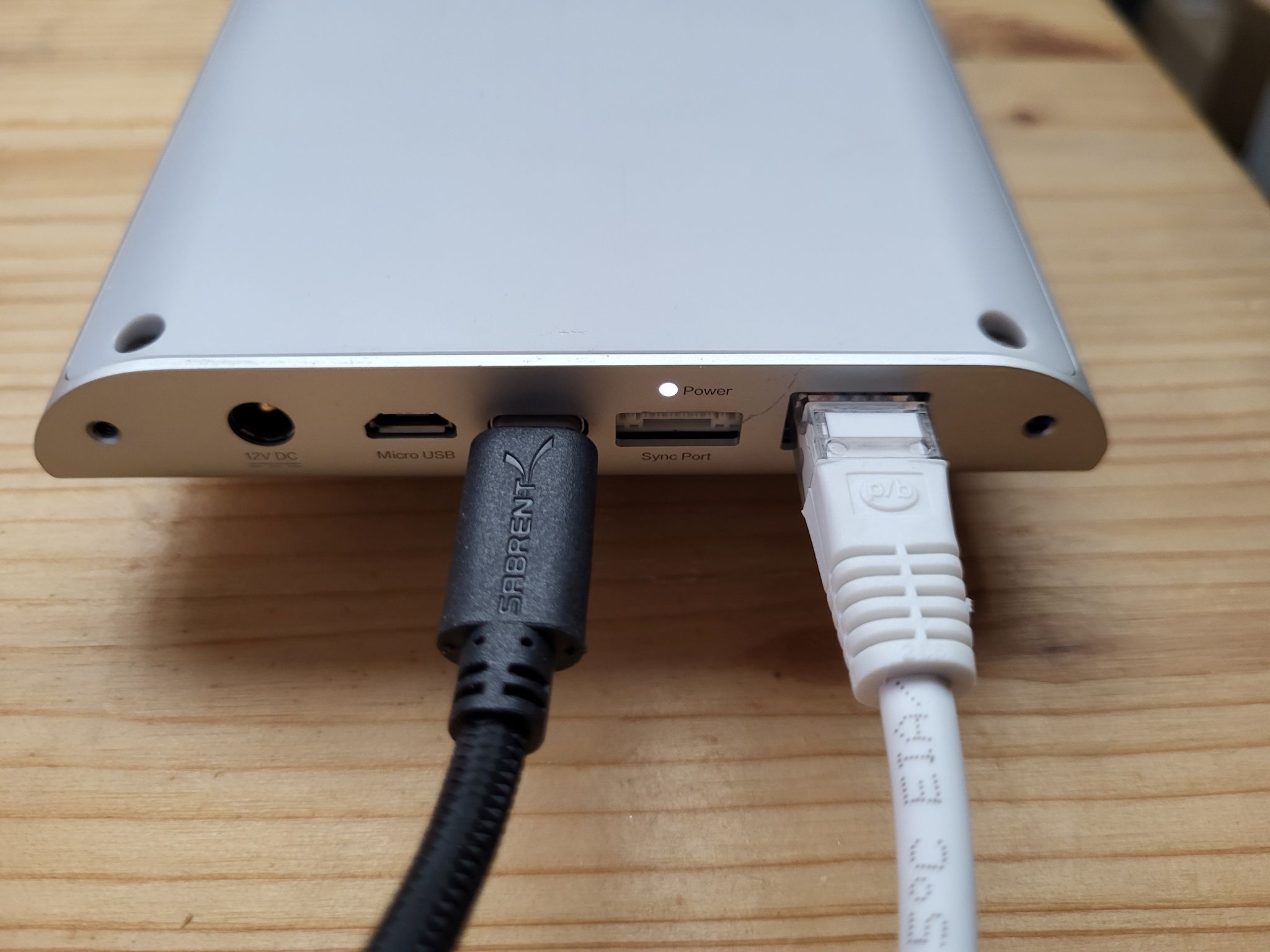
- Power on the sensor, either using a PoE ethernet connection, or the Orbbec provided power supply
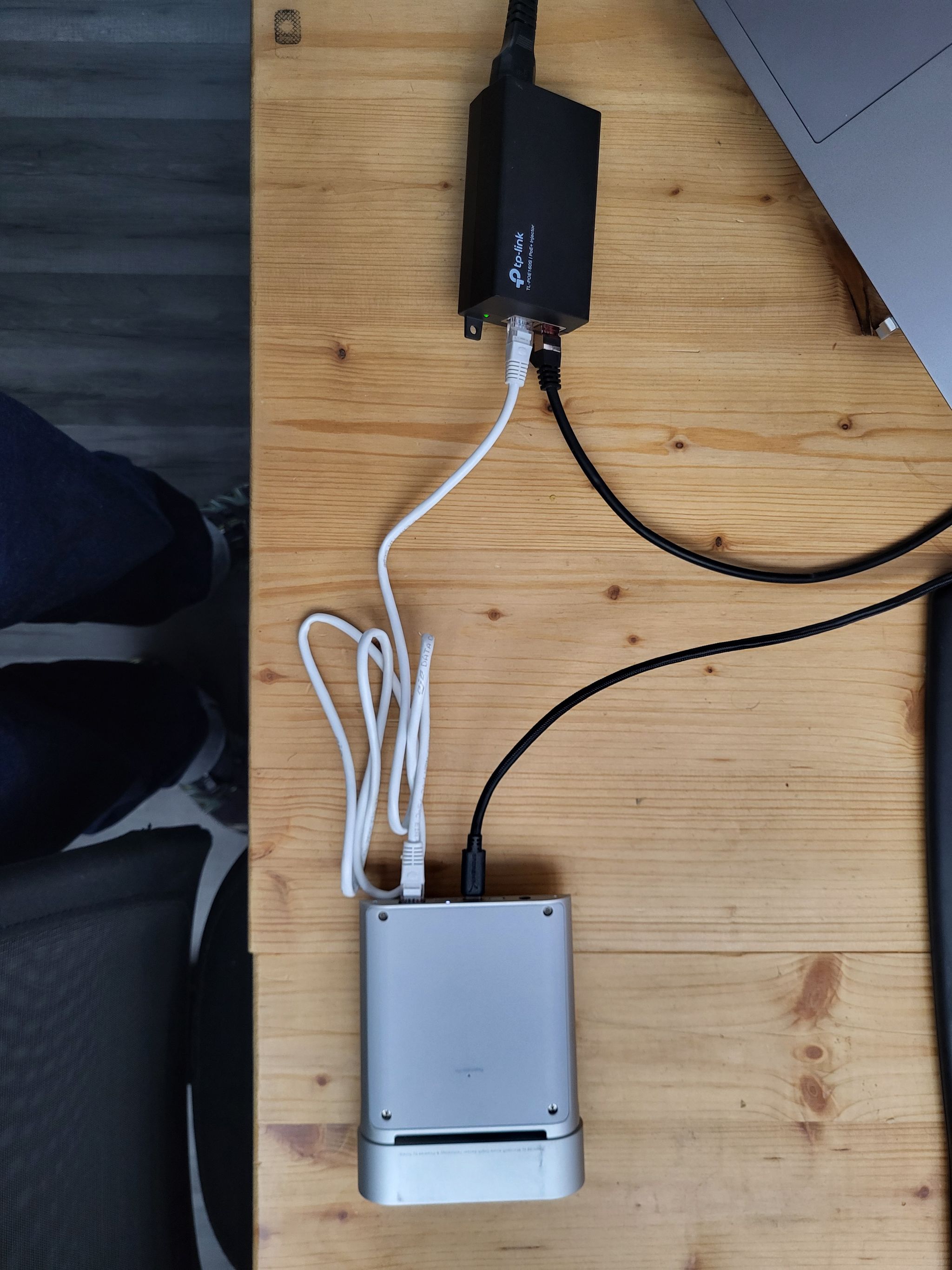
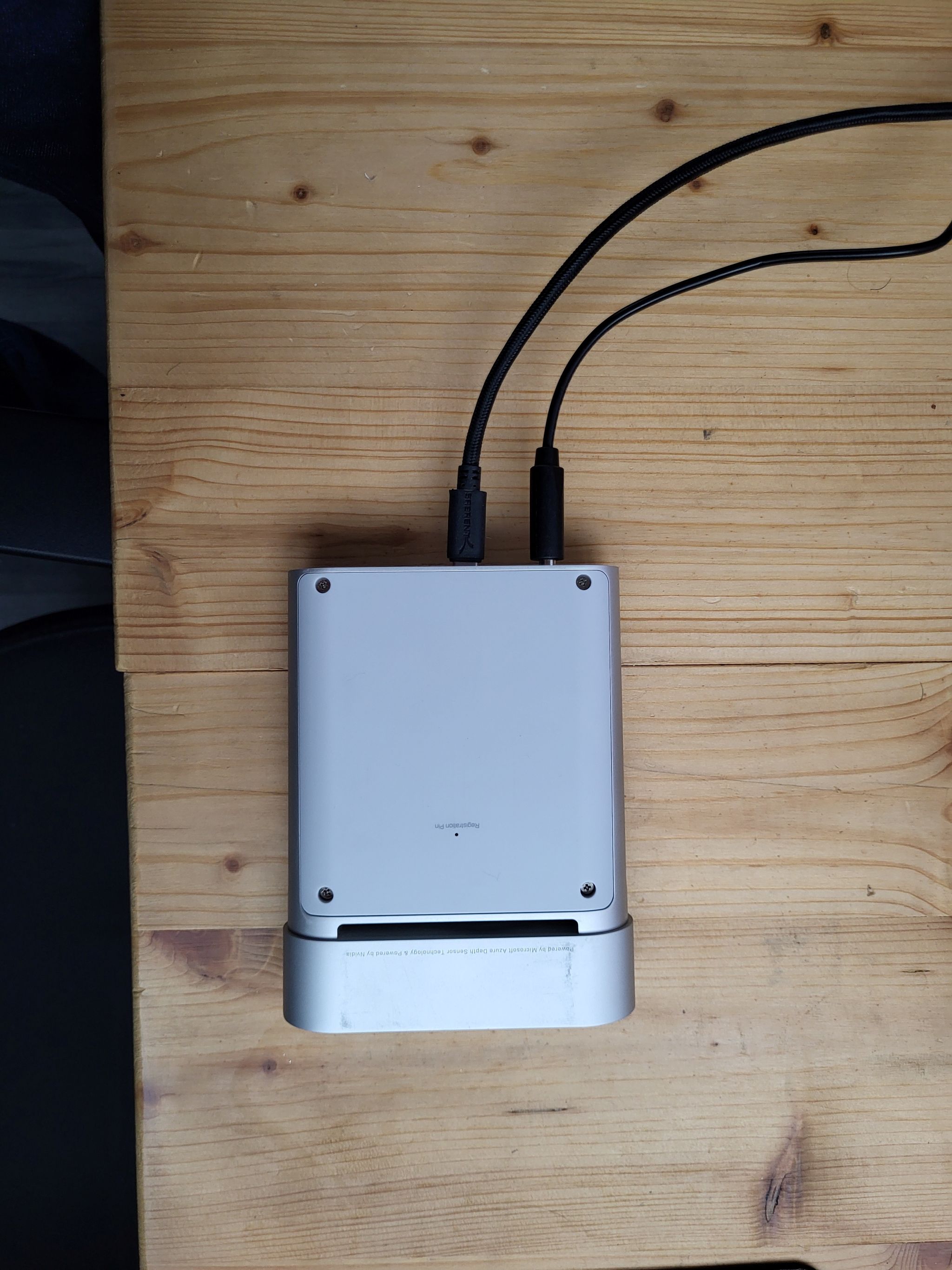
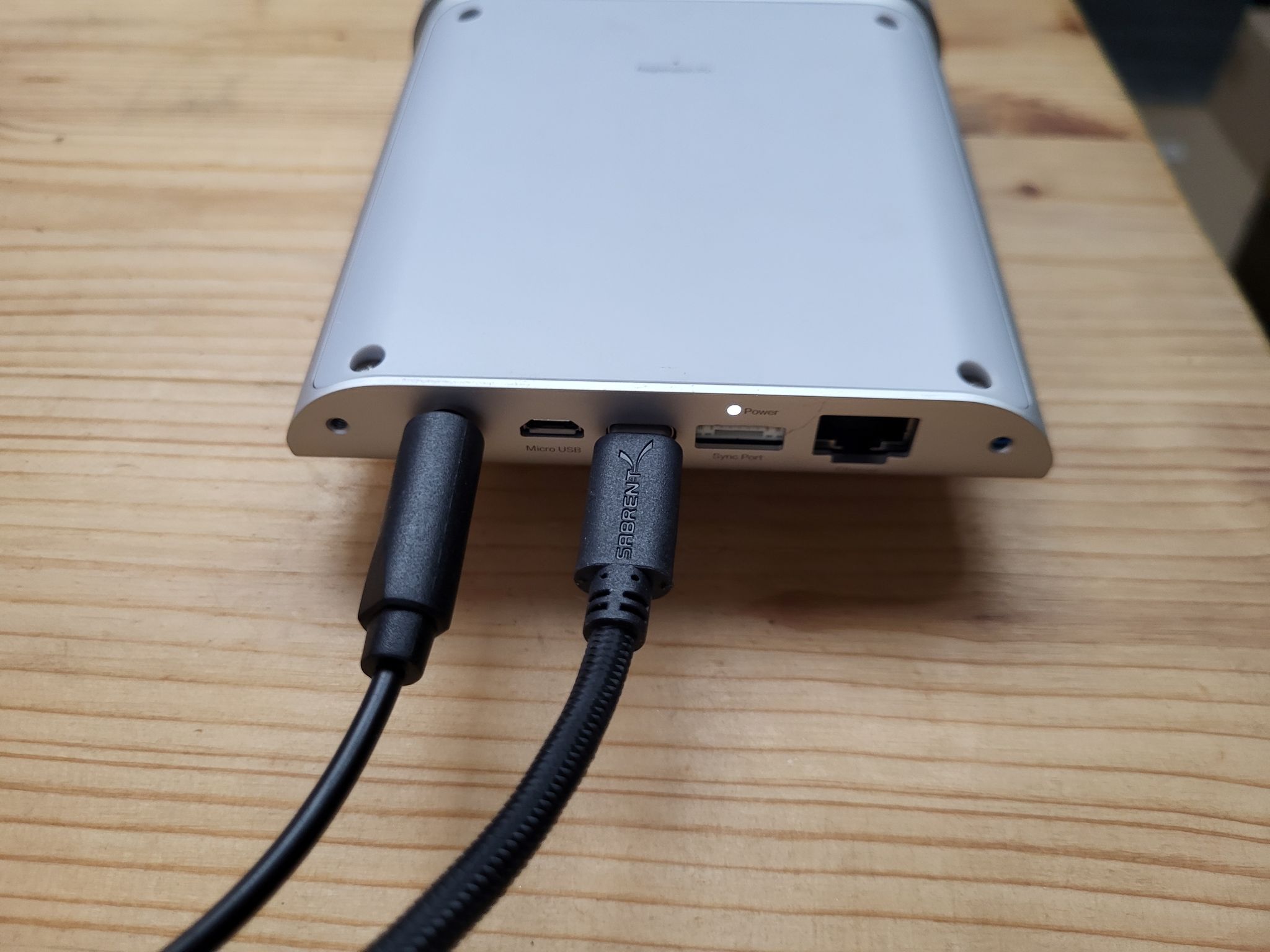
- Connect your computer to the Femto Mega using a USB cable
Once you have connected the USB cable, make sure the led at the back is a solid white (no blinking or other color). This means that the sensor is properly powered and the USB connection is ok.
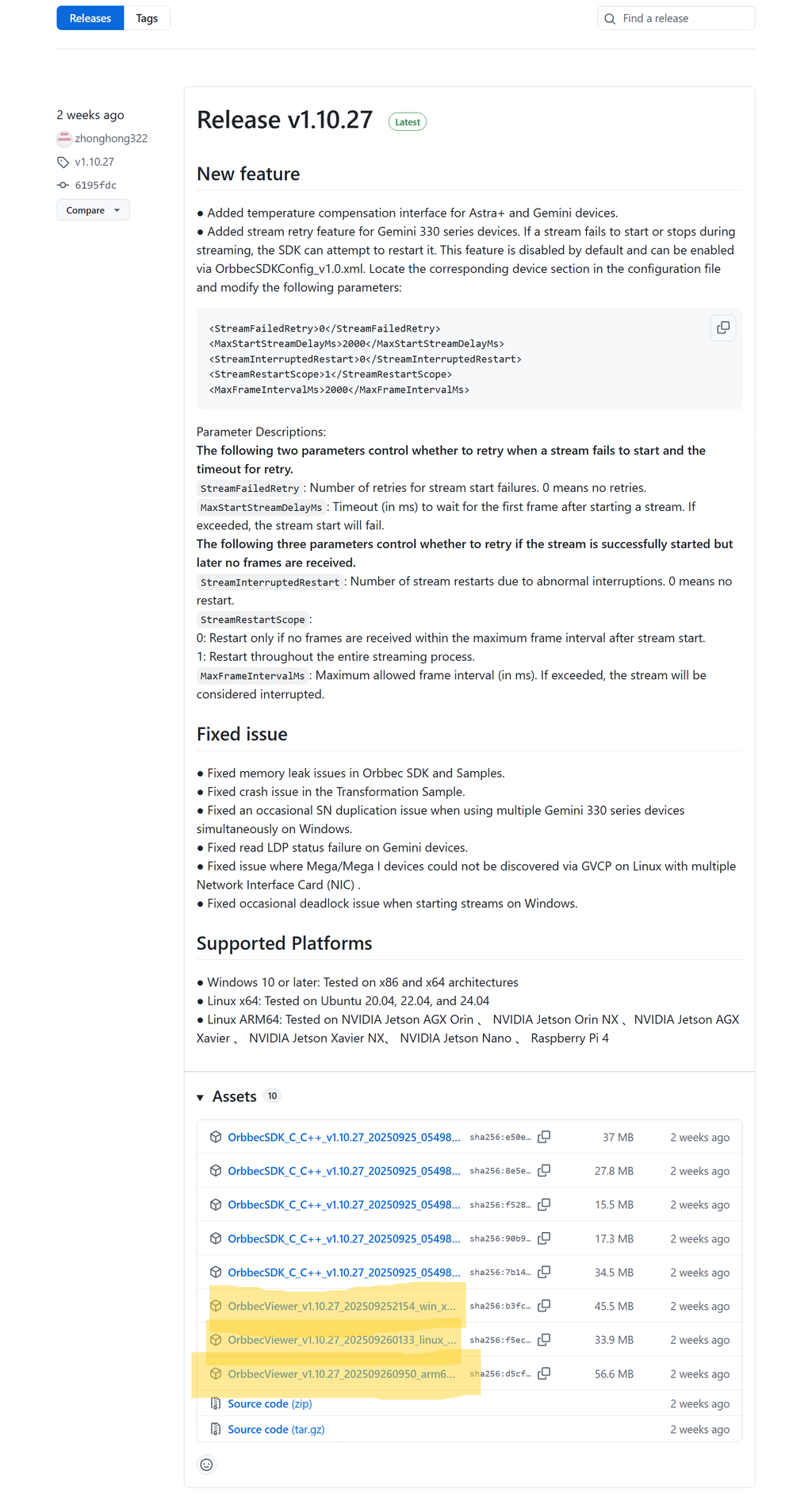
- Download the Orbbec Viewer software
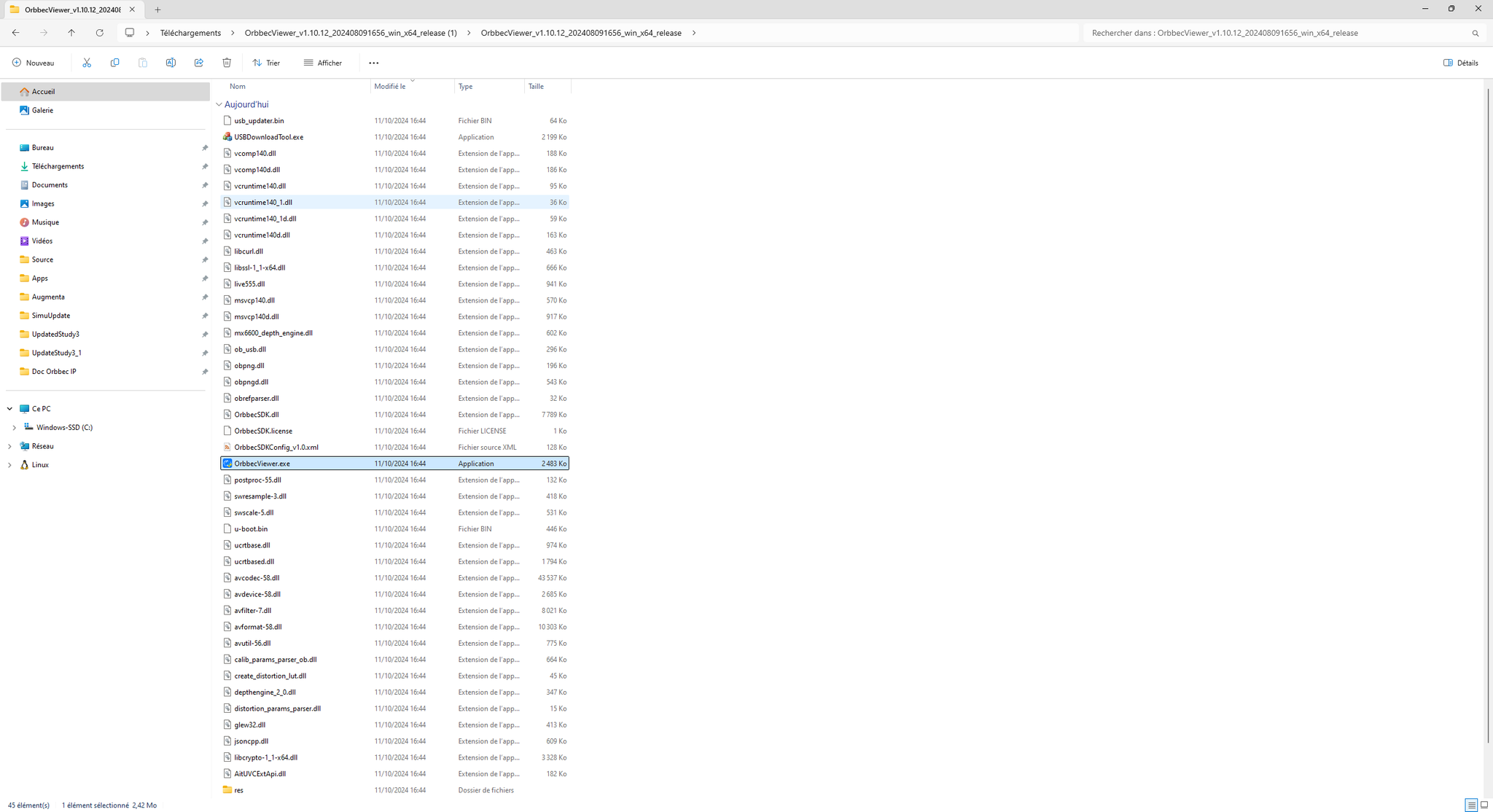
- Unzip the downloaded file, go into the extracted folder and launch the OrbbecViewer.exe app.
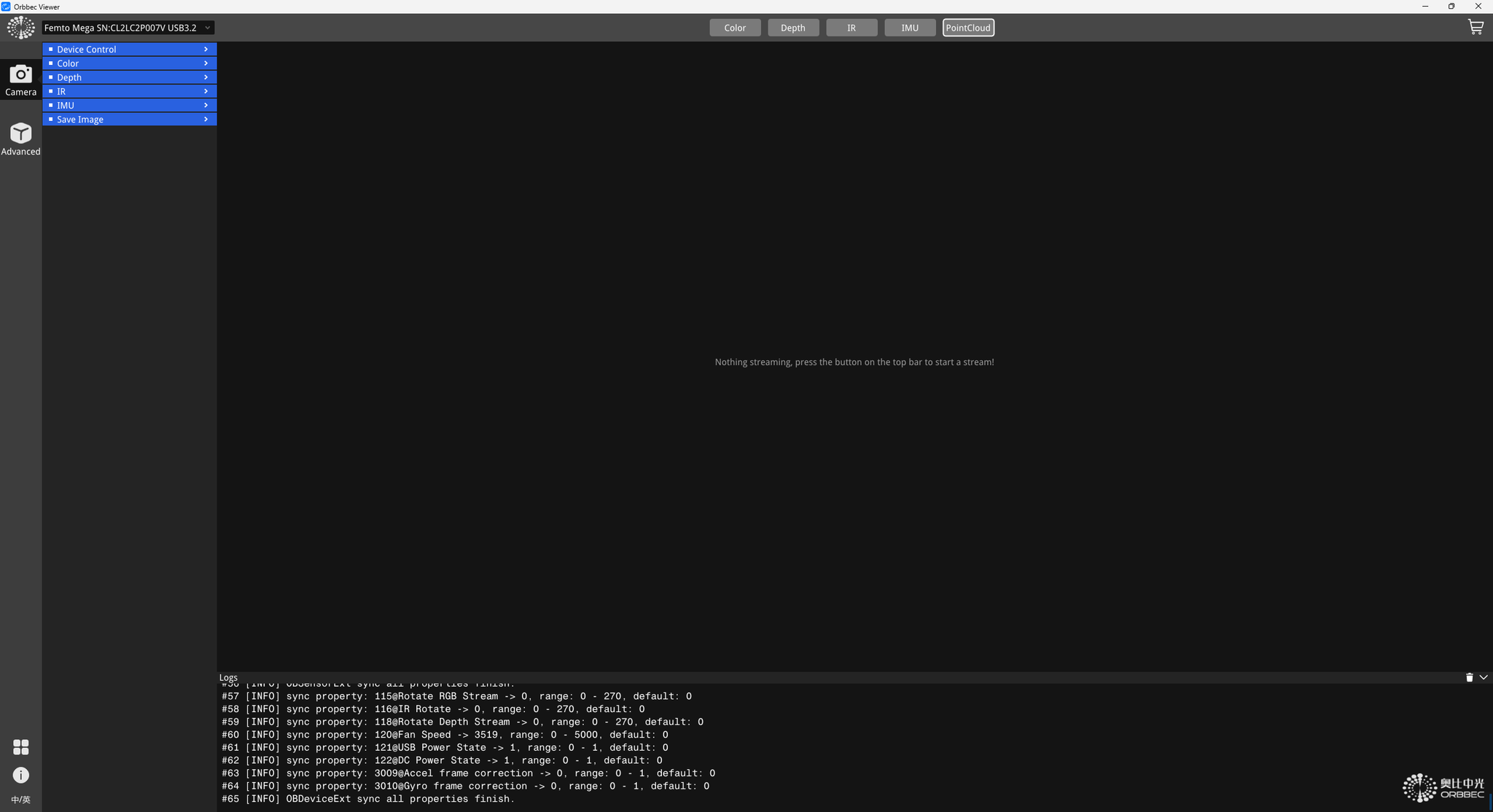
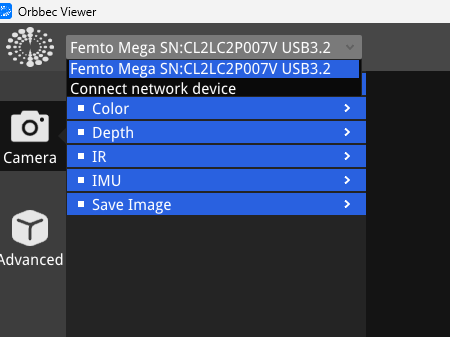
- Open the Orbbec Viewer software, you should find a device in the dropdown menu at the top-left of the app. Select it.
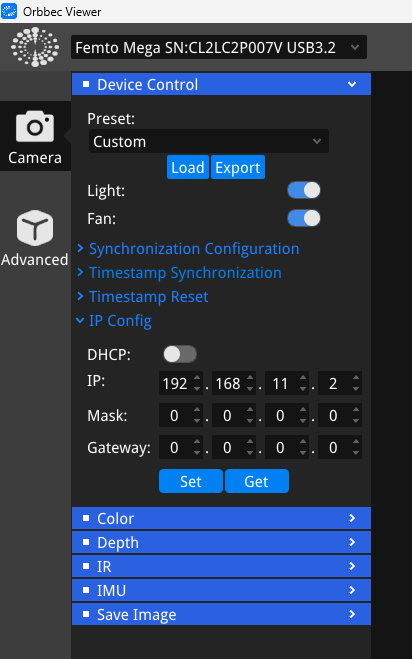
- Open the IP settings (Device Control > IP Config). Enter the IP address you want to set as well as the network mask. No need to set the gateway if you are directly connecting the sensor to an Augmenta server. You can check the following page if you are unsure of which IP you should set:
 Augmenta server initialization
You should not need to set the gateway setting, leave it to the default 0.0.0.0 value.
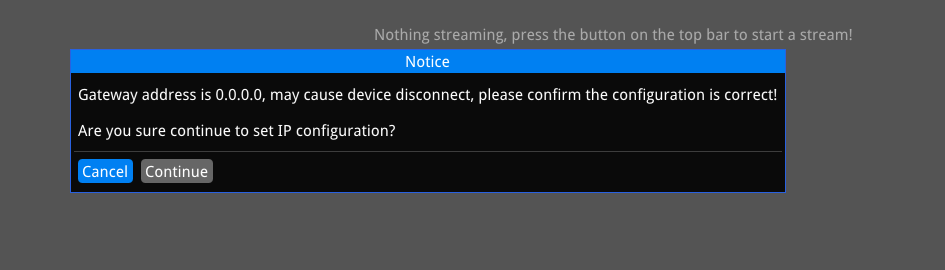
- You won’t get any confirmation from the app. At this stage, make sure you have the correct IP address set up on your PC to communicate with the sensor.
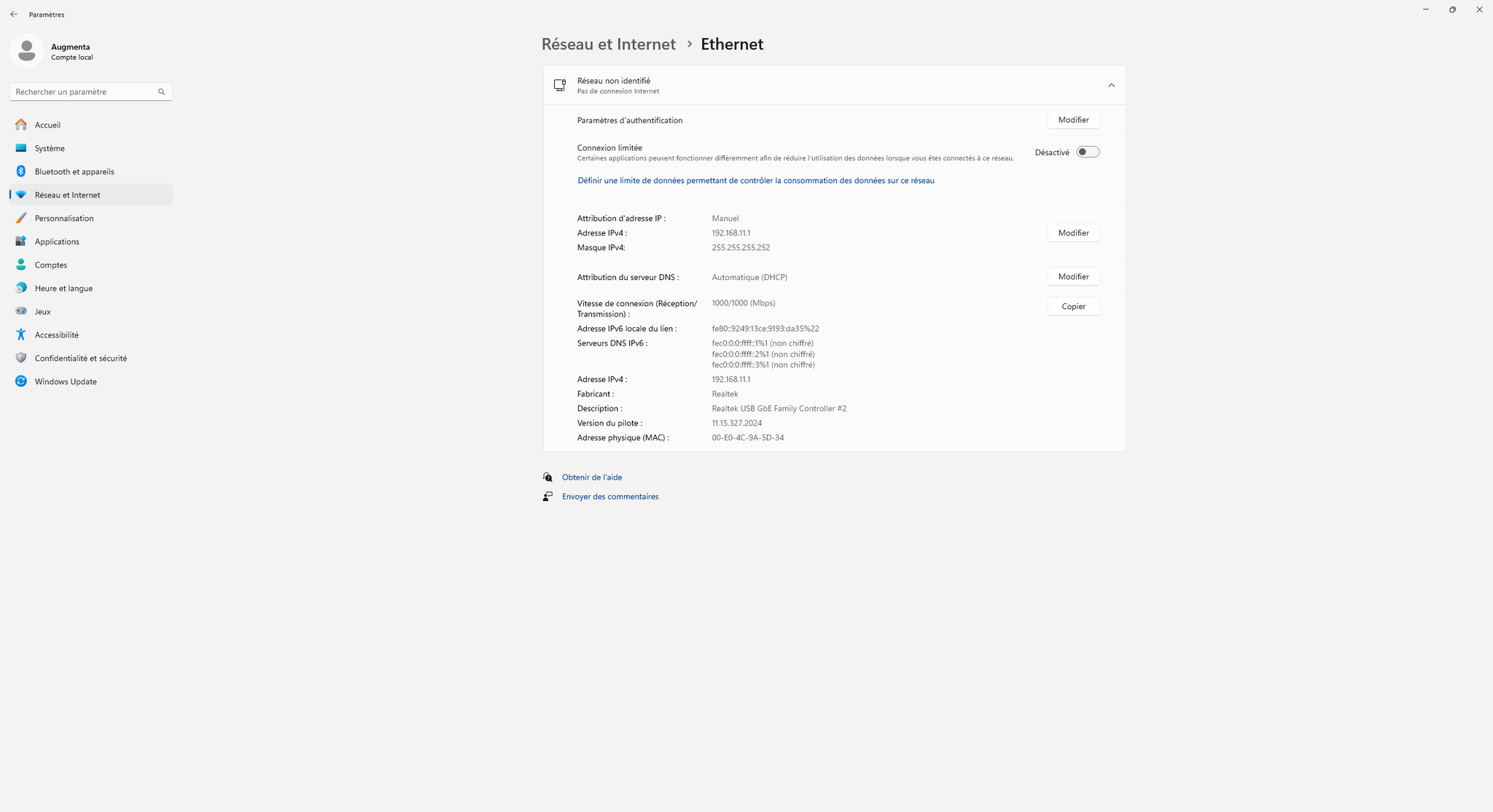
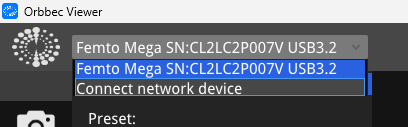
- Go back to Orbbec Viewer and select “Connect to a network sensor” in the dropdown (you can unplug the USB to make sure you do not use this connection)
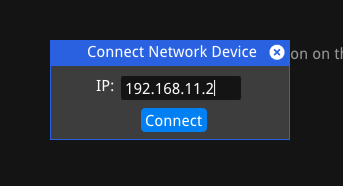
- Enter the IP you set on the sensor
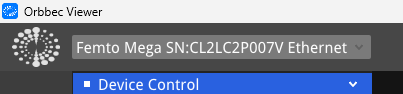
- Make sure the new device appears in the dropdown with the “Ethernet” mention
- You can then click on a stream to make sure everything works as expected

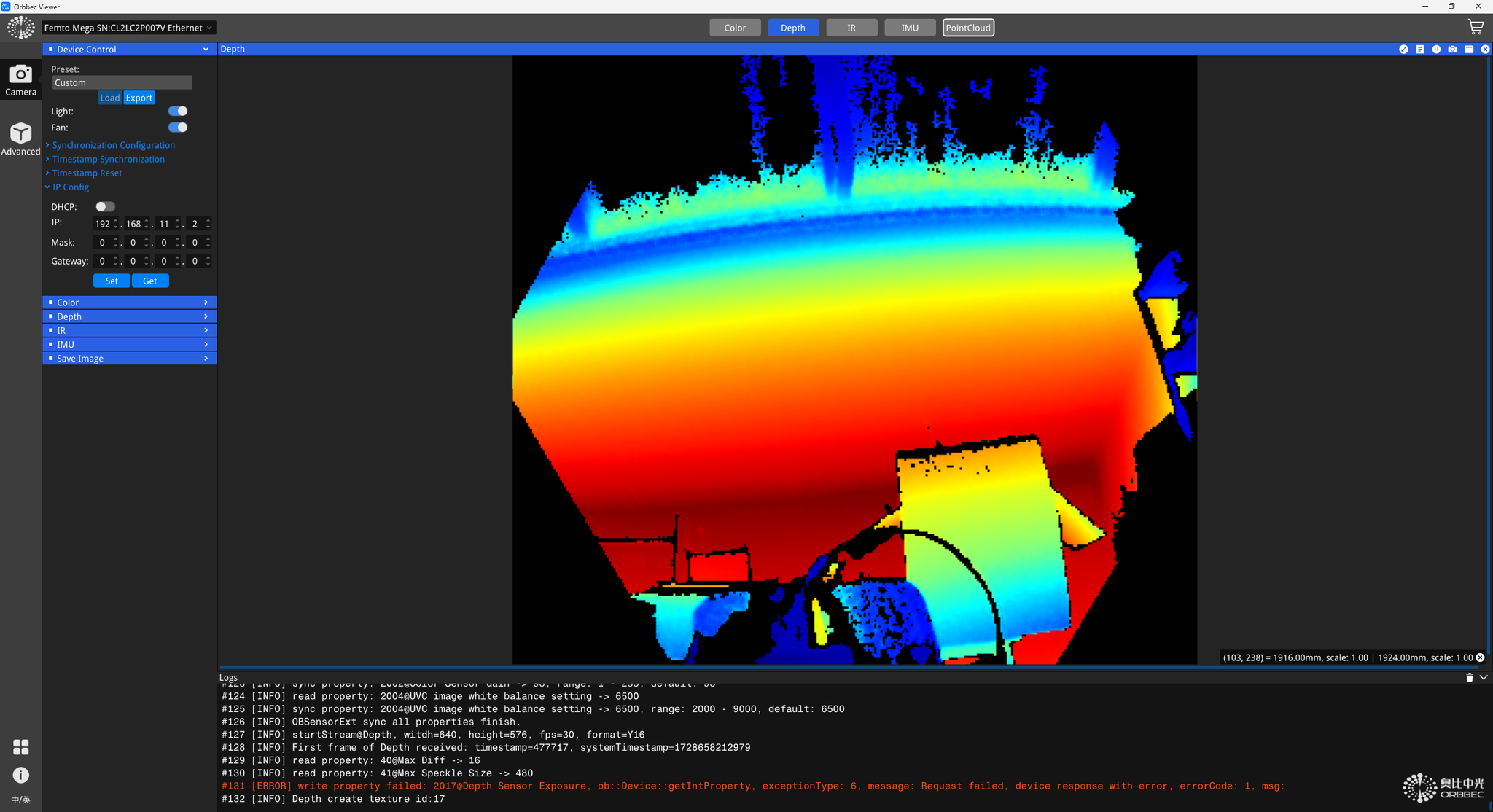
- Done 🙂 You can now wire the sensor directly to the Augmenta Server on the corresponding LAN port (POE is automatic, data and power will go through the cable, no further need of the power supply), see Augmenta server initialization