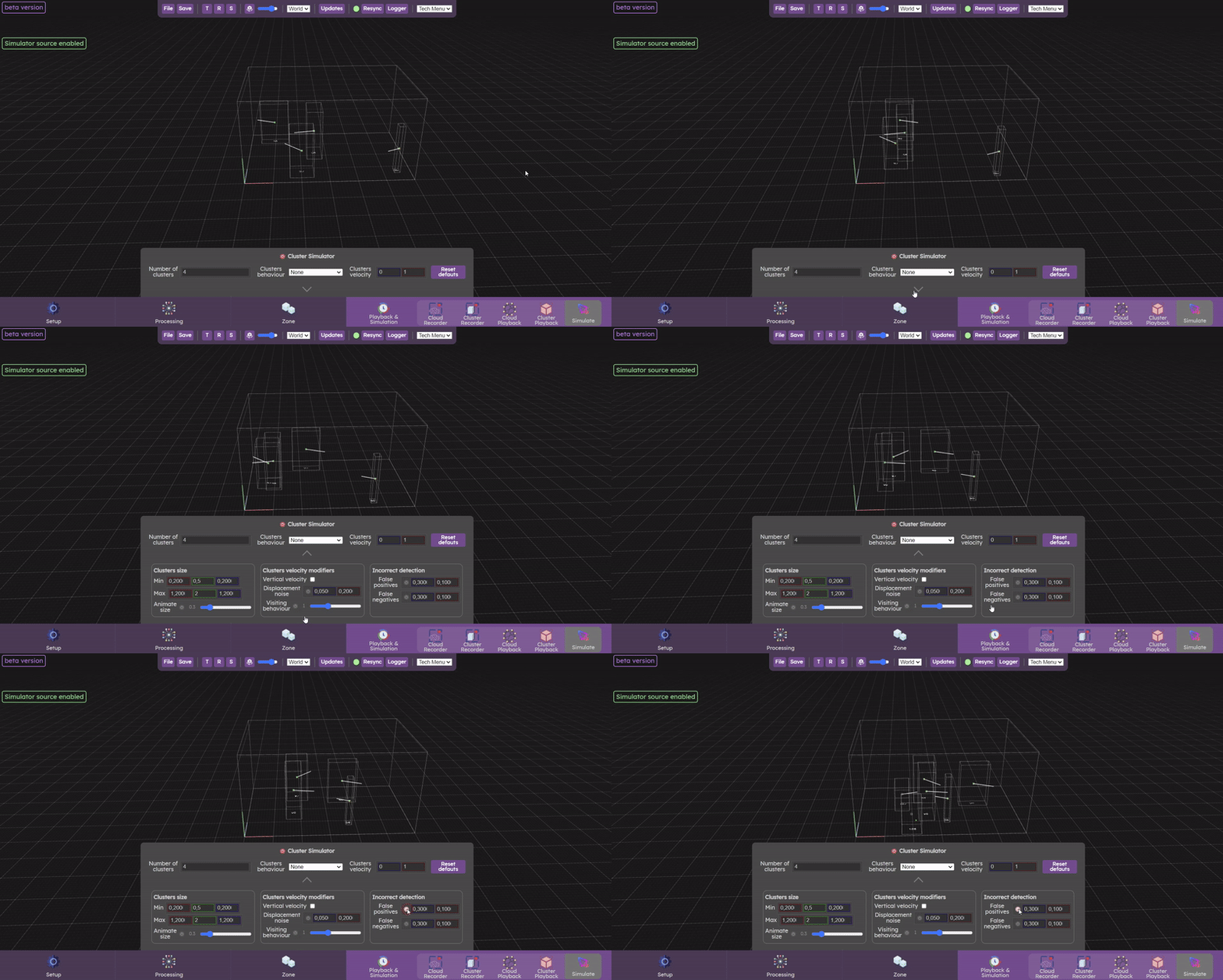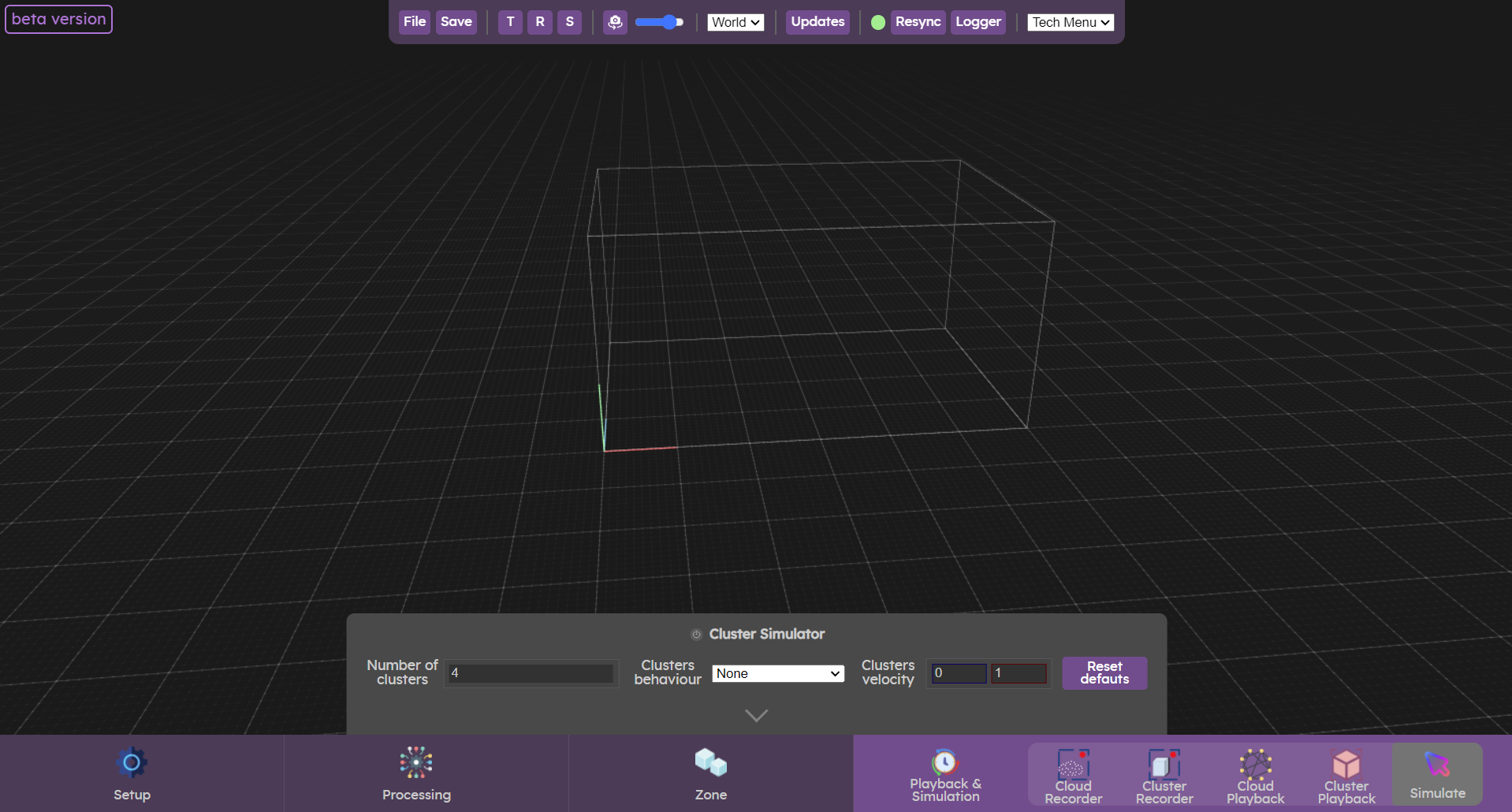
This menu lets you simulate any number of clusters. This menu lets you simulate clusters when you don't have access to cameras or datasets.
While clusters are being simulated, you can set an output ( Sources & Outputs) to receive the data in your creative software.
Sources & Outputs) to receive the data in your creative software.Clusters Simulation
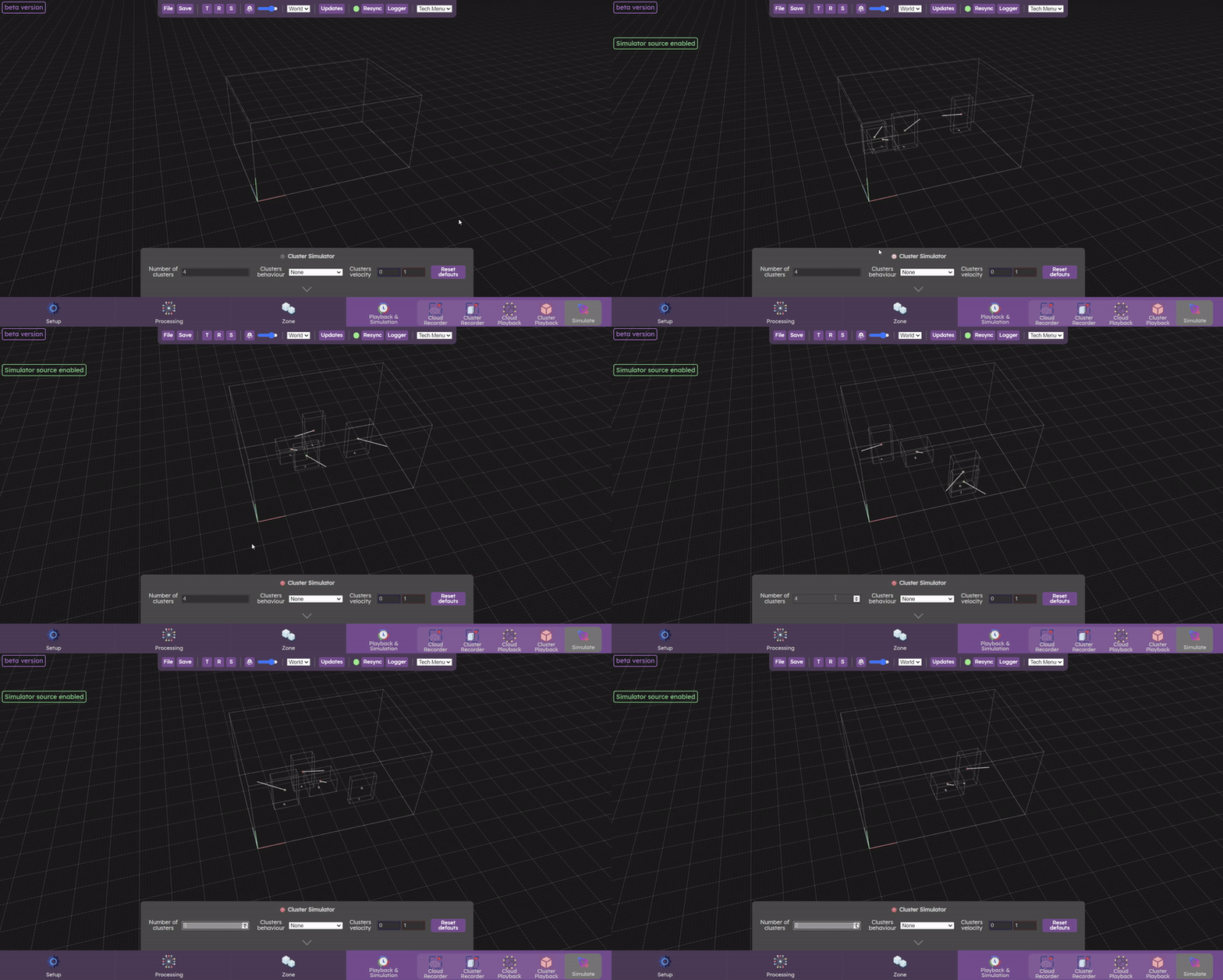
To start the simulation, first switch on the cluster simulator. When the simulator is switched on, a green alert label appears in the top left-hand corner. The default number of clusters is 4, but you can change this to any number you like.
Several cluster behaviors are available:
- None : clusters move linearly and change direction by bouncing off walls
- Human in demo : clusters move randomly and change direction randomly
- Human in museum : clusters move at random, changing direction at random. They settle in one place, stay for a while, then move on again.
- Touch screen : Clusters appear and disappear rapidly like fingers touching a screen
- Touch table : Clusters appear and disappear by moving rapidly like fingers sliding across a table.
- Pool ball : clusters move fast linearly and change direction by bouncing off walls
Cluster speed can be changed by setting a minimum and maximum value for the clusters velocity parameter.
Advanced parameters
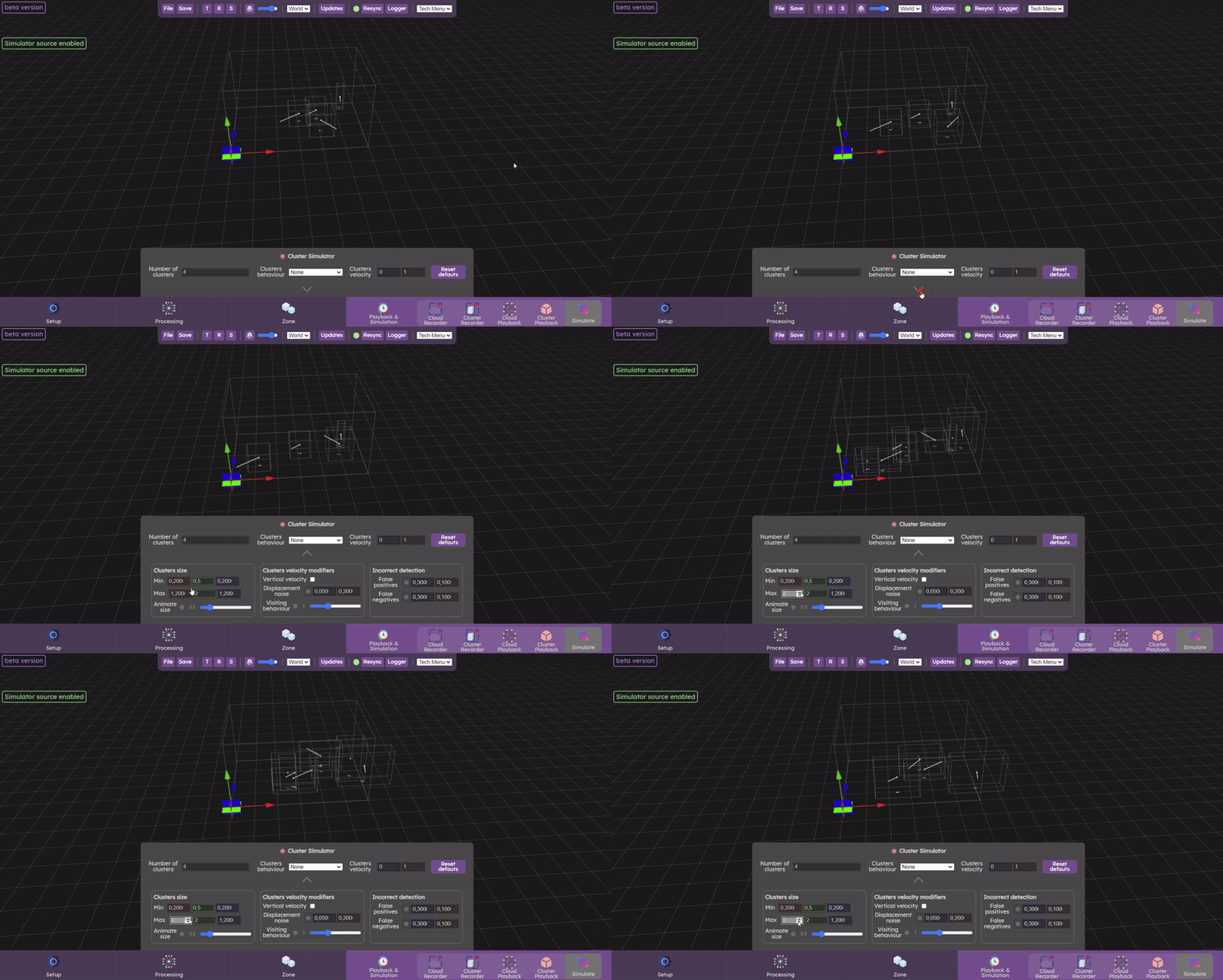
If you want to have access to more parameters, you can click on the arrow to bring up other parameters that will give you greater control over your clusters.
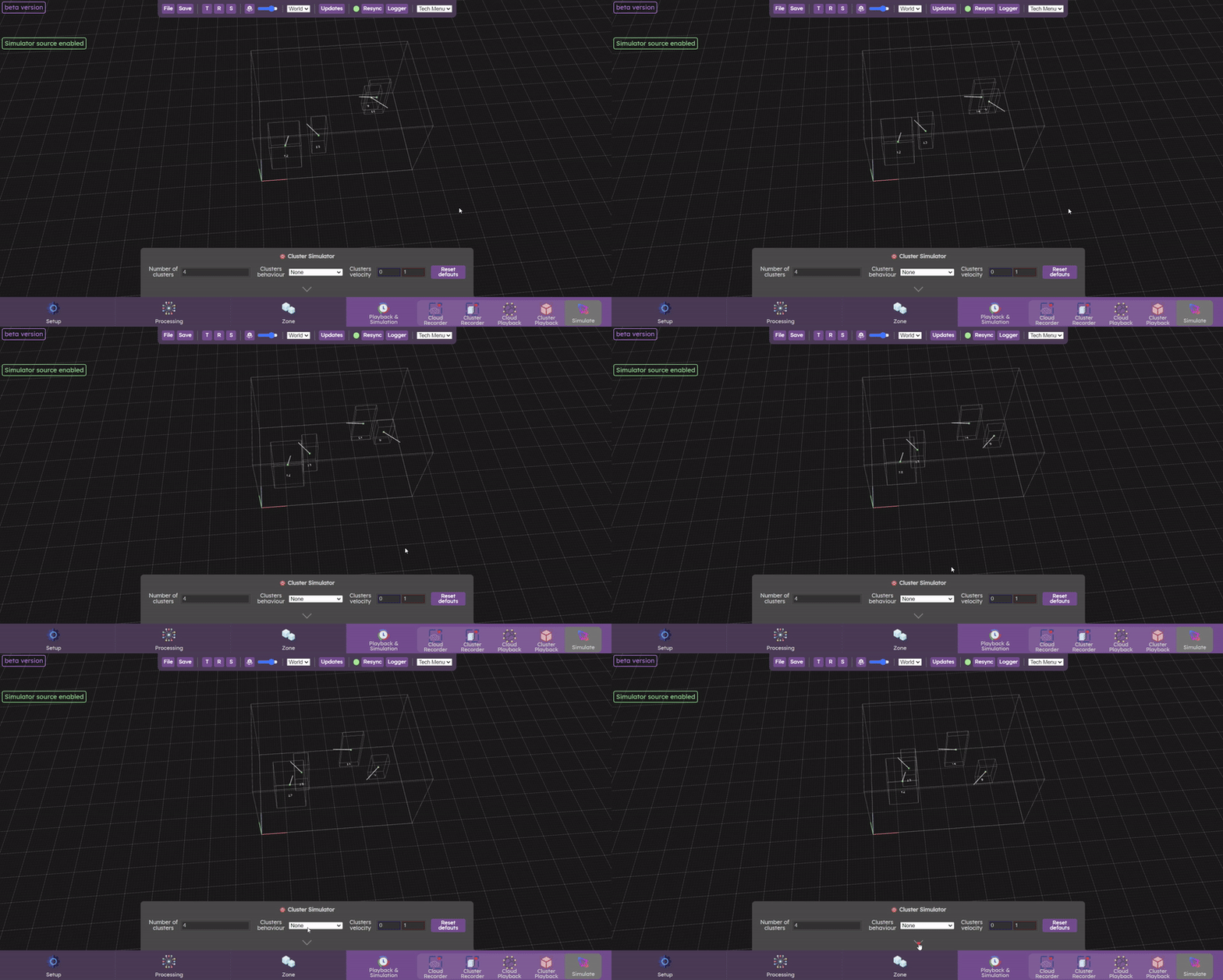
Clusters Size
Cluster size (length, width and height) can be managed by changing the min and max sizes.
You can also add noise to cluster size by clicking on Animate Size. You can adjust the amount of noise added by increasing or decreasing this parameter.
Clusters velocity modifiers
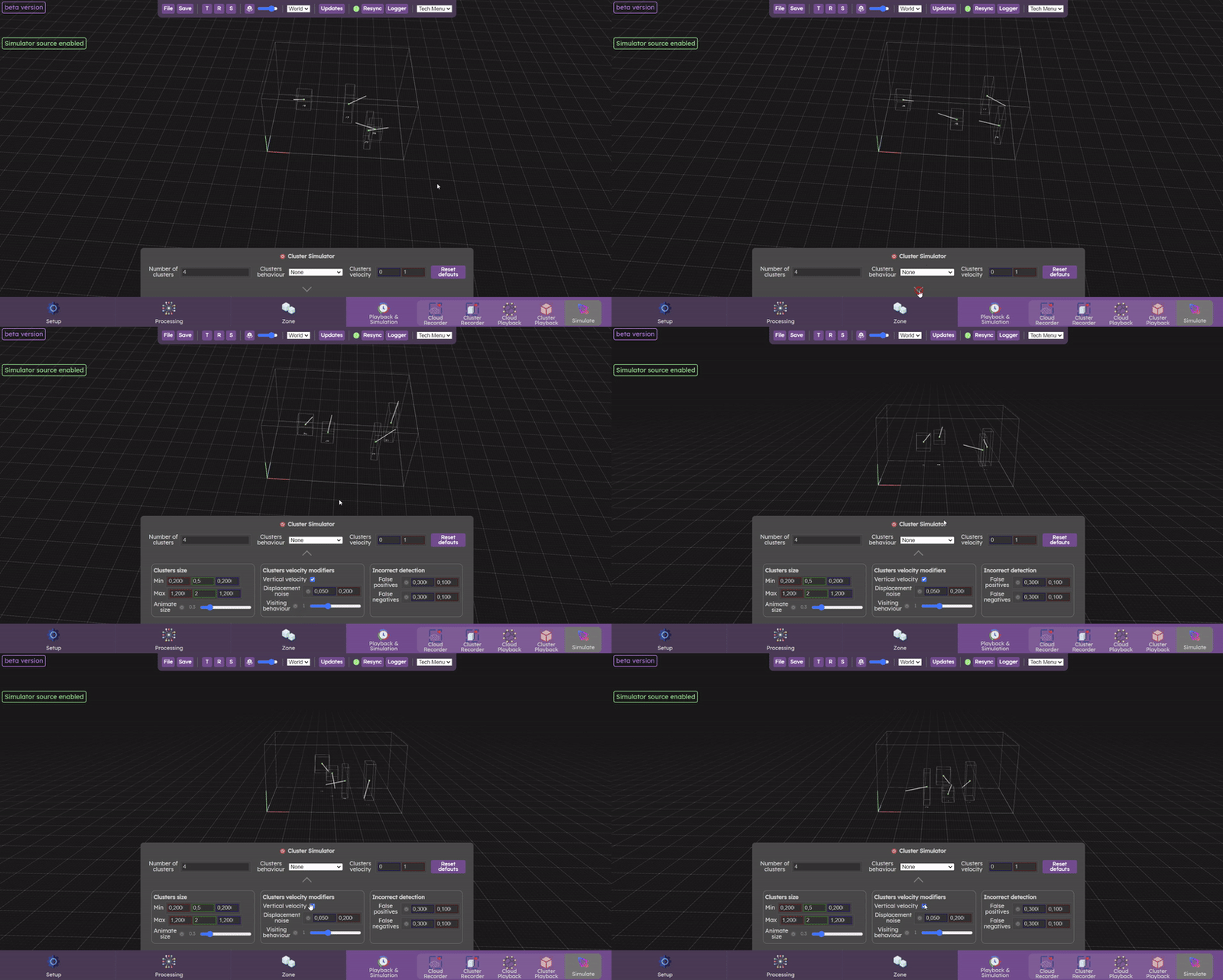
You can also set a vertical velocity for clusters by checking vertical velocity. The displacement noise parameter adds noise to the displacement to better simulate human displacement. The final parameter (visiting behavior) simulates people who move, settle in one place and then leave again after a certain time.
Incorrect detection
it is possible to add false positives (detection of clusters when no one is present) and false negatives (a person present is not detected). This can happen when there is too much noise in the data and the parameterization is not correctly done.