
Simulate the hardware system data output by generating and playing data to your content software.
This is the old simulator, that is no longer maintained.
Please find the current one here  Get the simulator
Download link of the old simulator : Augmenta Simulator (legacy)
Get the simulator
Download link of the old simulator : Augmenta Simulator (legacy)
Get the simulator
Download link of the old simulator : Augmenta Simulator (legacy)How to use
1. Start by entering your scene dimensions
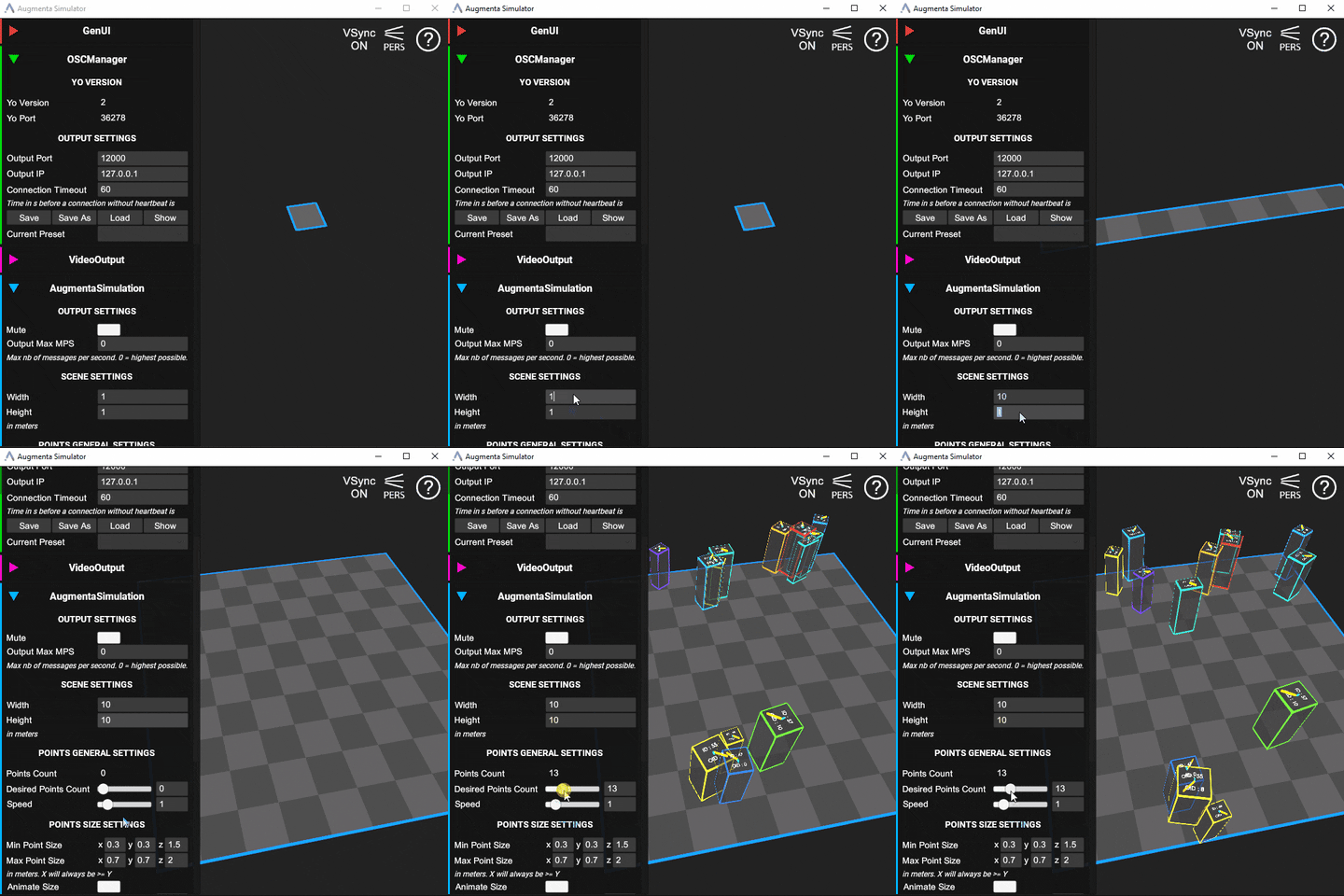
2. Setup the data output
The simulator currently supports OSC, TUIO and our Websocket protocol
OSC
TUIO
Websocket
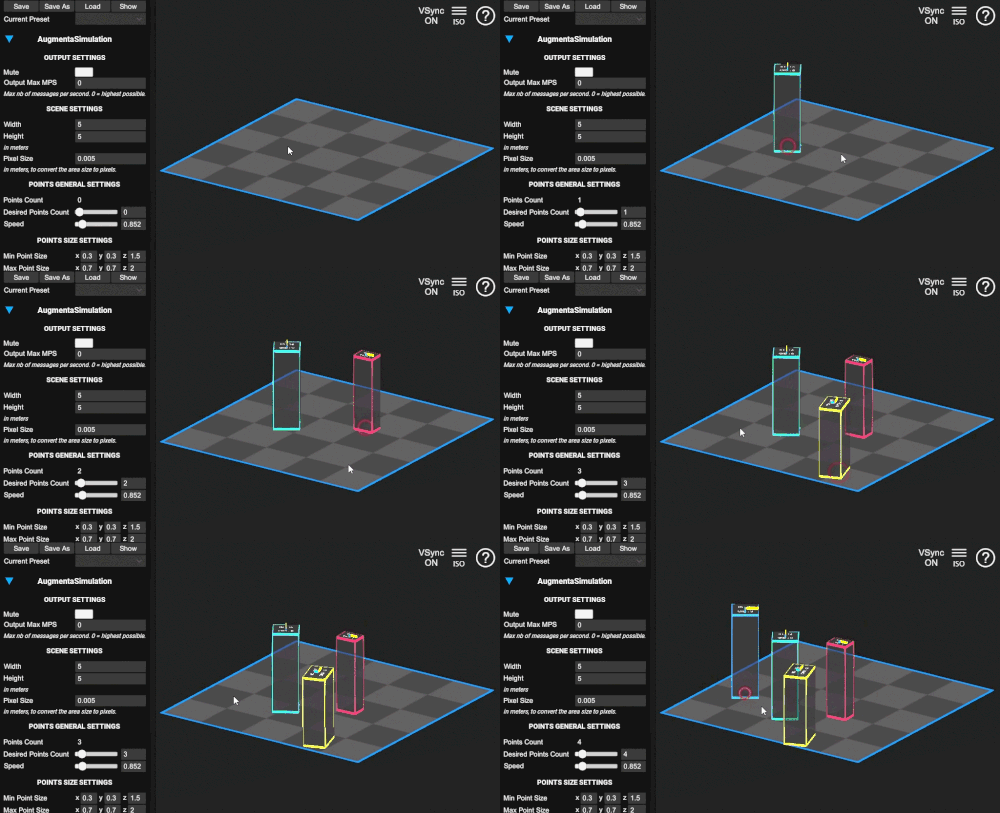
3. Create data by clicking on the scene or by entering the amount of Desired Points count
Getting further
App shortcuts
Left click : Create point or move existing point
Right click : Delete point
M : Mute/Unmute all outputs
H : Toggle UI
F1 : Toggle Help
Camera Control
Use mousewheel to zoom.
Press and drag mousewheel to pan.
Press Alt + Left clic to rotate.
Press R to reset camera position.
Press P to switch camera projection between orthographic (iso) or perspective (pers).
Advanced use