
The Augmenta server ships with a remote access system dedicated to our support team. We can easily remotely connect to the server through internet. Here is how to grant us the access on the machine.
If you are looking to set up your own remote access, see :  Setup your own remote access
Setup your own remote access Requirement
- The server should have access to internet
- A code needs to be generated and sent to us
Generating the server DWagent code
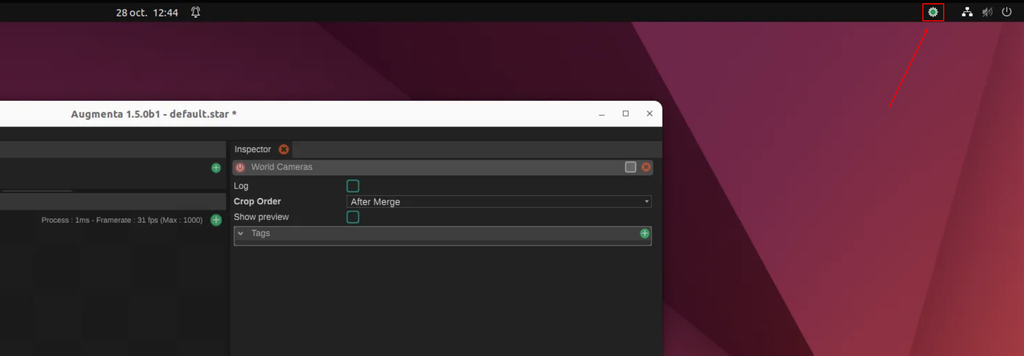
Access to the server, and the DWagent interface
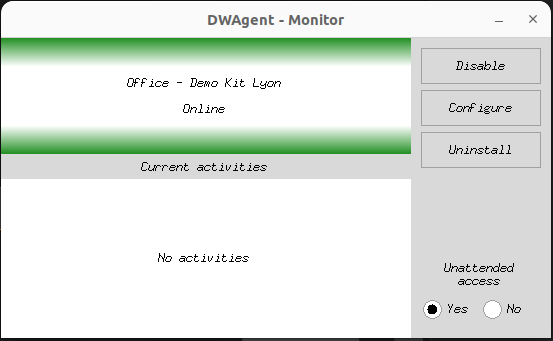
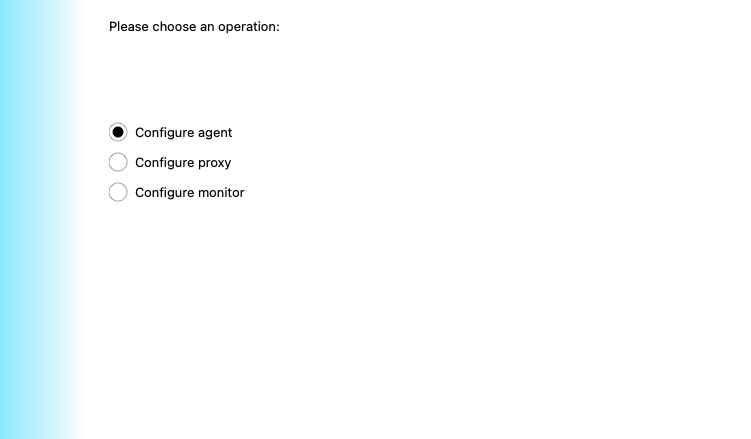
Then go on the machine and in the DWagent interface click on Configure agent then choose next.
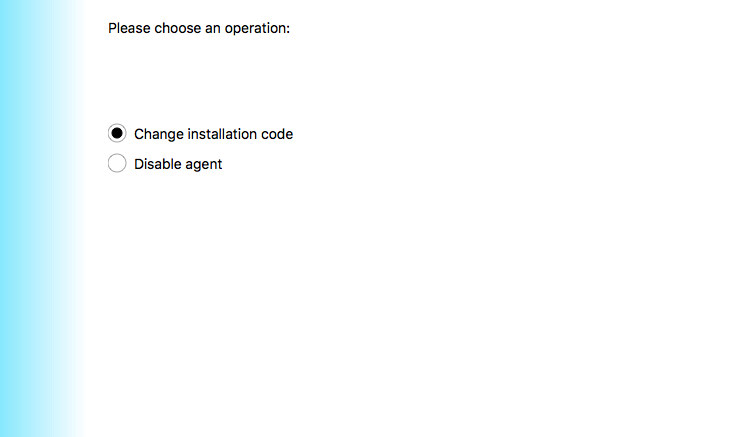
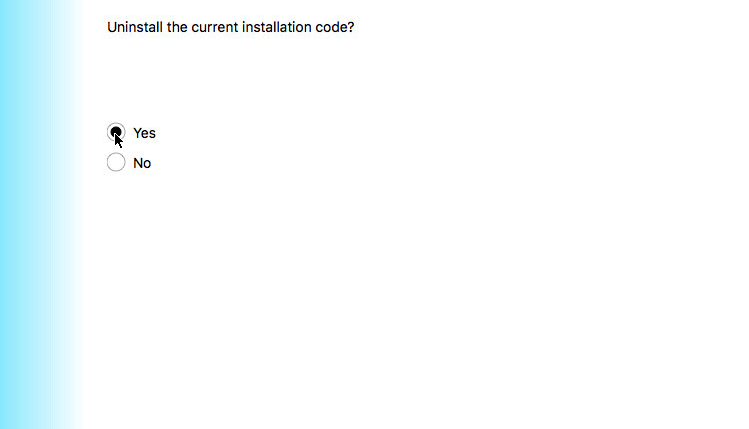
You will get an option to change the installation code
After that screen confirm that you intend to reinstall the agent
You can now send the code to the Augmenta support team so that they can connect to your equipment.