
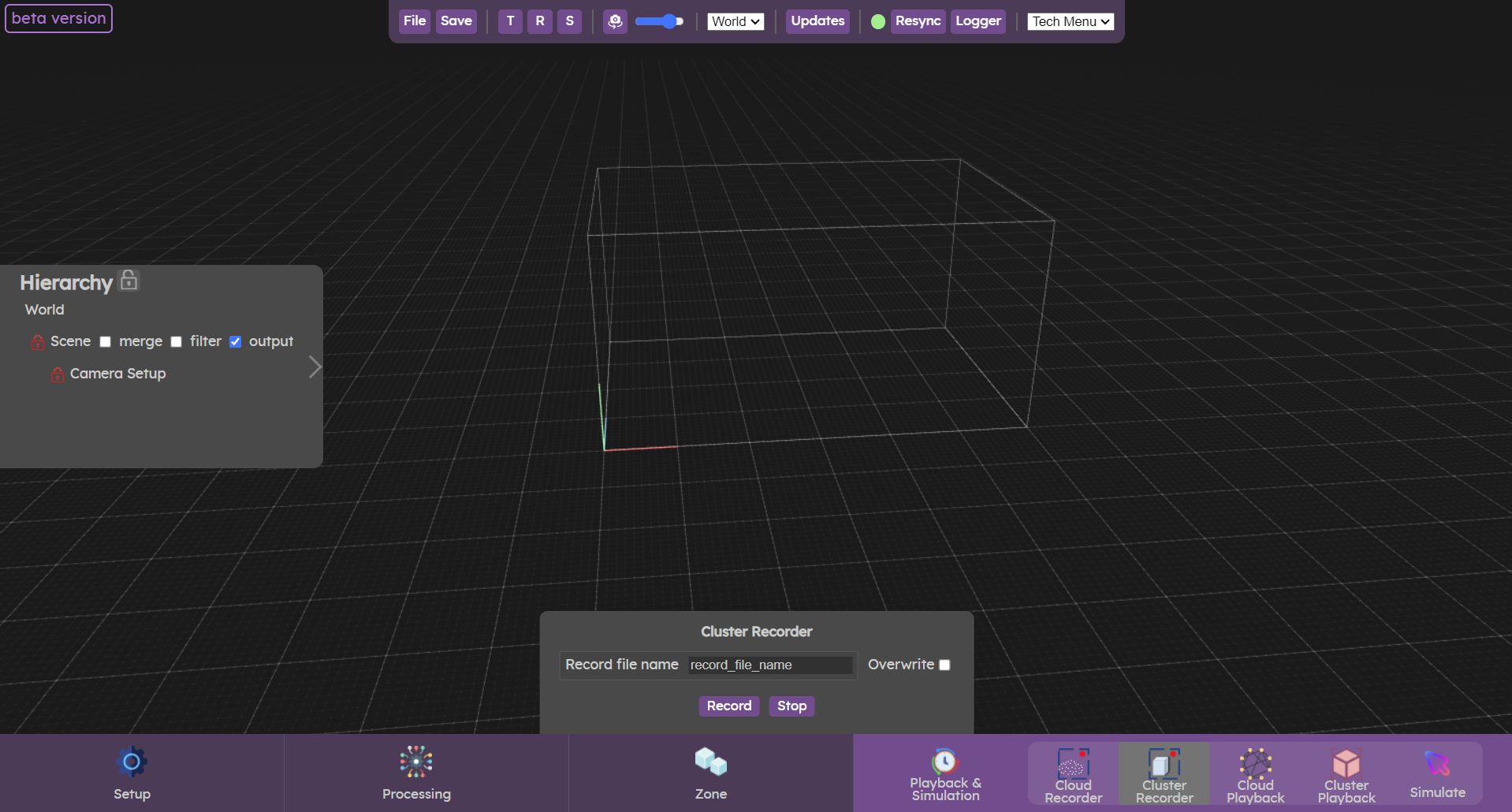
Once the sources have been initialized, the filters, track and smooth set, the clusters can be saved.
The clusters will be saved in a local file in the Augmenta/records folder. It can be replayed by going to the  Cluster Playback menu.
Cluster Playback menu.Record clusters
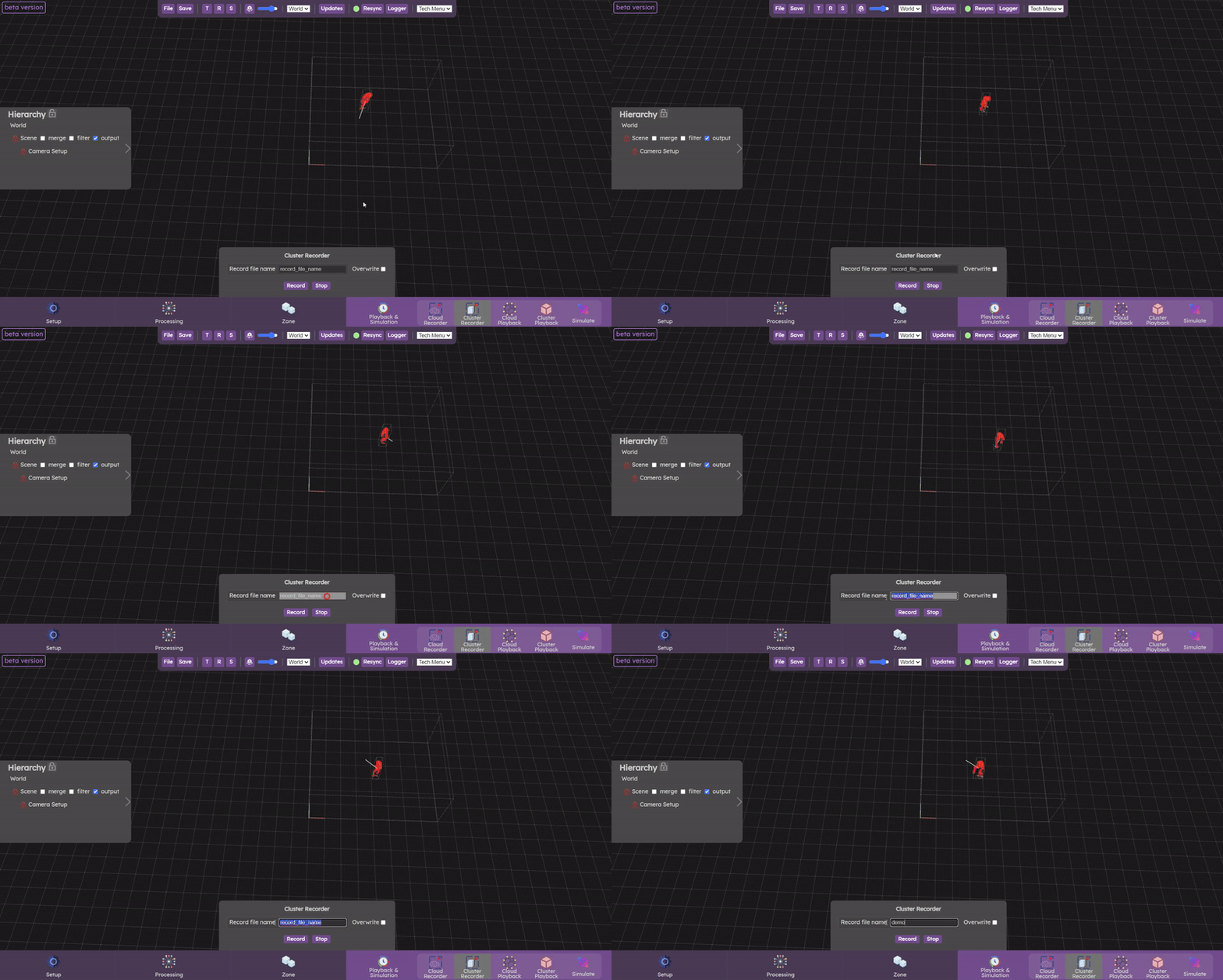
To save clusters, enter the desired file name, then click on the record button. If clusters are actually being recorded, a red alert label flashes in the top left-hand corner.
Click the stop button when you want the recording to stop (don't forget to stop the recording).
You can check the overwrite parameter if you want to overwrite a file.
If this parameter is not selected and the file name you enter already exists, it will be incremented by a number.
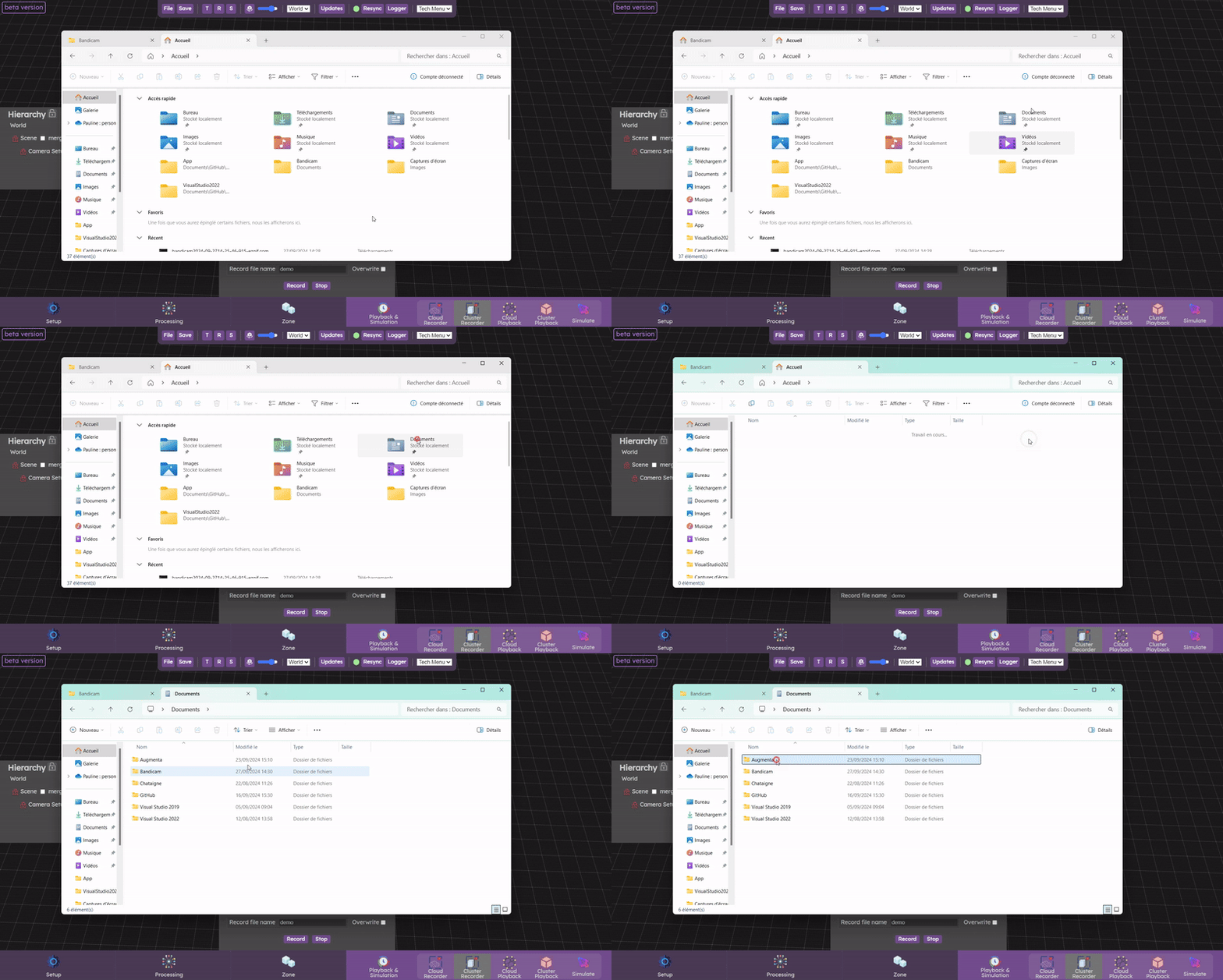
You can find the locally saved file in the Document/Augmenta/records folder. The file extension is .cloud
If you want to view this point cloud, you can replay it with Cluster Playback.
Cluster Playback.Let’s check now the  Cloud Playback panel
Cloud Playback panel