
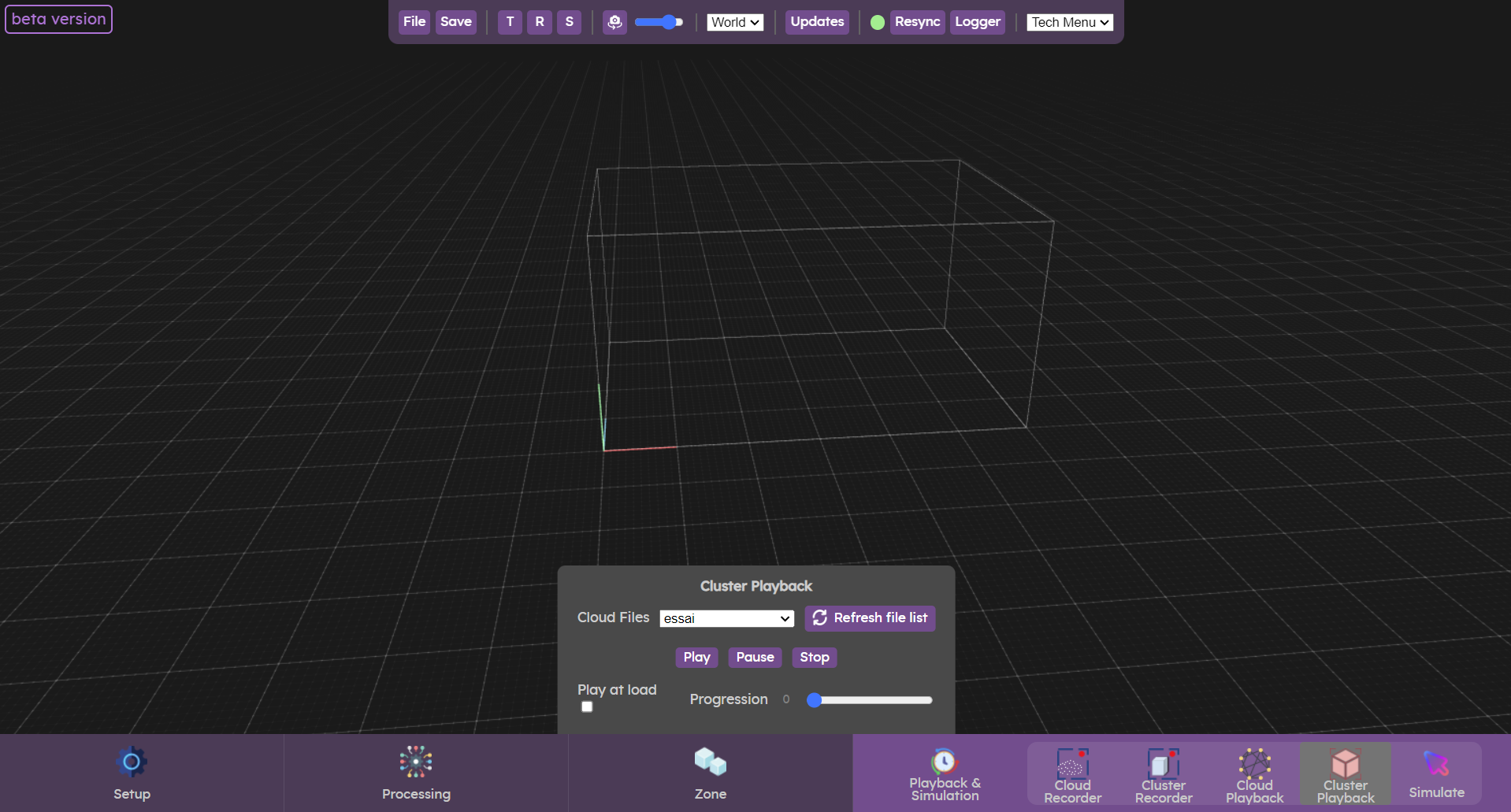
The cluster playback menu allows you to replay previously recorded clusters or clusters from the database.
Replaying clusters allows you to carry out tests without having access to cameras.
While a data set is being replayed, you can set an output ( Sources & Outputs) to receive the data in your creative software.
Sources & Outputs) to receive the data in your creative software.Playback clusters
To replay a data set, your .cluster file must be located in the Documents/Augmenta/records folder.
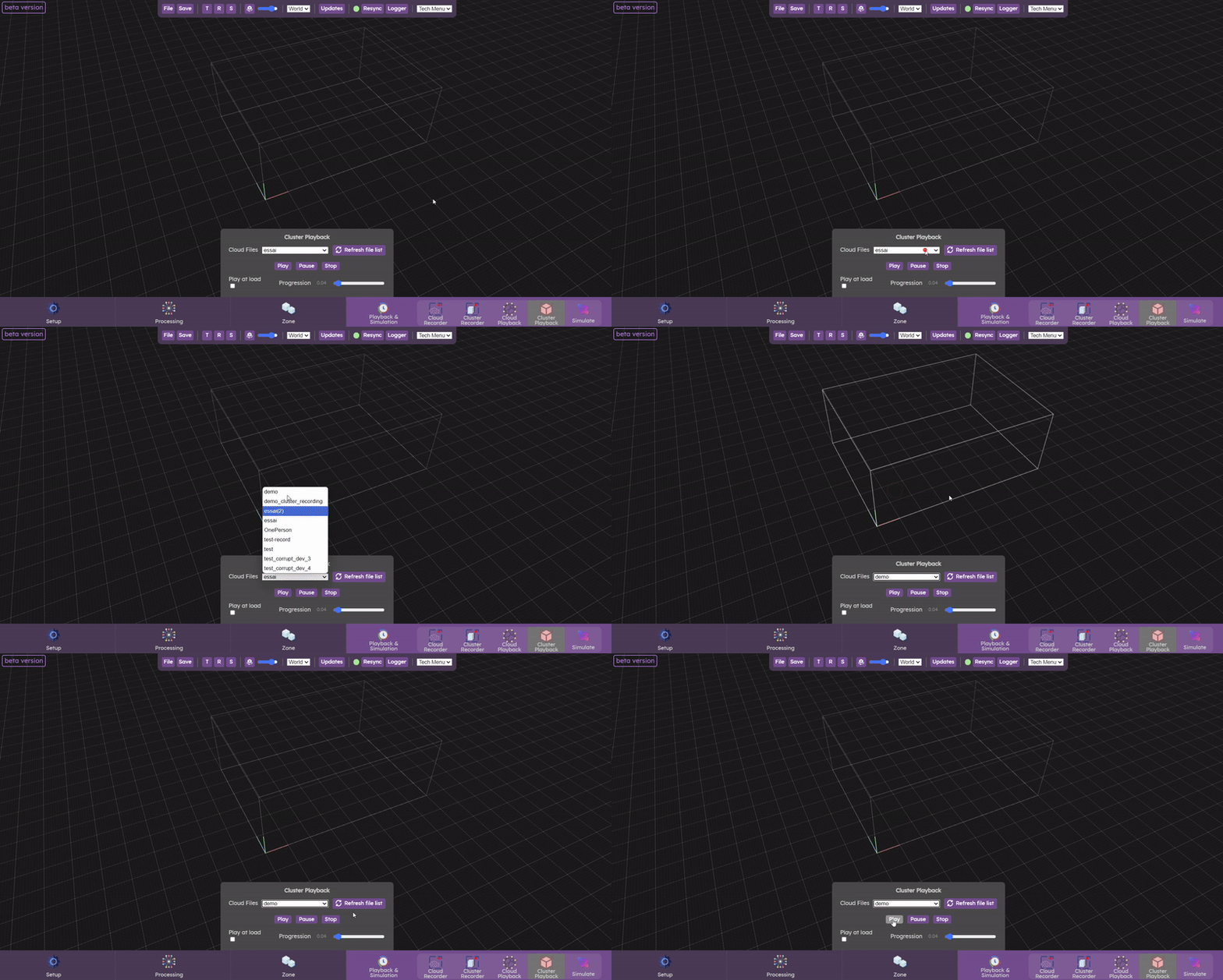
Select your file from the list. If it's not there, click on “Refresh file list”. If you still can't find it, your file may not be in the right folder (Documents/Augmenta/records).
Once you've selected your file, press play. When the dataset is played, a green alert label appears in the top left-hand corner. You can now pause your recording. If you click on play again, the data set will continue where it left off.
The dataset is played in a loop, and you can monitor its progress using the progress parameter. Click on stop to stop playback.
Let’s check now the  Simulate panel
Simulate panel