
Processing panel
The processing menu allows you to adjust the processing parameters to track people in the scene and configure zones so that the scene is divided into several subspaces.
It has some subpanels, that we will cover later :
 Filter
 Track
Track Smooth
Several submenus are available. They follow a logical order to set up the tracking.
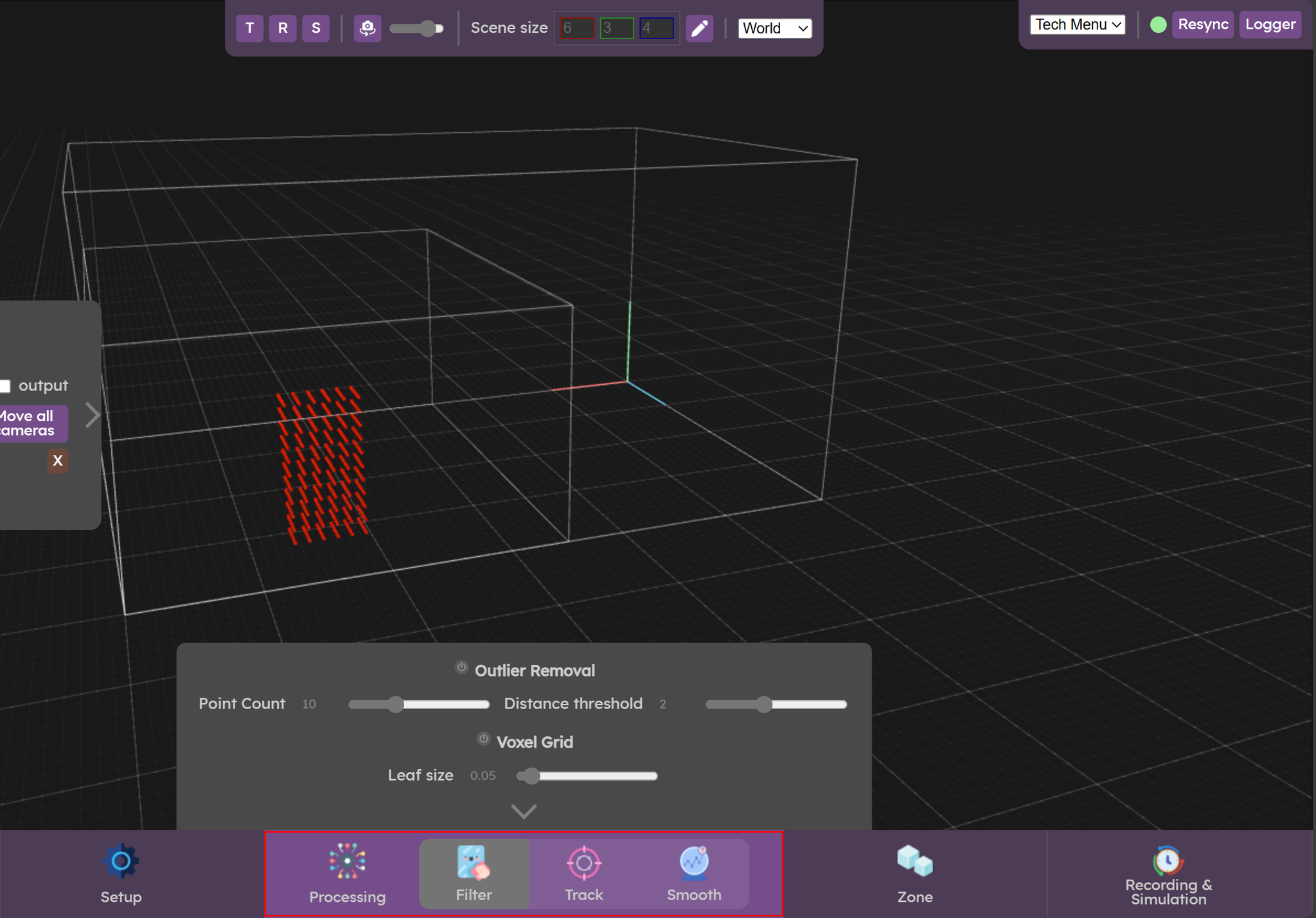
- The Filter menu is used to filter the merged point cloud coming from the cameras. This menu provides additional noise filtering or useful pointcloud processing.
- The Track menu is used to set clustering and tracking parameters.
- The Smooth menu is used to smooth and predict the displacement of clusters. Setting these filters helps you achieve precise, jitter-free tracking.
Let’s check now the Filter panel
Filter panel