
An Ableton Live plugin to map slider zones to Ableton live parameters.

Download link : Augmenta Zone slider mapper (Maxforlive.com)
Requirement
Ableton Live suite
Augmenta 1.5+
How to use
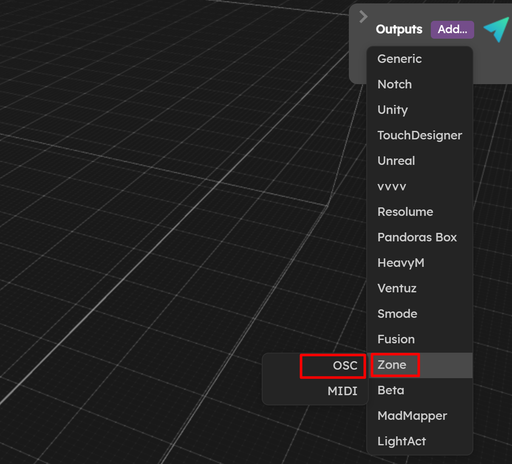
In the output panel, add a zone OSC output
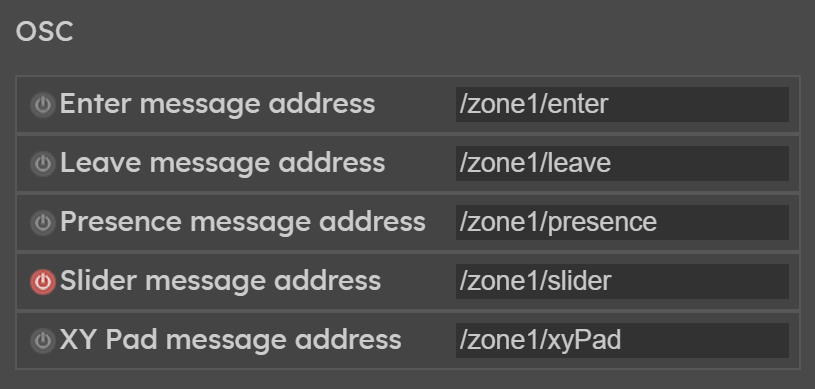
Create a zone, and in the panel, activate the
slider message addressControls
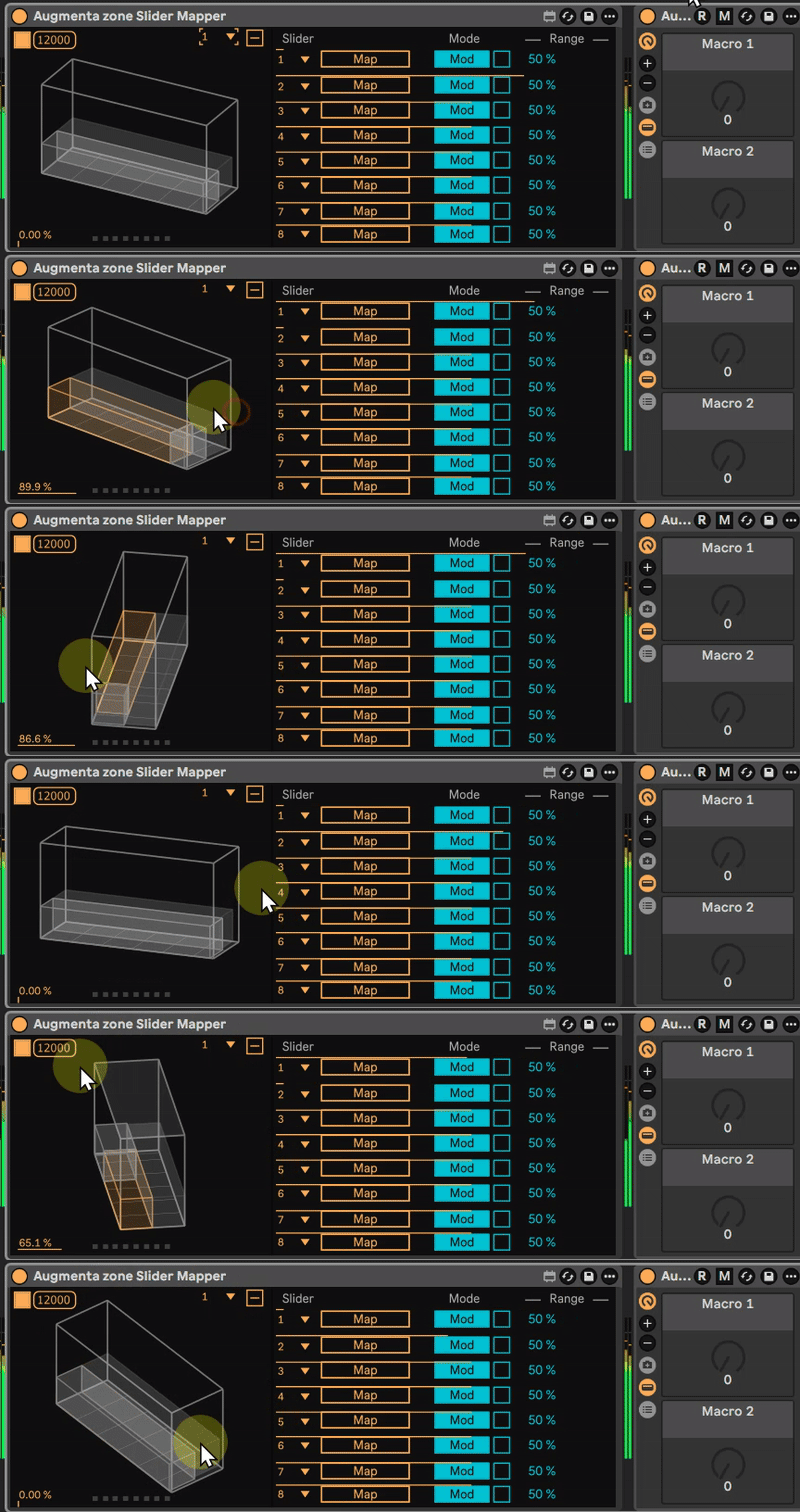
3D control
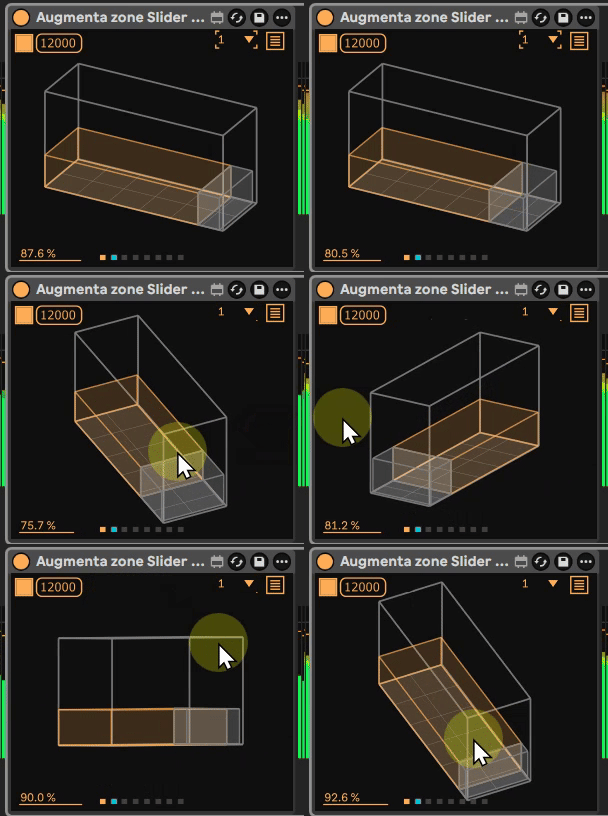
click : Rotate
double click : Reset view
shift + click : Move
ctrl + click : Zoom in/out
Input
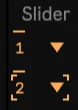
Choose the Zone number
Mapping
Map : When Map is turned on, the next Live parameter clicked on will be selected as a target and the menus will be modified accordingly. For perfect sync, place this device in the chain before the modulated device. In other cases, a small latency might be introduced.
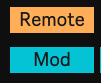
Mod : The mapped parameter can still be adjusted by the user.
Remote : The mapped parameter is a direct control takeover, the user cannot adjust it while it’s mapped.

Defines the range of the value mapping.
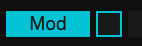
Sets the polarity of the modulation.
Bipolar mode : The modulation is centered around the parameter value.
Unipolar mode : The modulation is added to the parameter value.

Define the depth of the modulation value.
Mapping
Credits
Designed & developed in collaboration with Romain Constant